
Your AI agent can write emails, post to social, and read your files. But ask it “how many customers did we add last month?” and it stalls — because the answer lives in your database, and your agent has no way in. A PostgreSQL MCP server is the bridge that fixes that. It gives a Claude-powered agent a safe, governed door into your Postgres database so it can answer real questions about your real business — without you hand-exporting a single CSV.
I run 10+ autonomous brands on a fleet of Claude agents, and the moment those agents could query live data instead of guessing was a step change. This is the plain-English, operator-grade guide I wish existed: what a PostgreSQL MCP server actually is, which one to use in 2026 (and the popular one to avoid), how to wire it up in five minutes, and the security rules I never break — including the read-only-bypass bug that hit the “official” server. No CS degree required.
What Is a PostgreSQL MCP Server?

MCP stands for Model Context Protocol — an open standard, originally from Anthropic, that has become the de facto way to plug an AI model into external tools and data. People call it “a USB port for LLMs,” and it’s a fair analogy: one standard connector, and suddenly your agent can talk to GitHub, Slack, your file system, or — in this case — your database.
A PostgreSQL MCP server is a small program that sits between your AI agent and a Postgres database. The agent doesn’t speak SQL to your database directly. It calls the MCP server’s tools (“list tables,” “describe this table,” “run this query”), and the server executes them against Postgres and hands back clean, structured results. Your agent gets to reason over live rows; your database only ever sees SQL that passed through a layer you control.
If the term “MCP” is brand new to you, start with my plain-English guide to what an MCP server is and come back — this post assumes you know the basic idea and want the database-specific playbook. Think of the PostgreSQL MCP server as one more plug in the same power strip as the GitHub MCP server and the file system MCP server — except this one connects the single most valuable asset most businesses have: their structured data.
Why Give Your AI Agent Database Access?

Here’s the difference in one sentence: an agent without database access can talk about your business; an agent with it can talk from your business. That gap is enormous.
Without a direct line to your data, you’re stuck in the old loop — you export a report, paste it into a chat, ask your question, then repeat the whole dance tomorrow when the numbers change. It’s slow, it’s stale the moment you finish, and it doesn’t scale past a handful of questions. With a PostgreSQL MCP server, the agent pulls the current numbers itself, every time you ask.
A few things this unlocks for a solopreneur or small team:
- Plain-English analytics. “Which products had the most refunds this quarter?” becomes a question you type, not a query you write. The agent translates your intent into SQL, runs it read-only, and explains the answer.
- Autonomous reporting. A scheduled agent can query last night’s orders, summarize them, and drop a briefing in your inbox before you wake up — no dashboard to log into.
- Data-aware decisions. Instead of automating a task blindly, the agent can check the actual state of your data first and act on it. That’s the leap from a script to a genuine autonomous AI agent.
- Faster debugging. When something looks off, “show me the last 20 rows in the orders table where status is stuck” is a five-second question instead of a database console session.
The catch — and it’s a real one — is that a database is not a Slack channel. It holds the crown jewels. So the entire game is giving your agent useful access while making dangerous access structurally impossible. We’ll get to exactly how below.
The PostgreSQL MCP Servers Worth Using in 2026
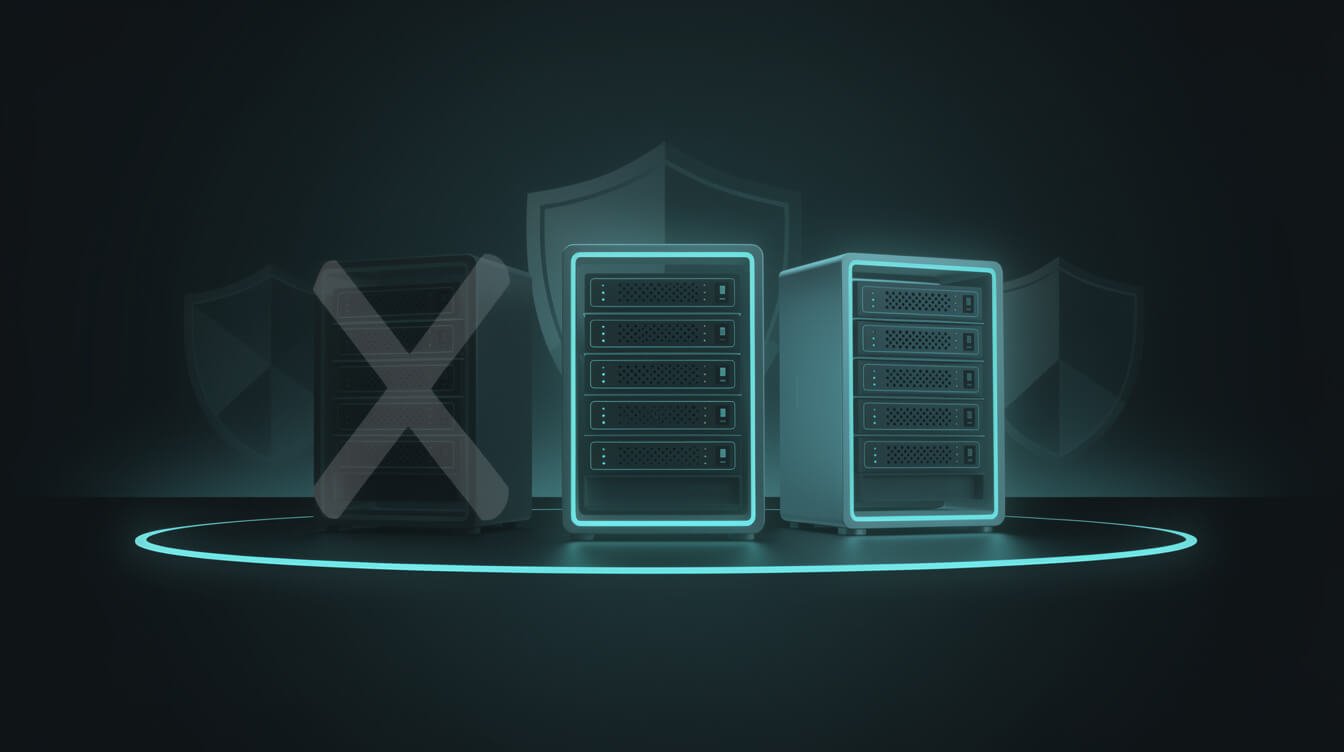
There’s a wrinkle you need to know before you install anything. The most-downloaded Postgres MCP server on the internet is the one you should not use.
Anthropic shipped an official reference Postgres MCP server early in the MCP era, and it got baked into a thousand tutorials. In 2025, Datadog’s security team found a SQL injection vulnerability in it that let an attacker bypass the server’s own read-only restriction and execute arbitrary SQL. Anthropic deprecated and archived that reference server on July 10, 2025. And yet — because tutorials never die — the deprecated @modelcontextprotocol/server-postgres package was still pulling roughly 21,000 downloads a week months later. Do not become one of them. If a guide tells you to npx @modelcontextprotocol/server-postgres, close the tab.
Here’s what to actually reach for:
- Postgres MCP Pro (crystaldba/postgres-mcp) — the community favorite, around 3,000 GitHub stars and actively maintained. It offers configurable read/write access, index tuning, and query performance analysis. This is my default recommendation for most operators: mature, well-documented, and it treats access control as a first-class feature rather than an afterthought.
- Zed’s postgres-context-server — the fork that patched the injection bug from the reference server (
@zeddotdev/postgres-context-server). A clean, focused, read-only-friendly option if you want something lightweight and want the fix baked in. - Vendor servers (pgEdge, Azure, Supabase, etc.) — if your Postgres already lives on a specific platform, its native MCP server is worth a look. pgEdge’s server, for example, connects Claude Code, Claude Desktop, and Cursor to any standard Postgres v14+ (not just their own distribution). Convenient, but you’re tying yourself a little closer to that vendor.
My rule of thumb: pick a maintained server with an active commit history and treat its read-only flag as a nice-to-have, not your actual security boundary. The real boundary lives in Postgres itself — which is the next section. This same “use the maintained fork, not the abandoned original” discipline shows up across the whole ecosystem; I hit the same lesson writing about the MCP tools I actually rely on.

Get the free AI Playbook
The exact plays I use to run 10+ autonomous brands with one operator and a fleet of Claude agents. No fluff, no filler — just the systems, with receipts.
How to Set Up a PostgreSQL MCP Server in 5 Minutes
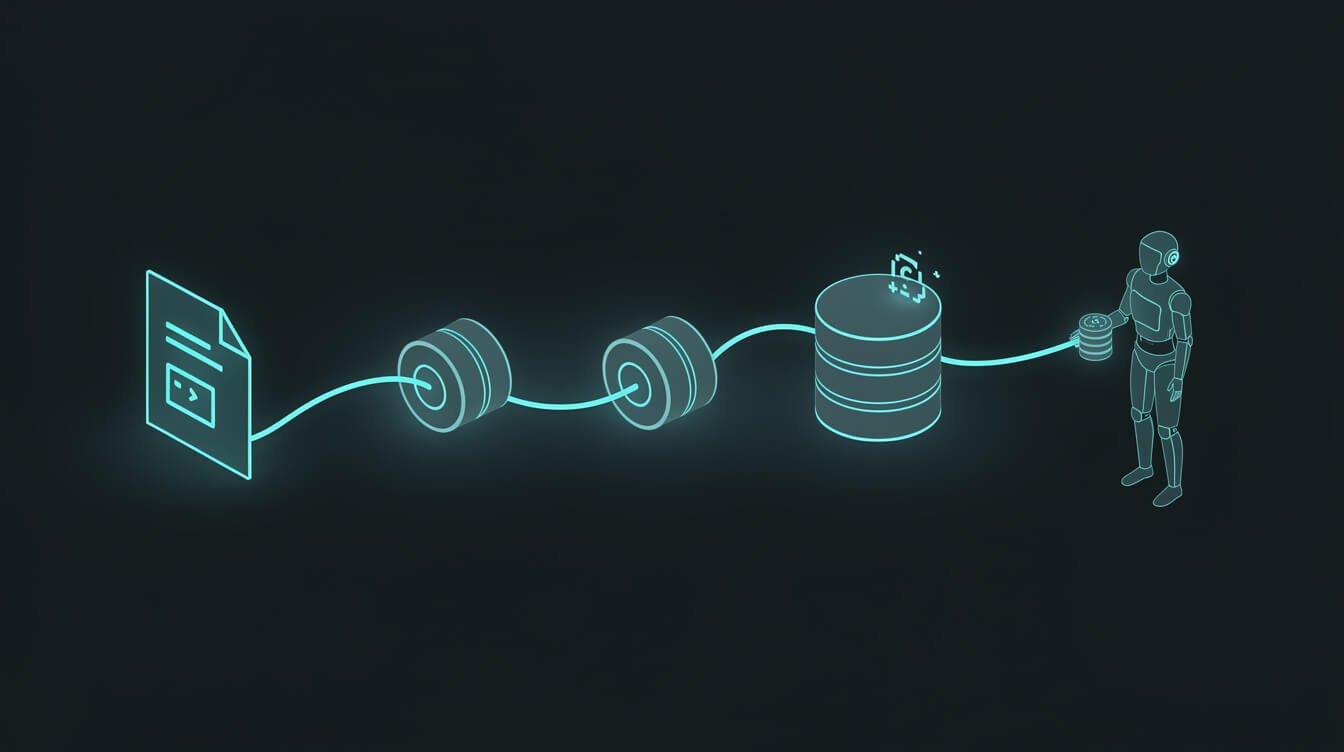
You don’t need to be a developer for this. If you can copy, paste, and edit one line, you can wire up a PostgreSQL MCP server. Here’s the shape of it using Postgres MCP Pro with Claude Desktop or Claude Code.
Step 1 — Create a read-only database user. This is the most important five minutes of the whole process, so do it first. In your Postgres database, create a dedicated user that can only read:
CREATE USER agent_ro WITH PASSWORD 'a-long-random-password';GRANT CONNECT ON DATABASE yourdb TO agent_ro;GRANT USAGE ON SCHEMA public TO agent_ro;GRANT SELECT ON ALL TABLES IN SCHEMA public TO agent_ro;
That user can look but never touch. No INSERT, no UPDATE, no DELETE, no DROP. This is your real safety net.
Step 2 — Grab your connection string. It looks like postgresql://agent_ro:password@host:5432/yourdb. Use the read-only user you just made — never your admin account.
Step 3 — Add the server to your MCP config. In Claude Desktop’s config file (or your Claude Code MCP settings), add an entry that runs the maintained server and passes your connection string. Conceptually it’s a small JSON block naming the command and handing it the read-only database URL as an argument or environment variable.

⚡ GET THE AI EDGE
Weekly AI tips that actually save you time and money. No fluff, no hype — just what works.
Step 4 — Restart and confirm. Restart the client. Your agent should now list a set of database tools. Ask it something harmless like “list the tables in the database” to confirm the handshake works.
Step 5 — Ask a real question. “How many rows are in the orders table, and what’s the most recent order date?” If you get a clean answer, you’re live. If you’re already comfortable in the terminal, the flow is identical from the CLI — I cover that environment in my Claude Code MCP setup guide.
Two five-minute jobs, back to back — the read-only role, then the config — and you have an agent that can reason over live data. If you’d rather not touch any of it, this is exactly the kind of thing I set up for clients: book a strategy call and I’ll wire a safe, read-only agent into your database for you.
The 6 Database Security Rules I Never Break

A database is where “my agent did something weird” turns into “my agent deleted a table.” The Datadog finding proves the point: even a server that advertised read-only got bypassed. So I never trust the MCP server’s promises alone. Here are the six rules I apply to every single connection.
- Read-only lives in Postgres, not the MCP server. Enforce it with a database role that physically cannot write (Step 1 above). If the MCP layer is ever compromised, the worst it can do is read. This one rule would have neutralized the entire Datadog vulnerability.
- Least privilege, always. Don’t grant SELECT on everything if the agent only needs three tables. Scope the role to exactly the tables and schemas required. A narrow blast radius is a small blast radius.
- Never point an agent at production for writes. If you genuinely need write access, use a staging copy, a replica, or a tightly scoped table — never the live database your business depends on. Read from prod; write somewhere recoverable.
- Connect over SSL, and keep the connection string out of your prompts. The database URL contains credentials. It belongs in a config file or environment variable, never pasted into a chat, a doc, or a repo. Use SSL so it isn’t sniffable in transit.
- Use a maintained server and watch the write path. Pin to a server with an active commit history. If it supports writes, keep them behind explicit human approval — the agent proposes, you confirm. Treat any tool that can mutate data like a loaded tool.
- Log every query. Turn on statement logging for the agent’s user so you have a receipt of exactly what it ran. If something ever looks off, you can see it in seconds instead of guessing.
None of this is exotic. It’s the same discipline I apply when I give an agent access to my Slack workspace or the file system: decide what “wrong” looks like, then make “wrong” structurally impossible. Do that and a database connection stops being scary and starts being one of the most useful tools your agent has.
What This Looks Like in JonOps (Real Receipts)
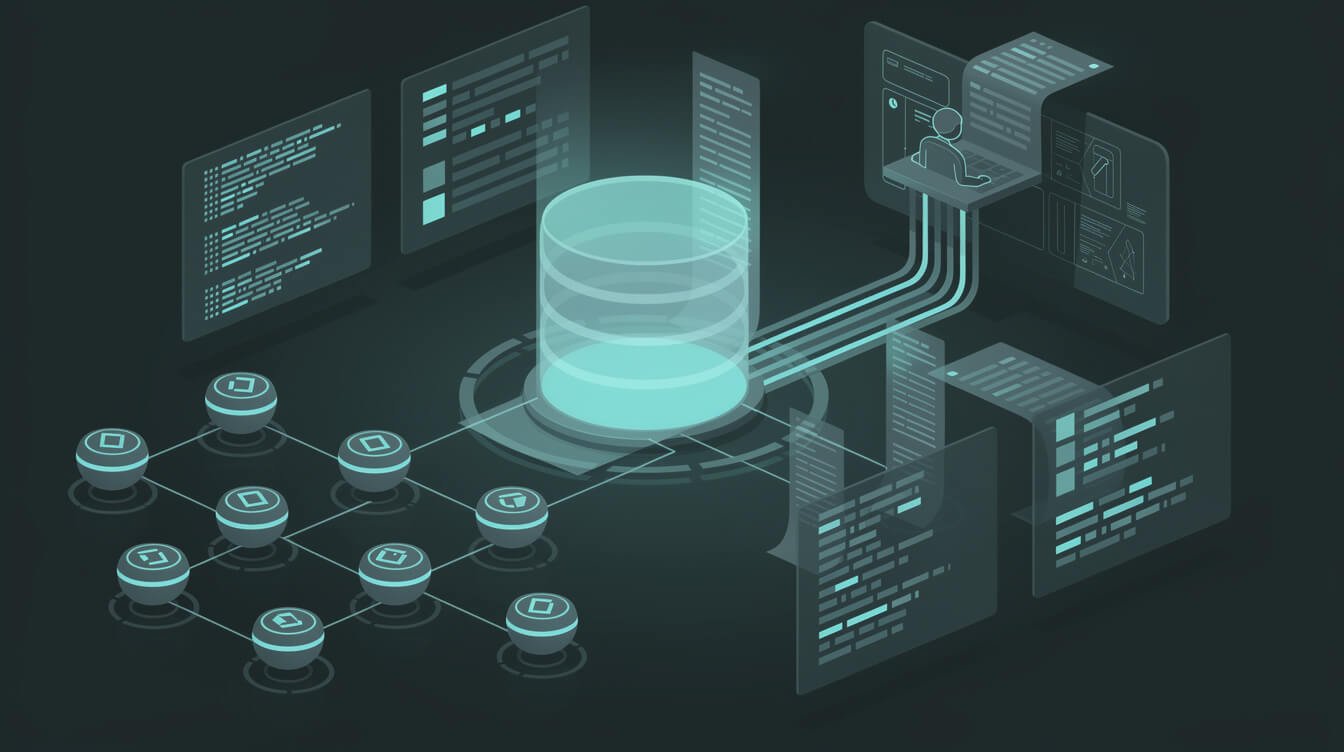
I don’t run 10+ brands by staring at dashboards. My agents pull their own numbers. Here’s what data-aware agents actually do in production, so you can steal the patterns.
Nightly briefings. A scheduled agent queries the day’s published-posts and engagement data, ranks what performed, and writes me a two-paragraph summary before I’m awake. No report to open — the report opens itself.
Structured memory as a database. Not every brand runs on Postgres — several of mine use Airtable as the structured source of truth, queried through its own API layer the same way an MCP server queries Postgres. The principle is identical: give the agent a governed read path into structured state instead of letting it hallucinate. I broke down that pattern in how I use Airtable as my agents’ brain, and a PostgreSQL MCP server is simply the heavier-duty version for anyone already on Postgres.
Self-checking workflows. Before an agent acts, it reads the current state first. A publishing agent checks whether a post already exists before creating a duplicate. A comparison against live data turns a dumb script into a system that makes decisions — the exact distinction between automation and true autonomy.
Cost, honestly: the query traffic is a rounding error. The value is that I’ve deleted an entire category of work — the “log in, export, eyeball, repeat” chore — from my week. When agents can read the data, you stop being the middleware between your business and its own numbers. If you want the wider view of how these pieces fit, my rundown of the n8n + MCP workflow stack shows where database access slots into an automated pipeline.
PostgreSQL MCP Server vs the Alternatives (and FAQ)
A database connection isn’t always the right tool. Quick guide to when it is:
- vs. a direct API: if your data lives behind a SaaS API (Stripe, your CRM), use that API. A PostgreSQL MCP server is for data you host yourself in Postgres.
- vs. the file system MCP server: use the file system MCP server for documents, notes, and code; use the database server for structured, queryable rows. Most real setups use both.
- vs. Airtable/spreadsheets: if you’re small and your data lives in Airtable or Sheets, query those directly. Move to Postgres MCP when your data outgrows a spreadsheet.
Do I need to know SQL to use a PostgreSQL MCP server?
No. That’s the whole point — the agent writes the SQL from your plain-English question. You only need enough Postgres to create a read-only user, and I gave you those four lines above.
Is it safe to connect an AI agent to my database?
Yes, if you enforce read-only at the database role level and follow the six rules above. The danger isn’t the connection; it’s connecting with an over-privileged account. Start read-only and you remove almost all of the risk.
Can I use a PostgreSQL MCP server with write access?
You can, but be deliberate. Keep writes off production, put them behind human approval, and use a maintained server. For most solopreneurs, read-only covers 95% of the value at a fraction of the risk.
Which server should I install today?
Postgres MCP Pro (crystaldba/postgres-mcp) for most people. Avoid the deprecated @modelcontextprotocol/server-postgres reference server entirely.
Does this work with Cursor and other tools, not just Claude?
Yes. MCP is a standard, so a PostgreSQL MCP server works with Claude Desktop, Claude Code, Cursor, and any other MCP-compatible client. One server, many front ends.
Final Thoughts
A PostgreSQL MCP server is the difference between an agent that guesses and an agent that knows. It’s a five-minute install on top of a five-minute read-only role, and once it’s live, your AI stops asking you for numbers and starts pulling them itself. That single change — data-aware agents — is one of the biggest force multipliers I’ve added to my fleet.
Start safe: maintained server, read-only role, least privilege, logs on. Ask it one real question about your business tonight. When the answer comes back correct and current, you’ll get why I say the best automation isn’t the flashy stuff — it’s quietly deleting the chores you didn’t realize you were still doing by hand. Now go plug your agent into its own memory and let it read.
Get the free AI Playbook
The exact plays I use to run 10+ autonomous brands with one operator and a fleet of Claude agents. No fluff, no filler — just the systems, with receipts.

📥 FREE: THE AI PLAYBOOK
The exact tools and workflows I use to run a one-person agency. 25 years of marketing experience distilled into an actionable guide. Yours free.

AI & Digital Marketing Strategist
With over 25 years in digital marketing, e-commerce, sales, and international business, Jon Jones is a seasoned entrepreneur dedicated to empowering small businesses through innovative AI solutions. His journey began in investment banking on Wall Street, guiding companies through capital acquisition and complex markets, and has expanded to include expertise in web development, brand design, product development, and courses and training.
Fluent in Mandarin and with a rich foundation in both finance and tech, Jon launched JonJones.ai to provide accessible, transformative tools for small businesses to streamline operations, generate leads, and build sustainable growth. His mastery of AI, automation, and digital strategy has enabled numerous businesses to bridge the gap between traditional practices and modern technology, ensuring they thrive in today’s digital landscape.