If you’re running n8n workflows and Claude agents separately, you’re leaving serious automation power on the table. The n8n MCP server is the bridge that connects them — letting your AI agents search, trigger, build, and update your n8n workflows through natural conversation. No more context-switching between tools. No more copy-pasting JSON between your agent and your automation platform.
This guide is for solopreneurs who already use n8n and want to understand exactly what n8n MCP does, how to set it up with Claude, and what you can realistically build with it. I’ll show you how it works in practice inside JonOps — my stack of autonomous Claude agents running real businesses.
By the end of this post, you’ll know the difference between the two MCP modes, have a working setup, and understand exactly where n8n MCP fits in a solopreneur automation stack.
What Is n8n MCP and Why Does It Matter?
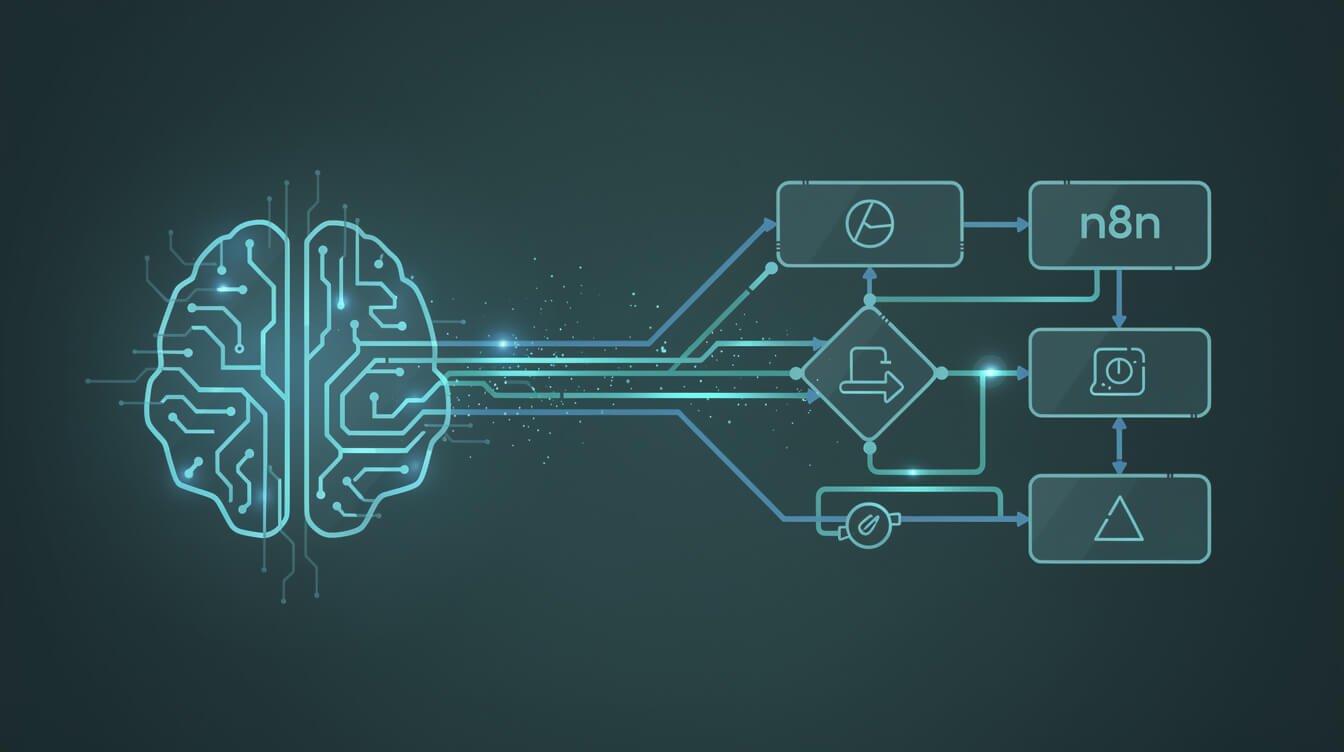
MCP stands for Model Context Protocol — the open standard Anthropic released that lets AI models connect to external tools and data sources. Think of it like USB-C for AI: one universal connection standard that any AI client can plug into any service.
The n8n MCP server specifically lets MCP-compatible AI clients (Claude, ChatGPT, Cursor, Windsurf) connect directly to your n8n instance. Once connected, your AI agent can:
- Search your existing workflows
- Trigger workflows by name or description
- Build brand-new workflows from a natural language prompt
- Update and edit existing workflows
- Interact with n8n data tables
n8n launched the MCP server capability in public preview in April 2026. The big update was that it moved from execute-only (you could only trigger existing workflows) to build-and-execute: your AI agent can now construct a workflow from scratch, validate it, run it, and fix errors — all without you touching the n8n canvas.
For a solopreneur, this is genuinely significant. n8n is where your operational backbone lives — your data pipelines, your integrations, your automations. MCP turns your AI agent from a smart assistant into an operator that can actually modify your stack on the fly.
If you’re new to MCP servers in general, start with my plain-English guide to what MCP servers are — it covers the fundamentals before you wire up specific integrations.
Two Ways to Use n8n MCP: Instance-Level vs Workflow-Level
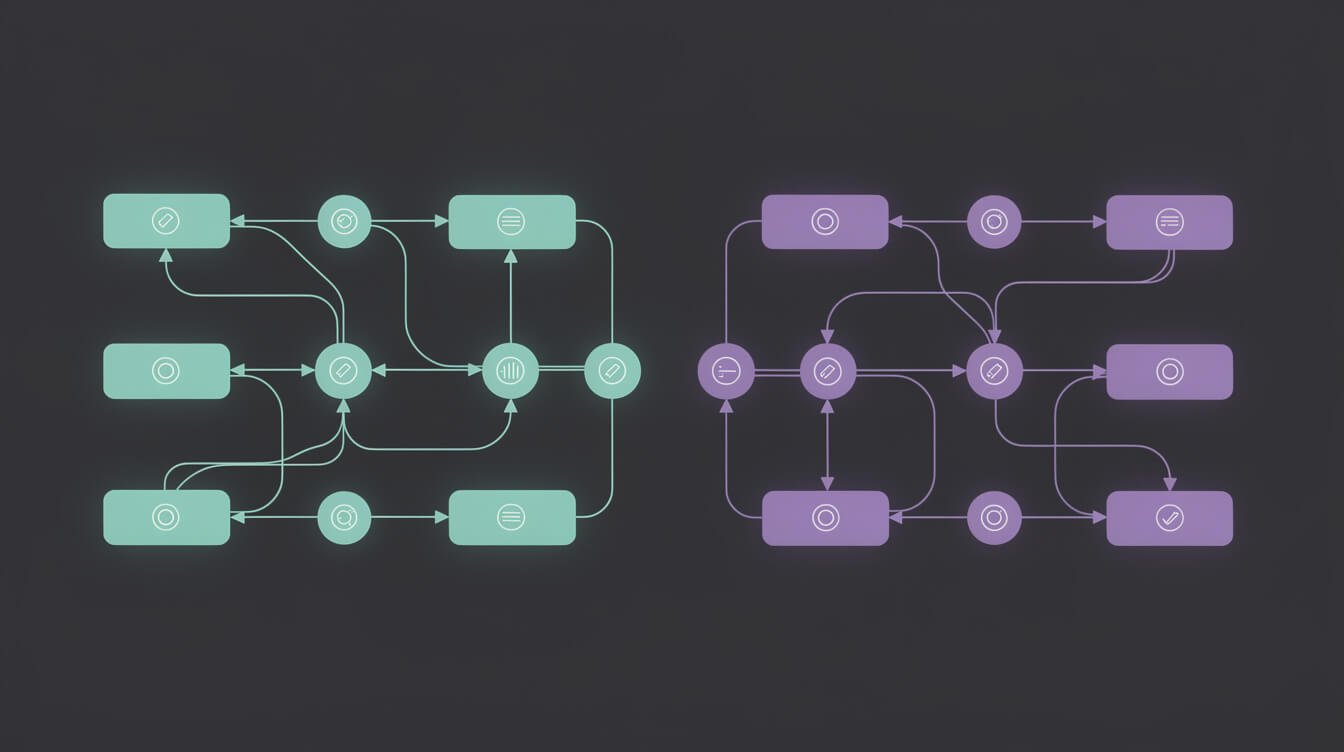
This is the part that trips most people up, so let’s clear it up first. There are two distinct ways to use MCP with n8n, and they serve different purposes:
Instance-Level MCP Access
This is the main n8n MCP server built into your n8n instance. You enable it once at the instance level, and it gives any connected AI client access to your entire n8n account — with granular workflow-level permissions you control.
What it does:
- One connection per n8n instance, centralized authentication
- AI clients can search all your workflows
- You choose which workflows to expose for execution
- AI can build new workflows and update existing ones (added April 2026)
- Works with Claude Desktop, Claude Code, ChatGPT, Cursor, Windsurf — any MCP client
Key caveat: All MCP clients you connect share the same workflow access. If you connect both Claude Desktop and Cursor, they both see all the workflows you’ve enabled. You can’t grant specific workflows to specific clients.
MCP Server Trigger Node
This is a different beast. The MCP Server Trigger node lives inside a single n8n workflow. It exposes only that workflow as an MCP server — useful when you want to build a very specific, scoped MCP server with custom tools and behavior.
When to use it:
- You want to expose a specific workflow as a custom tool for an AI agent
- You’re building a focused MCP server (e.g., a CRM lookup tool) rather than general instance access
- You need fine-grained control over what the AI agent can do
For most solopreneurs getting started, instance-level is where you want to begin. The MCP Server Trigger node is for more advanced setups where you’re building dedicated tools.
| Feature | Instance-Level MCP | MCP Server Trigger Node |
|---|---|---|
| Scope | Whole n8n instance | Single workflow |
| Setup effort | Low (enable once) | Medium (build per workflow) |
| Can build new workflows | Yes | No |
| Client-specific permissions | No | Yes |
| Best for | General AI assistant access | Custom scoped tools |
How to Set Up the n8n MCP Server with Claude (Step by Step)

I’ll walk through the Claude Code setup here, since that’s what I use in JonOps. The process is similar for Claude Desktop and other MCP clients.
Prerequisites
- n8n instance (Cloud, self-hosted Community, or Enterprise) — v2.13+ for build/edit capability
- Claude Code or Claude Desktop installed
- n8n API key (generated in your n8n Settings → API)
Step 1: Enable MCP in Your n8n Instance
Log into your n8n instance → Settings → API → Enable the MCP server. You’ll get an MCP endpoint URL and an API key. Copy both — you’ll need them in the next step.
Then for each workflow you want to expose: open the workflow → Settings → enable “MCP Access”. This is per-workflow. Workflows you don’t enable won’t be accessible via MCP (with one exception: search_workflows can surface previews of all workflows you own, but not their full data).
Step 2: Add n8n as an MCP Server in Claude Code
In your Claude Code project, add n8n to your MCP server config. For Claude Code, this goes in your .claude/settings.json:
{
  "mcpServers": {
    "n8n": {
      "command": "npx",
      "args": ["-y", "n8n-mcp"],
      "env": {
        "N8N_HOST": "https://your-n8n-instance.app.n8n.cloud",
        "N8N_API_KEY": "your-api-key-here"
      }
    }
  }
}
If you’re using Claude Desktop instead, add the same config block to your Claude Desktop settings under MCP servers.
Step 3: Test the Connection
Once you’ve saved the config and restarted Claude Code, you can verify it’s working by asking Claude to list your workflows:
“List my n8n workflows”
Claude will call the search_workflows MCP tool and return a list of your n8n workflows. If it does, you’re connected. If you get an error, double-check the N8N_HOST URL (include https://, no trailing slash) and the API key.
Step 4: Your First Workflow Trigger
Try triggering a simple test workflow:
“Run my [workflow name] workflow”
Claude will find the workflow by name, confirm it’s enabled for MCP access, and trigger it. You’ll see the execution in your n8n instance in real time.
If you’re new to Claude Code itself, my Claude Code tutorial for beginners covers the fundamentals of setting up projects and MCP integrations.

Get the AI Automation Playbook — Free
Practical guides on Claude agents, n8n workflows, and the JonOps stack — delivered weekly to operators who build.

⚡ GET THE AI EDGE
Weekly AI tips that actually save you time and money. No fluff, no hype — just what works.
What You Can Actually Build with n8n MCP — 5 Real Automations
Here’s where it gets practical. Here are five things you can actually do with n8n MCP that make a meaningful difference for a solopreneur operation:
1. Build Workflows from a Prompt
Tell Claude what you want to automate and it builds the n8n workflow directly in your instance. Example:
“Build an n8n workflow that monitors my Gmail for emails with the subject line ‘Invoice’ and logs them to an Airtable base.”
Claude constructs the workflow (Gmail trigger → Airtable node), validates it, and it appears in your n8n canvas ready to activate. No drag-and-drop. No node configuration. This alone is worth the setup time.
2. Trigger Workflows From Conversation
Instead of navigating to n8n to manually run a workflow, you can trigger it mid-conversation. This is powerful when your AI agent needs to kick off an n8n automation as part of a larger task — and get back the results.
Example in JonOps: my content-writing agent can trigger an n8n workflow that fetches keyword data from Airtable and returns it inline. The agent doesn’t need direct Airtable access — it delegates to the n8n workflow.
3. Debug and Update Existing Workflows
Paste an error from a failed n8n workflow execution into Claude and ask it to fix the workflow. With MCP access, Claude can read the workflow, identify the issue, update the relevant node, and save the fix — all without you opening the canvas.
4. Orchestrate Multi-Agent Pipelines
Your Claude agent can act as an orchestrator that spins up n8n workflows as sub-tasks. This is a key pattern in the autonomous agent architecture I use across JonOps: the AI agent handles reasoning and decisions, while n8n handles the reliable execution of multi-step integrations.
5. Use n8n as an AI Memory Layer
Store structured data in n8n data tables, then have your AI agent read and write to them via MCP. This gives your agent persistent, structured memory that survives across sessions — without needing to build a custom database.
n8n MCP in the JonOps Stack — Real Receipts

Here’s how n8n MCP actually shows up in my stack. JonOps runs 10+ autonomous brand containers — each one is a Claude Code agent with a defined skill set, running on a cron schedule. Most data coordination goes through Airtable and WordPress REST APIs directly from the Claude agent. But for more complex multi-step integrations, I delegate to n8n workflows via MCP.
Content Coordination Pipeline
My daily blog-writing agent triggers an n8n workflow that:
- Pulls queued keywords from Airtable
- Checks existing WordPress posts for keyword conflicts
- Returns a clean JSON payload with the selected keyword and SERP context
The Claude agent sends one MCP call and gets a structured result. Without MCP, this would require me to maintain direct Airtable and WordPress API logic inside every agent. Instead, the n8n workflow handles that complexity and exposes a clean interface.
What I’ve Learned About the Limits
A few honest observations from running n8n MCP in production:
- Workflow exposure is manual. You have to enable each workflow individually for MCP access. If you have 50 workflows, this takes time upfront.
- All clients share access. If you connect both Claude Desktop and Claude Code, they both see the same workflows. No per-client restrictions yet.
- Build mode is still maturing. Claude can build simple-to-medium workflows reliably. Complex workflows with custom code nodes or advanced branching may need manual cleanup.
- Latency is additive. MCP → n8n → external service → back is slower than a direct API call. For time-sensitive operations, keep the direct path.
The sweet spot is using n8n MCP for orchestration and complex integrations, not as a replacement for simple direct API calls. Think of it as the layer that handles “things that involve more than one step and more than one service.”
If you want to understand the broader ecosystem this fits into, my Claude Agent SDK guide covers how Anthropic’s managed agent layer sits above individual MCP server connections — relevant context if you’re thinking about where n8n MCP sits in a full agent architecture.
Frequently Asked Questions About n8n MCP
Is n8n MCP free to use?
The n8n MCP server is built into all editions of n8n — Cloud, Enterprise, and the self-hosted Community Edition. There’s no extra charge for MCP access itself. Your costs come from your n8n plan (Cloud has a free tier) and the AI model you’re connecting (Claude charges per token).
Does n8n MCP work with self-hosted n8n?
Yes. The MCP server is part of n8n core (Community Edition included). You need n8n v2.13 or newer for the workflow-building capability. Self-hosted instances need to be accessible from where your AI client runs — either on the same network or via a public URL.
What’s the difference between n8n MCP and the old webhook approach?
Webhooks are one-directional: you send data to n8n and it executes. MCP is bidirectional and conversational: your AI agent can query, reason about what it finds, decide which workflow to run, build new ones if needed, and handle errors — all in a single conversation thread. Webhooks are simpler but dumb. MCP is slower to set up but dramatically more capable.
Can my Claude agent build an n8n workflow and immediately run it?
Yes. With n8n MCP (v2.13+), Claude can build a workflow, validate it, activate it, and execute it — all in sequence. The agent handles the feedback loop: if execution fails, it reads the error, updates the workflow, and retries.
How is this different from n8n’s own AI Agent node?
n8n has a built-in AI Agent node that uses LLMs (including Claude) inside workflows. That’s n8n being the orchestrator, with Claude as a component. n8n MCP is the opposite: Claude is the orchestrator, and n8n is a tool Claude controls. Different mental model, different use case. The AI Agent node is great for building LLM steps into automation sequences. n8n MCP is for giving your external AI agent control over your automation infrastructure.
Does the GitHub MCP Server work well alongside n8n MCP?
They work independently and complement each other well. My agents use GitHub MCP for code operations and n8n MCP for business process automation. Both connect to the same Claude Code session via the MCP config file — you can have multiple MCP servers active simultaneously.
Final Thoughts: n8n MCP Is the Operator Layer You’ve Been Waiting For
For solopreneurs running n8n, the MCP server is not a nice-to-have. It’s the missing layer that turns Claude from a smart chat interface into an actual operator of your automation stack.
The ability to tell Claude “build me a workflow that does X” and have it appear in your n8n canvas, validated and ready to run, is the kind of leverage that used to require a developer. Now it requires a good prompt.
The setup takes about 20 minutes. The payoff is that your AI agent can reason about your automations, not just trigger them. That’s the shift worth making.
Start with instance-level MCP, expose a few workflows, and run through the use cases in section 4. Once you see how Claude handles the tool calls, you’ll know exactly how to extend it to your specific stack.
If you want to go deeper on autonomous agent architecture — how individual MCP connections fit into a full multi-agent system — check out my agentic AI guide for solopreneurs. That’s the framework everything else here sits inside.
Get the AI Automation Playbook — Free
Practical Claude agent guides, n8n workflow patterns, and JonOps build logs — straight to your inbox, weekly.

📥 FREE: THE AI PLAYBOOK
The exact tools and workflows I use to run a one-person agency. 25 years of marketing experience distilled into an actionable guide. Yours free.

AI & Digital Marketing Strategist
With over 25 years in digital marketing, e-commerce, sales, and international business, Jon Jones is a seasoned entrepreneur dedicated to empowering small businesses through innovative AI solutions. His journey began in investment banking on Wall Street, guiding companies through capital acquisition and complex markets, and has expanded to include expertise in web development, brand design, product development, and courses and training.
Fluent in Mandarin and with a rich foundation in both finance and tech, Jon launched JonJones.ai to provide accessible, transformative tools for small businesses to streamline operations, generate leads, and build sustainable growth. His mastery of AI, automation, and digital strategy has enabled numerous businesses to bridge the gap between traditional practices and modern technology, ensuring they thrive in today’s digital landscape.