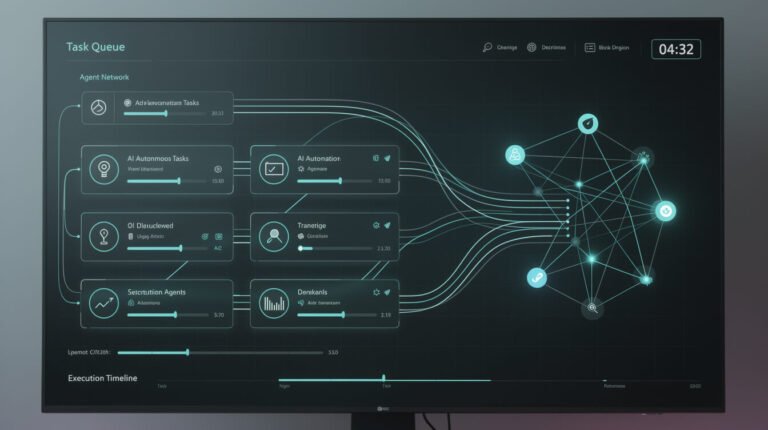
Most people treat AI like a fancy search engine. Open it, ask a question, get an answer, close it. Every session starts from zero.
I do it differently. I have five Claude Projects running right now — each one a specialized AI assistant that already knows my business, my voice, and my goals. No re-explaining. No setup time. Just work.
What Claude Projects Actually Is
Claude Projects (available on Claude.ai Pro and Team plans) lets you create dedicated AI workspaces with three key features:
- Permanent custom instructions — set your context once, it’s always there
- Project knowledge — upload your SOPs, brand guides, tone docs, whatever your AI needs to know
- Conversation history — it remembers what you’ve built together within the project
This is the difference between a temp worker and a trained employee. One costs you 20 minutes of setup every time you open the tab. The other costs you 30 minutes once — and pays dividends forever.
My 3 Most-Used Claude Projects
Here’s exactly what I have running inside my agentic AI stack:
1. Content Strategist — knows my brand voice, target audience, content pillars, and competitor positioning. I drop in a rough idea; it comes out on-brand without me touching a style guide.
2. Outreach Copywriter — trained on my best-performing cold emails, my offer structure, and my ICP profile. Draft quality went from “decent” to “this actually sounds like me” in one setup session.

⚡ GET THE AI EDGE
Weekly AI tips that actually save you time and money. No fluff, no hype — just what works.
3. Systems Builder — I describe a workflow I want to automate; it writes the full SOP, suggests the tools, and maps the implementation steps. This feeds directly into my n8n build queue.
3 Steps to Set Up Your First Claude Project
- Open Claude.ai → click Projects in the left sidebar
- Click New Project → give it a name (e.g., “Email Copywriter” or “Content Strategist”)
- In Project Instructions, paste: your role, your company context, your tone guidelines, and what NOT to do
That’s it. 30 minutes max. From that point on, every conversation in that project already knows the context. If you want to go further, drop a PDF of your SOPs into Project Knowledge — your AI will reference it automatically on every reply.
Want to see how this connects to a full Claude Code agentic system? Here’s the beginner tutorial.

Lead Magnet AI Playbook
The Compounding Effect
Here’s what nobody talks about: these projects get better over time. The more you work inside them, the richer the context becomes. By month three, you’ll have an AI that knows your business better than most contractors you’d pay $3,000 to onboard.
This is what I mean when I say I run an autonomous business — not zero effort, but effort that compounds. One good setup session unlocks hundreds of faster future sessions. That’s the real unlock of AI tooling in 2026: you stop paying the setup tax every single time.
The takeaway: If you’re starting with AI today, skip the blank-slate sessions. Set up one Claude Project for your most painful, repetitive task. Thirty minutes now. Permanent ROI.
Lead Magnet AI Playbook

📥 FREE: THE AI PLAYBOOK
The exact tools and workflows I use to run a one-person agency. 25 years of marketing experience distilled into an actionable guide. Yours free.

AI & Digital Marketing Strategist
With over 25 years in digital marketing, e-commerce, sales, and international business, Jon Jones is a seasoned entrepreneur dedicated to empowering small businesses through innovative AI solutions. His journey began in investment banking on Wall Street, guiding companies through capital acquisition and complex markets, and has expanded to include expertise in web development, brand design, product development, and courses and training.
Fluent in Mandarin and with a rich foundation in both finance and tech, Jon launched JonJones.ai to provide accessible, transformative tools for small businesses to streamline operations, generate leads, and build sustainable growth. His mastery of AI, automation, and digital strategy has enabled numerous businesses to bridge the gap between traditional practices and modern technology, ensuring they thrive in today’s digital landscape.