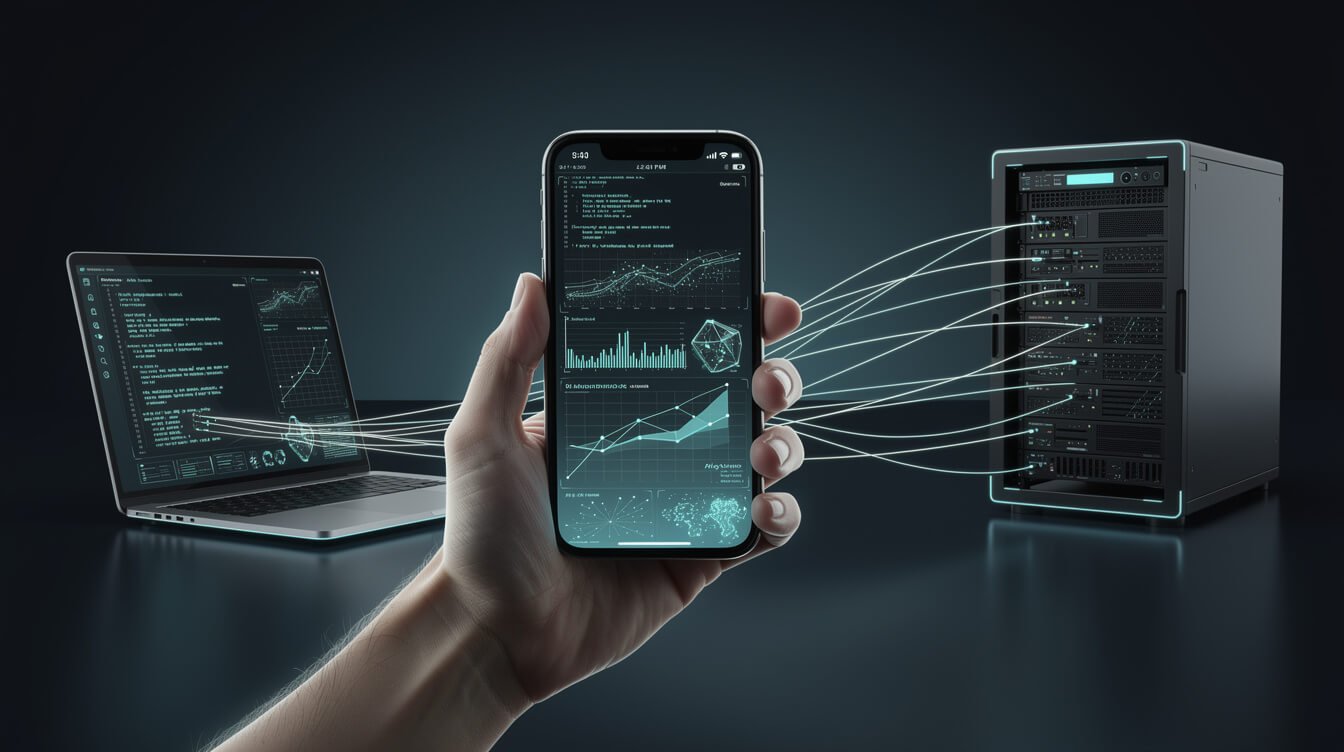
For two years my whole business ran from a terminal I had to be sitting in front of. If an agent stopped for approval at 2am, or a build needed a nudge while I was three gates deep at Taoyuan airport, it waited for me. Claude Code remote control is the feature that quietly deleted that constraint. It lets you start a coding session on your machine and then drive it from your phone or any browser — while the code, the files, and the execution never leave your laptop.
I run more than ten autonomous brand containers on a VPS, and I approve, redirect, and unblock those agents from wherever I happen to be. So this isn’t a tour of a shiny new toggle. It’s how an operator actually uses Claude Code remote control in production: the setup, the trade-offs, the security posture, and the honest limitations. Let’s get into it.
What Claude Code Remote Control Is (and What It Isn’t)
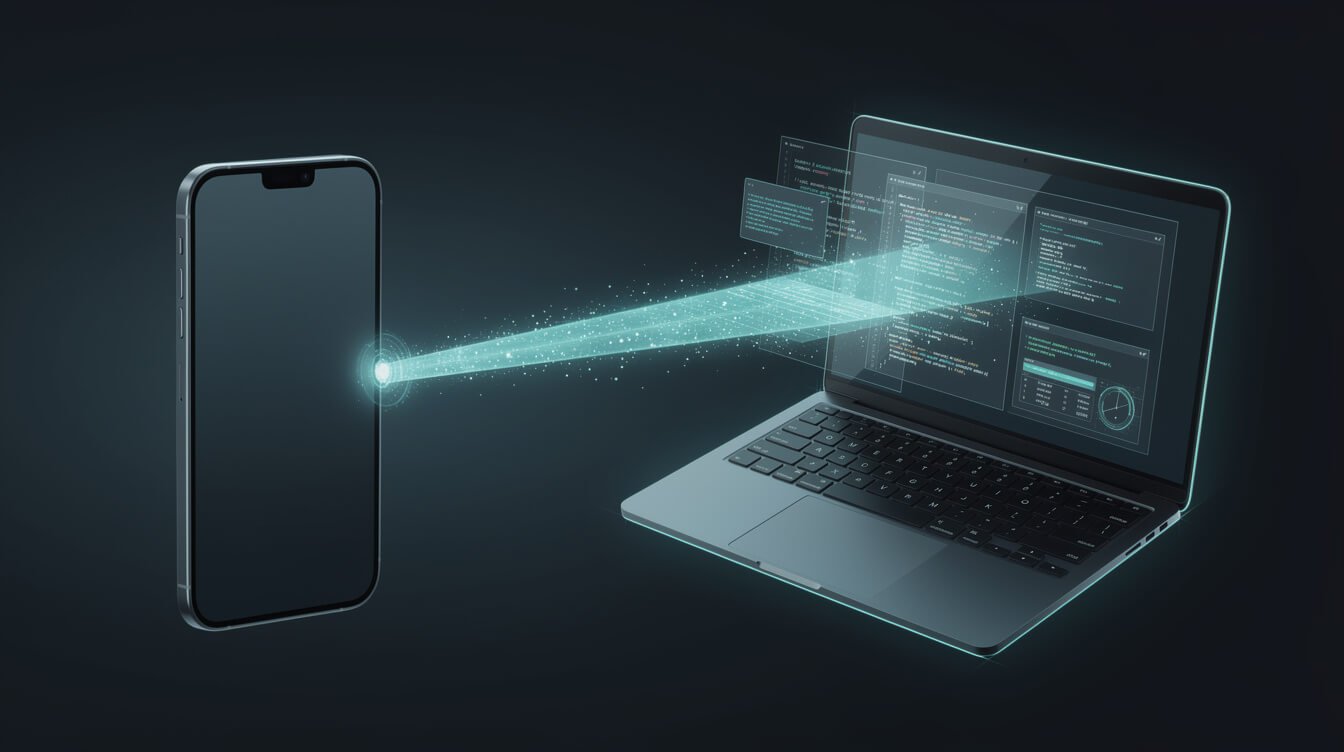
Remote Control connects claude.ai/code or the Claude mobile app (iOS and Android) to a Claude Code session that is already running on your own machine. You start a task at your desk, then pick it up from the couch, a hotel lobby, or a browser on a different computer. The conversation stays in sync across every device you connect.
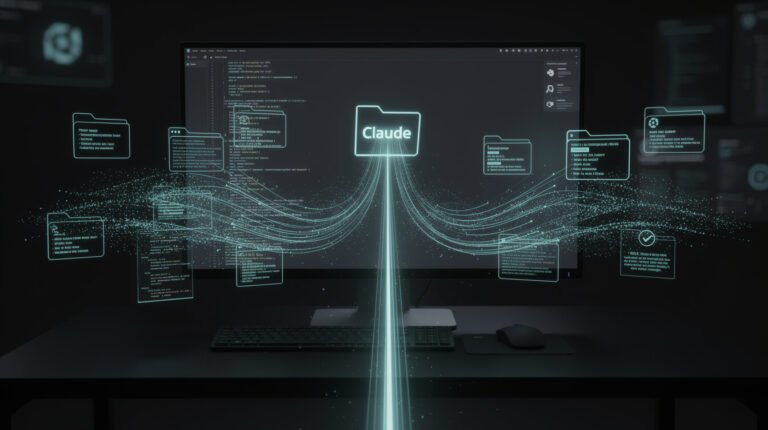
Here’s the part people miss: nothing about your execution moves. When you start a remote session, Claude keeps running locally the entire time. Your filesystem, your MCP servers, your tools, and your project configuration all stay on your machine. Type @ from your phone and it autocompletes file paths from your local project, because the local process is the one doing the work. Your phone is just a window into it.
Mechanically, it’s a relay, not a tunnel. Your local Claude Code process opens an outbound HTTPS connection to the Anthropic API and registers the session, then polls for incoming instructions. When you send a message from your phone, that message goes to the API first, which relays it back down the connection your machine already opened. No inbound ports. No listening services exposed to the internet. That single architectural choice is why I’m comfortable running it against containers that hold real credentials.
What it isn’t: it is not a cloud sandbox, and it is not a way to run code you don’t have a machine for. If your laptop is asleep and off the network, there’s no session to control — Remote Control reconnects when your machine comes back, but it isn’t executing in the cloud on your behalf. That distinction is the whole game, and it’s exactly where the next comparison lives.
Setup: From Zero to Controlling a Session in Five Minutes
The setup is genuinely short, but there are a couple of gotchas that will silently block you if your environment is tuned like a production box. Here’s the clean path.
Step 1 — Confirm you’re eligible
Remote Control is available on Pro, Max, Team, and Enterprise plans. API keys are not supported — this rides on your claude.ai login, not on billing credits. If you’re on Team or Enterprise, an Owner has to flip the Remote Control toggle in Claude Code admin settings first; it’s off by default there. (If you’re weighing plans, I broke down what each tier actually gets you in my honest Claude Code pricing breakdown.)
Step 2 — Log in through claude.ai
Run claude and use /login to authenticate through claude.ai if you haven’t already. This matters: without an eligible login, claude remote-control exits with an error, and claude --remote-control will start an interactive session but then throw a Remote Control failure notification a few seconds after launch. Log in first and you skip the confusion.
Step 3 — Start the session and connect a device
Start Claude Code with Remote Control enabled, then open claude.ai/code or the Claude app and pick your live session from the list. That’s it — you’re now driving the same session from two surfaces. Send messages from the terminal, the browser, and the phone interchangeably; the progress of subagents and dynamic workflows stays synced across all of them.
The gotchas that block production boxes
This is where lean, hardened setups trip. Remote Control depends on a feature-flag evaluation, and several privacy-minded environment variables switch that evaluation off. If any of these are set, Remote Control simply won’t be available until you unset them:
DISABLE_TELEMETRYDO_NOT_TRACKCLAUDE_CODE_DISABLE_NONESSENTIAL_TRAFFICDISABLE_GROWTHBOOK
It also won’t run if you point ANTHROPIC_BASE_URL at anything other than api.anthropic.com (an LLM gateway or proxy), if you’re on Amazon Bedrock, Google Cloud’s agent platform, or Microsoft Foundry, or if you sign in through an enterprise apps gateway. And Remote Control respects workspace trust — you’ll need to trust the workspace you’re running in. Ninety percent of “why can’t I see my session” is one of these, not a bug.
Remote Control vs. Claude Code on the Web vs. SSH: Which to Reach For
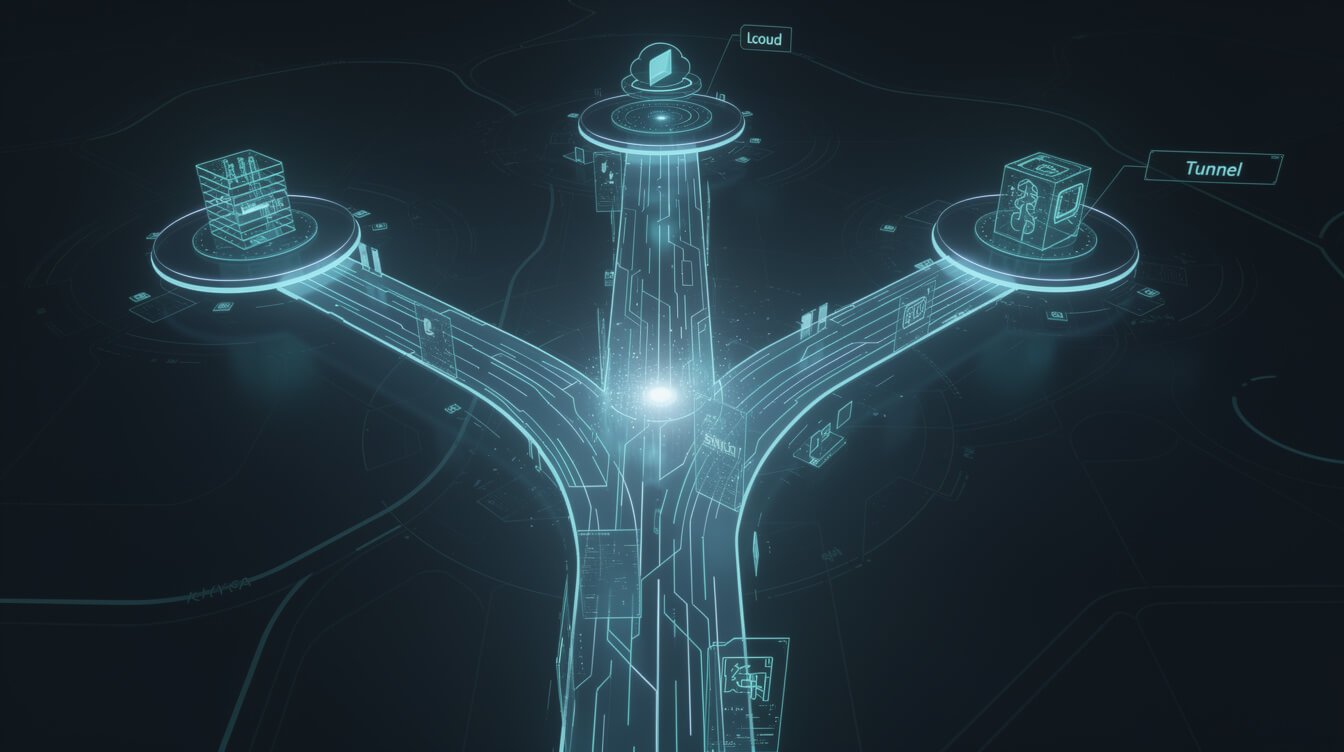
These three sound interchangeable and absolutely are not. Choosing wrong is how you either leak an environment you didn’t mean to, or wait on a cloud sandbox that doesn’t have your tools. Here’s how I decide.
Claude Code remote control keeps everything local. The session runs on your machine, against your real files, your real MCP servers, your real environment variables. The web and mobile UIs are just windows. Reach for this when the work needs your actual project context — the repo, the secrets, the local database, the config that makes your build real. This is my default for touching a live container.
Claude Code on the web is the opposite trade: it spins up a sandboxed cloud session that doesn’t have your local environment. That’s a feature when you want isolation — a throwaway space to explore a public repo or draft something risky without it touching your machine. It’s a limitation when the task needs the tools and files that only live on your laptop. I covered the full web workflow in that guide; the one-line version is cloud isolation vs. local truth.
Plain SSH is the old operator reflex: shell into the box and run claude in a terminal multiplexer. It still works, and I still use it for pure infrastructure surgery. But SSH from a phone is a miserable experience, it exposes an inbound service you have to secure, and it gives you a raw terminal, not a synced conversation with attached images and queued status updates. Remote Control is what SSH-into-tmux always wanted to be for agent work.
My rule of thumb: local truth → Remote Control. Disposable isolation → Claude Code on the web. Raw box surgery → SSH. Ninety percent of my mobile approvals are the first one.

Get the AI Automation Playbook
The exact plays I use to run 10+ autonomous businesses solo. Free playbook, straight to your inbox — no fluff, just the systems.
A Real Workflow: Approving My JonOps Agents From a Taipei Cafe

Here’s the actual receipt, not a hypothetical. My content agents run on a cron schedule inside their containers. Most of the time they finish clean and I never touch them. But some steps are deliberately gated — anything that spends money, anything that publishes to a place that’s hard to unpublish, anything that emails a human. Those stop and wait for a person. For a long time, that person had to be sitting at the VPS.
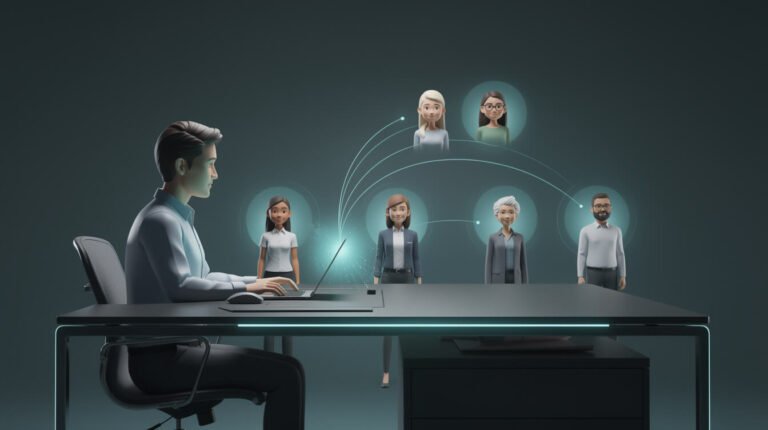
Now the loop looks like this. I’m out — a coffee shop in Da’an, the MRT, a rooftop in Ubud during the dry season. A push comes in: an agent has drafted something and is holding at an approval gate. I open the Claude app, pick the live session, and read exactly what it’s about to do. I can see the diff, the subagent progress, the reasoning. If it’s right, I approve and it continues. If it’s off, I type a correction from my thumbs and it re-plans. The container never stopped running; I just reached into it.

⚡ GET THE AI EDGE
Weekly AI tips that actually save you time and money. No fluff, no hype — just what works.
Two features make this genuinely usable on a phone rather than a party trick. First, I can send an image or a file straight from the app — a screenshot of a broken layout, a photo of a whiteboard — and Claude sees the photo directly as part of my message, or downloads the file to my machine and passes it in as an @ reference. Second, it survives interruptions. When my phone drops signal in a tunnel or my laptop lid closes, Claude Code queues the status updates from subagents and workflows and delivers them once the connection rebuilds. I don’t come back to a dead session; I come back to a caught-up one.
The honest business impact: my approval latency went from “whenever I’m next at my desk” to “about ninety seconds.” For a one-operator shop running a fleet, that’s the difference between agents that stall for hours and agents that keep moving while you live your life. That’s the warm part of this — it hands you back your evenings without handing over control.
Security and Trusted Devices: The Production-Safe Setup
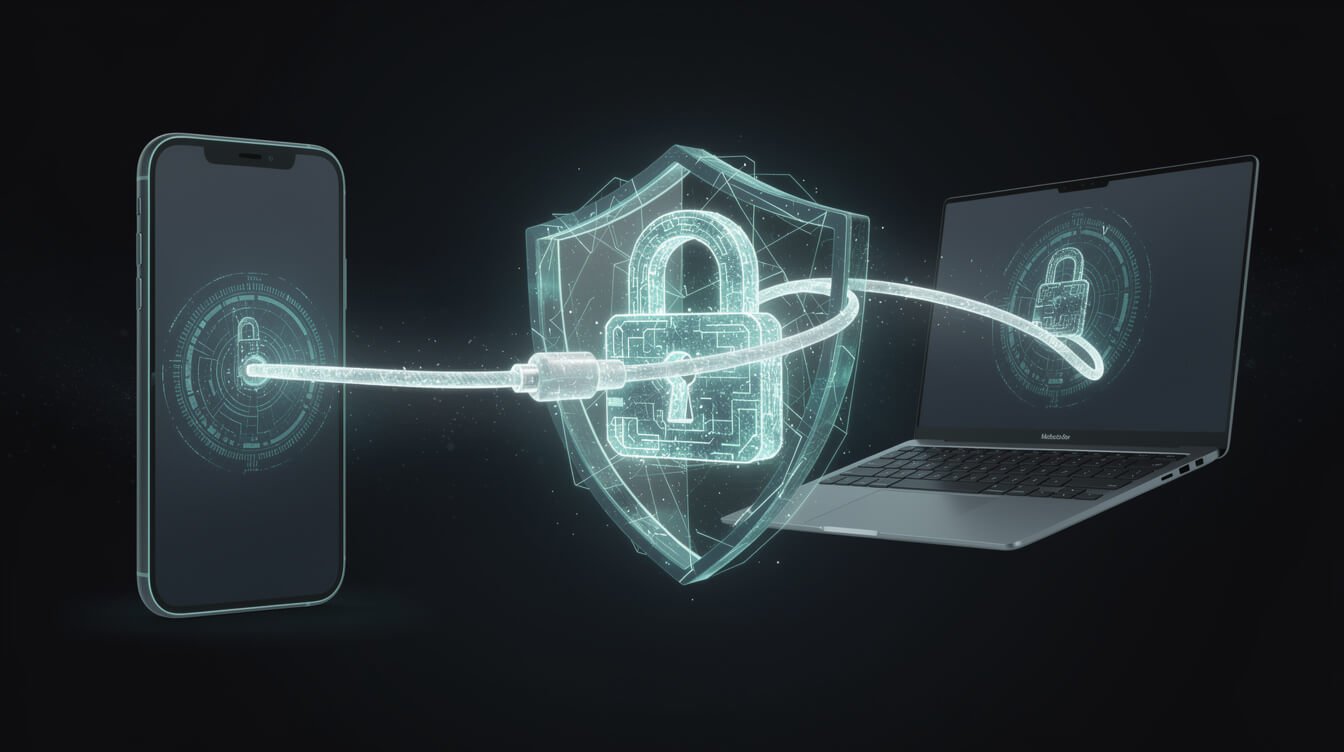
If you’re going to steer sessions that can read your files and spend real money from a phone, you have to treat the security model seriously. The good news is the architecture is conservative by default; the work is in not undoing that.
- No inbound exposure. Because the connection is outbound-only and polled, you are not opening a port or standing up a service the internet can knock on. There’s no listener to portscan. This is the single biggest reason I trust it over rolling my own remote shell.
- Execution stays local. Your secrets, tokens, and
.envfiles never get shipped to a cloud sandbox. The phone renders the conversation and sends prompts; it does not hold your credentials. Compromising the phone is not the same as compromising the box. - Lock down the login, not just the laptop. Remote Control rides your claude.ai identity, so your Anthropic account is now a key to your production sessions. Turn on strong multi-factor auth, keep the number of devices signed into that account small, and review them the way you’d review SSH keys.
- Keep approval gates in the loop. Remote Control makes approving faster; it should never make approving automatic. I keep money-spending and publish-to-the-world steps gated precisely so that the convenience of a phone doesn’t turn into a rubber stamp. Read what the agent wants to do before you tap yes.
- Respect workspace trust. The feature enforces workspace trust for a reason. Don’t blanket-trust directories you haven’t reviewed just to make a notification go away.
Treat the connected phone like a privileged terminal, because that’s what it is. If the phone is lost, sign it out of the Anthropic account remotely — the same muscle memory as rotating a leaked key.
Want a fleet you can run from your phone?
I build done-for-you automation systems — the same JonOps agents, guardrails, and remote-approval workflow you just read about, wired into your business. If you’d rather skip the trial-and-error, let’s map it out together.
The Limitations You’ll Hit (and How I Work Around Them)
I’m a builder, not a salesman, so here’s the unvarnished list of where Remote Control bites.
Your machine has to be awake and online. This is the big one. Remote Control is a window into a local session, so if your laptop is asleep in a bag, there’s nothing to control. My workaround: I run the sessions I care about on the always-on VPS, not my laptop. The laptop sleeps; the VPS doesn’t. If you’re laptop-only, adjust your sleep and power settings before a trip, or you’ll get to your phone and find nobody home.
It won’t coexist with a custom API endpoint. If you route through an LLM gateway or proxy via ANTHROPIC_BASE_URL, or you’re on Bedrock, Vertex, or Foundry, Remote Control is off the table. There’s no clever flag — you unset the variable and use the direct Anthropic endpoint, or you don’t get the feature. For teams that centralize spend through a gateway, that’s a real trade to weigh.
The privacy env vars are a footgun. The same variables a security-conscious operator sets on reflex (DO_NOT_TRACK, DISABLE_TELEMETRY, and friends) silently disable the feature-flag check Remote Control needs. It doesn’t warn you loudly; the feature just isn’t there. When onboarding a new box, this is the first thing I check.
It’s approval, not autonomy. Remote Control makes you faster; it doesn’t make the agent independent. If your goal is fully hands-off overnight runs, this is the human-in-the-loop layer on top, not a replacement for building real guardrails into the agent itself. If you’re comparing coding-agent workflows more broadly, my take on shipping real software with vibe coding gets into where the human still has to stand.
Claude Code Remote Control FAQ

Does Claude Code remote control run my code in the cloud?
No. Execution stays entirely on your machine. Your phone or browser is a synced interface that sends prompts and renders the conversation — the filesystem access, command execution, and MCP tools all run locally. That’s the core difference from Claude Code on the web, which runs in a cloud sandbox.
Do I need to open a port or expose my machine?
No. Your local Claude Code process makes an outbound HTTPS connection to the Anthropic API and polls it for instructions. Messages from your phone are relayed back down that existing connection. Nothing listens for inbound traffic, so there’s no port to open or firewall hole to punch.
Which plans support it?
Pro, Max, Team, and Enterprise. API keys are not supported because the feature authenticates through your claude.ai login. On Team and Enterprise it’s off until an Owner enables the Remote Control toggle in admin settings.
Why can’t I see my session on my phone?
Almost always environment configuration. Check for DISABLE_TELEMETRY, DO_NOT_TRACK, CLAUDE_CODE_DISABLE_NONESSENTIAL_TRAFFIC, or DISABLE_GROWTHBOOK (all disable the required feature-flag check), a custom ANTHROPIC_BASE_URL, a Bedrock/Vertex/Foundry setup, or a missing claude.ai login. Fix those and the session appears.
What happens if my connection drops mid-task?
The local session keeps running. Claude Code reconnects automatically when your machine is back online and delivers the queued status updates from subagents and workflows, so you rejoin a caught-up session rather than a broken one.
Can I send screenshots or files from my phone?
Yes. Attach a photo or file in the Claude app or at claude.ai/code, with or without a caption. Claude sees photos directly as part of your message; other files are downloaded to your machine and passed in as @ file references.
The Operator’s Bottom Line

Claude Code remote control isn’t a flashy feature, and that’s exactly why it’s good. It removes a single, boring constraint — “you have to be at the keyboard” — without loosening any of the guarantees that make running agents against real infrastructure sane. Execution stays on your machine. Nothing listens for inbound traffic. Your approval gates stay exactly where you put them. You just get to answer them from a cafe.
If you run even one agent that occasionally stops and waits for you, set this up this week. Start the sessions you care about on an always-on machine, lock down the account they ride on, and keep the gates that matter. Then go live your life — your fleet will still be there, moving, waiting for a thumbs-up you can now give from anywhere.
Steal My AI Automation Playbook
If this was useful, the free Lead Magnet AI Playbook goes deeper: the fleet architecture, the guardrails, and the receipts. Grab it below.

📥 FREE: THE AI PLAYBOOK
The exact tools and workflows I use to run a one-person agency. 25 years of marketing experience distilled into an actionable guide. Yours free.

AI & Digital Marketing Strategist
With over 25 years in digital marketing, e-commerce, sales, and international business, Jon Jones is a seasoned entrepreneur dedicated to empowering small businesses through innovative AI solutions. His journey began in investment banking on Wall Street, guiding companies through capital acquisition and complex markets, and has expanded to include expertise in web development, brand design, product development, and courses and training.
Fluent in Mandarin and with a rich foundation in both finance and tech, Jon launched JonJones.ai to provide accessible, transformative tools for small businesses to streamline operations, generate leads, and build sustainable growth. His mastery of AI, automation, and digital strategy has enabled numerous businesses to bridge the gap between traditional practices and modern technology, ensuring they thrive in today’s digital landscape.