Every request Claude Code makes hits the same Anthropic endpoint at the same rate — whether it is naming a branch, scanning a folder, or rewriting a 200-line module. I run ten autonomous brand containers, and when I actually looked at the logs, most of what Claude Code was doing all day was cheap, throwaway work being billed at frontier prices. A Claude Code router fixes that. It is a small open-source proxy that sits in front of Claude Code and sends each request to the model that actually fits the job — a cheap one for the boring stuff, a frontier one for the work that matters.
This is an operator’s guide, not a demo. I will show you exactly what the Claude Code router does, how to install it in about five minutes, how to write a config.json that routes intelligently, and — the part most tutorials skip — when it is genuinely worth it and when you should not bother. No fluff, real receipts.
What Is Claude Code Router?
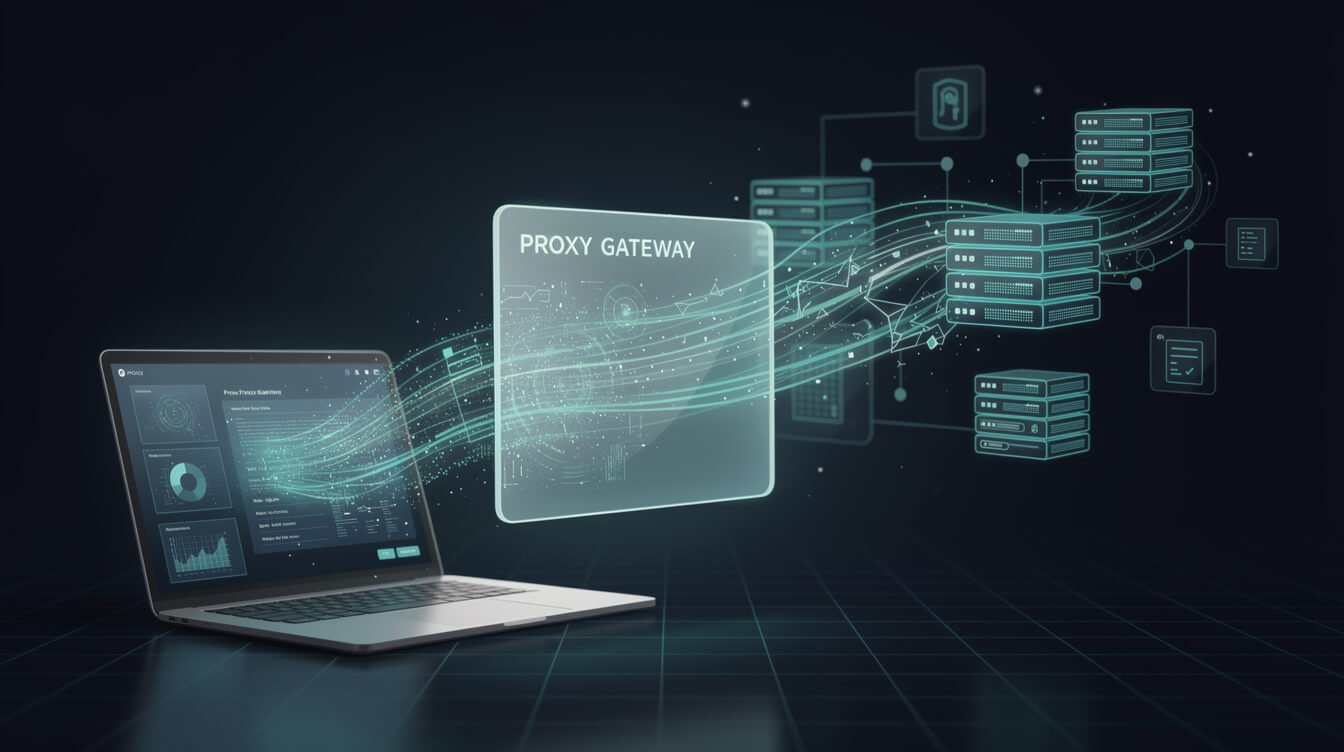
Claude Code Router (CCR) is an open-source local proxy — the project is @musistudio/claude-code-router on GitHub, MIT-licensed, sitting north of 36,000 stars. Out of the box, Claude Code only talks to Claude. CCR intercepts those requests before they leave your machine, rewrites them for whatever provider you point them at, and picks the model per request type. You launch the agent with ccr code instead of claude, and nothing else about your workflow changes.
The problem it solves is single-vendor dependency. When everything routes through one provider, you inherit all of that provider’s constraints at once:
- Pricing — you pay top-tier output rates even for work a small model could do perfectly.
- Rate limits — one throttled model can stall your entire session.
- Context ceilings — you are stuck with one provider’s maximum window.
A Claude Code router hands all three back to you. You define routing rules once, and requests automatically switch models based on task type, token count, or any logic you want. If you are still deciding whether Claude Code itself belongs in your stack, my breakdown of Claude Code vs Codex is the better place to start — the router is a layer you add after you have committed to Claude Code as your agent.
How Claude Code Router Actually Works
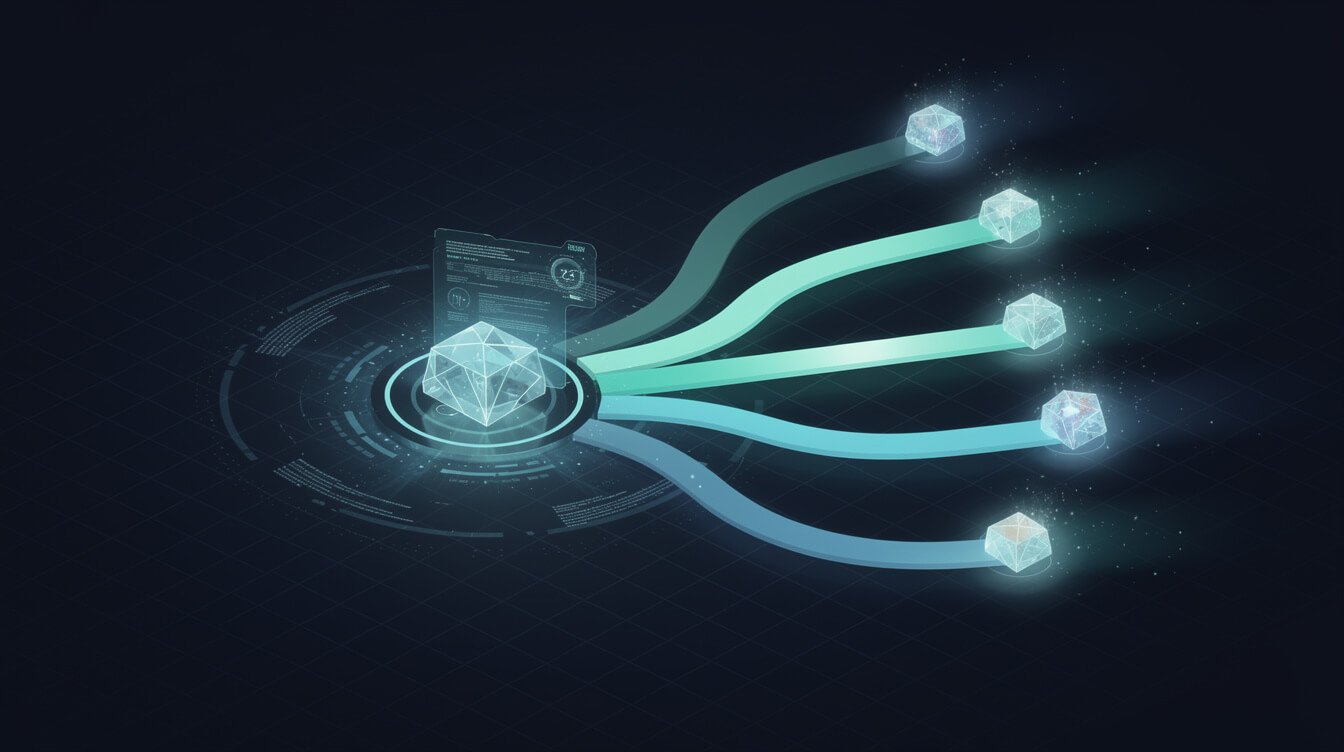
The mental model is a proxy gateway. When you start CCR, it binds to a local port — 127.0.0.1:3456 by default — and positions itself between your Claude Code client and any external LLM provider. From Claude Code’s perspective, it is just talking to a local endpoint. Under the hood, the router decides in real time where each request actually goes.
For every request, the Claude Code router does four things:
- Inspects the request and classifies it by type.
- Applies your routing rules to pick a provider and model.
- Transforms the payload into that provider’s expected format.
- Forwards it, then transforms the response back into the shape Claude Code expects.
That last step is why this feels seamless rather than hacky: the client never knows anything changed. Because the proxy runs locally, your request payloads never pass through a third-party aggregation service before reaching their destination — which, for anyone handling client data, is a privacy win on top of the cost one. The transformer system also lets you modify headers, strip cache fields, and cap token limits entirely on your own machine. If you care about that kind of control, it pairs naturally with the discipline I covered in Claude Code security.
Installing Claude Code Router in Five Minutes
You need Node.js v18 or later, Claude Code installed globally, and at least one model backend — an API key from a supported provider, or a local Ollama instance. That is it. You do not need accounts with every provider up front; one working backend is enough.
Install both packages globally:
npm install -g @anthropic-ai/claude-code
npm install -g @musistudio/claude-code-router
On Linux you may hit a permissions error because npm tries to write to a root-owned directory. Do not reach for sudo. Redirect npm’s global prefix to a folder you already own instead:
mkdir -p ~/.npm-global
npm config set prefix '~/.npm-global'
export PATH=~/.npm-global/bin:$PATH
Add that export line to your ~/.bashrc or ~/.zshrc so it survives a new shell. Once installed, the CLI is ccr. These are the commands you will actually use:
ccr code— launch Claude Code through the router. This is your main entry point; it starts the proxy and the agent together.ccr ui— open the web config editor instead of hand-writing JSON.ccr start/ccr stop/ccr restart— control the background router service directly.
Run ccr code and you are routing. To confirm it is live, check ~/.claude-code-router/logs/ for a ccr-*.log file and tail it to watch requests in real time:
tail -f ~/.claude-code-router/logs/$(ls -t ~/.claude-code-router/logs/ | head -1)That log is also your first debugging stop. If Claude Code launches but responses come back empty or malformed, ninety percent of the time it is a provider-format mismatch — the wrong transformer, or an api_base_url pointing at a base domain instead of the full endpoint. The log shows you exactly which request failed and what the provider sent back, so you fix the config entry rather than guessing. Change the config, run ccr restart, and the new rules load without touching your shell session. Treat the log as the source of truth and setup stops being mysterious.

Get the AI Playbook
The exact plays I use to run ten autonomous brands with Claude — the pipelines, prompts, and cost tricks, delivered straight to your inbox.
Configuring config.json: Providers and Routing Rules
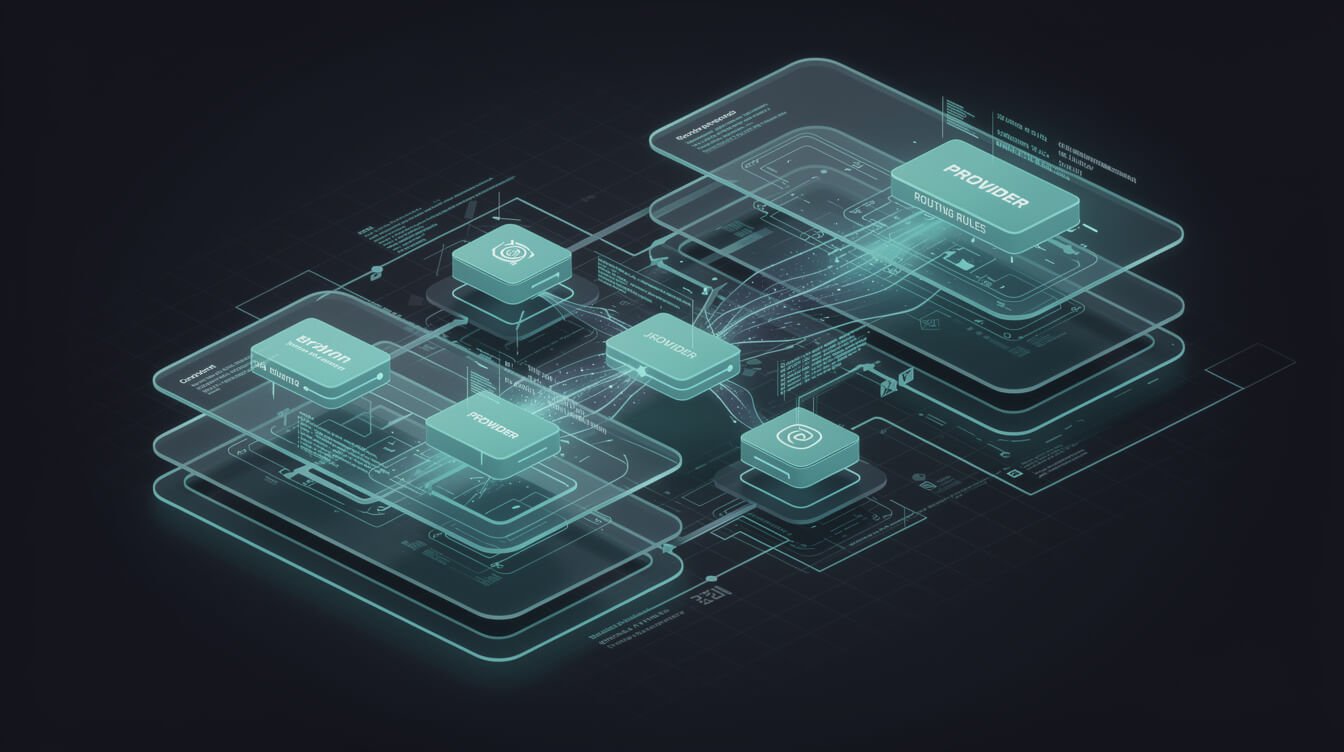
All configuration lives in ~/.claude-code-router/config.json. Start with a single, known-good provider before wiring up anything clever — it isolates variables and confirms the baseline works. OpenRouter is the one I reach for first on a new machine, because a single API key gives you dozens of models, including free-tier ones, to test the routing layer with.
Here is a minimal config using OpenRouter:
{
  "Providers": [
    {
      "name": "openrouter",
      "api_base_url": "https://openrouter.ai/api/v1/chat/completions",
      "api_key": "$OPENROUTER_API_KEY",
      "models": ["openai/gpt-oss-120b:free"],
      "transformer": { "use": ["openrouter"] }
    }
  ],
  "Router": {
    "default": "openrouter,openai/gpt-oss-120b:free"
  }
}
Three things matter here:
api_base_urlmust point to the provider’s full chat-completions endpoint, not just the base domain. This is the number-one setup mistake.transformertells CCR which built-in payload adapter to use, since providers expect different request shapes. It handles the translation silently.Router.defaultis the fallback for anything that does not match a more specific rule, written asprovider,model.
Never hardcode API keys in the file. CCR interpolates environment variables recursively, so use $OPENROUTER_API_KEY and export the real value in your shell. That pattern scales cleanly as you add more providers — DeepSeek, Gemini, Groq, Qwen, GLM, MiniMax, or a local model all slot into the same Providers array.

⚡ GET THE AI EDGE
Weekly AI tips that actually save you time and money. No fluff, no hype — just what works.
Once the baseline works, a realistic multi-provider config looks like this — two providers registered, and the Router block assigning a different model to each task category:
{
  "Providers": [
    {
      "name": "openrouter",
      "api_base_url": "https://openrouter.ai/api/v1/chat/completions",
      "api_key": "$OPENROUTER_API_KEY",
      "models": ["anthropic/claude-sonnet-4", "google/gemini-2.5-pro"],
      "transformer": { "use": ["openrouter"] }
    },
    {
      "name": "deepseek",
      "api_base_url": "https://api.deepseek.com/chat/completions",
      "api_key": "$DEEPSEEK_API_KEY",
      "models": ["deepseek-chat", "deepseek-reasoner"],
      "transformer": { "use": ["deepseek"] }
    }
  ],
  "Router": {
    "default":     "openrouter,anthropic/claude-sonnet-4",
    "background":  "deepseek,deepseek-chat",
    "think":       "deepseek,deepseek-reasoner",
    "longContext": "openrouter,google/gemini-2.5-pro"
  }
}
Read the Router block top to bottom and you can see the entire cost strategy at a glance: cheap DeepSeek soaks up the throwaway background work, its reasoner handles Plan Mode, Gemini’s big window catches anything over the long-context threshold, and a capable default carries the rest. If you would rather not hand-edit JSON at all, ccr ui gives you a form-based editor that writes the same file. This is the same “configure it once, let it run” philosophy behind Claude Code hooks — small setup investment, permanent payoff.
The Routing Categories That Actually Save You Money
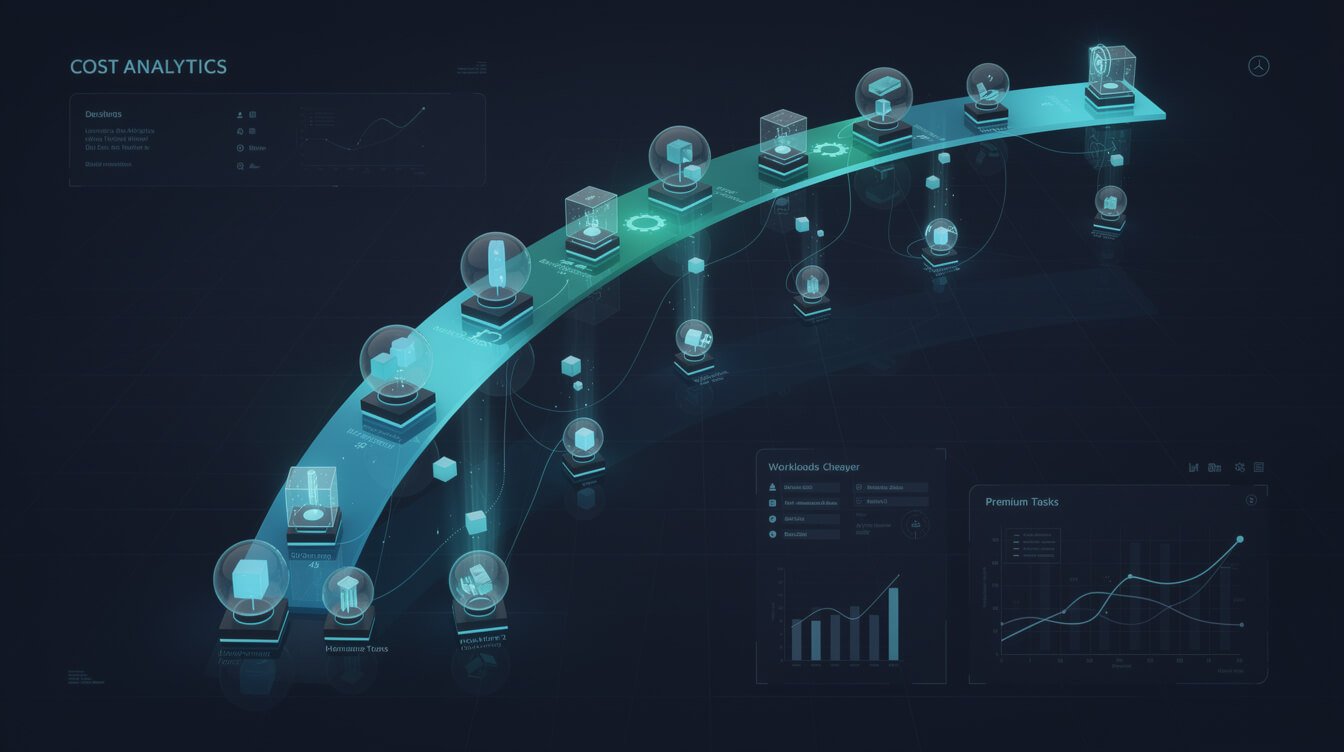
The real leverage is task-based routing. CCR classifies each incoming request and maps it to the model you assigned for that category. There are five you care about, and you set each one in the Router block using the same provider,model syntax:
| Category | When it fires | What to route it to |
|---|---|---|
background | File scanning, context gathering | A fast, cheap model (or a local one) |
think | Plan Mode and complex reasoning | A strong reasoning model |
longContext | Requests over the token threshold (60k by default) | A high-context model |
webSearch | Web-search tasks | A model with native search |
default | Everything else | A capable mid-tier model |
The background route is where the money hides. Those silent file-scanning requests fire constantly during a session, and before you measure them, you have no idea how much they quietly add up. Send them to a cheap or local model and you barely notice — the output quality on that class of work is indistinguishable. Meanwhile you keep a frontier model on think and the real edits, where quality genuinely moves the needle.
That is the whole game: a coding session is not one workload. Summarizing a diff, naming a branch, and compacting old context are throwaway tasks. Planning a refactor is a reasoning task. Applying a careful multi-file edit is where quality pays for itself. Paying frontier rates for all of it is the wasteful default — and a Claude Code router is the switch that ends it.
Here is what that looks like in practice across my fleet. On a typical build day, one container might fire a few thousand requests through Claude Code — and when I tag them, the overwhelming majority are background: reading files to build context, checking what changed, compacting history so the session does not blow its window. That is the bulk of the volume and almost none of the value. Route it to a model that costs a fraction of frontier pricing and the container’s daily spend drops hard, while the handful of reasoning-and-edit requests that actually ship code still run on the good stuff. Multiply that by ten containers running every day and the router stops being a clever trick and becomes a line item that pays my hosting bill. If you want to see where these costs land across a whole month of autonomous work, I broke the numbers down in what it actually costs to run an AI agent.
When Claude Code Router Is Worth It (and When to Skip It)
Here is the honest cut, because not everyone needs this. A Claude Code router earns its place the moment you want different models for different request types. If all you want is to run Claude Code on a single non-Claude model, you do not need a router at all — you can set the base URL and key directly and skip the extra moving part.
Install the router if you are:
- Running Claude Code heavily every day and watching the bill climb from throwaway work.
- Operating at fleet scale — for me, ten containers means background routing to a cheap model is real, recurring savings, not a rounding error.
- Hitting rate limits on one provider and wanting automatic failover to another.
- Handling sensitive client data and wanting requests to stay on your machine before dispatch.
Skip it if you are:
- A light user whose monthly Claude Code spend is already trivial — the setup time will not pay back.
- Only ever using one alternative model — just point Claude Code at it directly.
- Uncomfortable debugging the occasional provider-format quirk; adding a proxy adds a layer to troubleshoot.
For the record, I run CCR on the containers that do heavy autonomous coding and leave it off the ones that barely touch Claude Code. The router is a tool, not a religion. If you are still finding your footing with the agent itself, get comfortable with the fundamentals in my Claude Code CLI guide and the wider everything-Claude-Code walkthrough before you add a routing layer on top.
Frequently Asked Questions
Is Claude Code Router free?
Yes. The router itself is open-source and MIT-licensed — you pay nothing for the software. Your only cost is the model APIs you route to, which is precisely the cost you are trying to optimize in the first place.
Does the Claude Code router send my code to a third party?
The proxy runs locally on 127.0.0.1:3456. Your payloads do not pass through any aggregation service before they reach the provider you chose. They still go to whichever model provider you route them to — so pick providers you trust — but the routing decision and transformation happen on your machine.
Will routing to cheaper models hurt quality?
Only if you route the wrong tasks. The point of task-based routing is to send throwaway work — file scans, branch naming, context compaction — to cheap models while keeping a frontier model on reasoning and real edits. Done right, you cut cost with no perceptible drop in the work that matters.
Can I use a fully local model with no external provider?
Yes. Point a provider entry at a local Ollama instance with a model already pulled, and you can run Claude Code entirely offline for the routes you assign to it — a common pattern for the background category.
Does it help when one provider is rate-limited?
Yes, indirectly. Because your routing rules spread work across several providers by category, a throttle on one model no longer stalls the whole session — the other categories keep running on their own providers. And when a provider does start limiting you, switching that route to a different model is a one-line change in config.json followed by ccr restart, rather than a re-plumb of your entire setup.
What is the most common setup mistake?
Pointing api_base_url at a base domain instead of the full chat-completions endpoint. If routing silently fails, check that URL first, then tail the log in ~/.claude-code-router/logs/.
Final Thoughts
A Claude Code router is one of those rare tools that pays for itself in the first week and then quietly keeps paying. You spend five minutes installing it, ten minutes writing a config.json, and from then on every throwaway request stops costing frontier money while your real work keeps its quality. For anyone running Claude Code seriously — and especially anyone running it at scale — that is not a nice-to-have. It is the difference between an agent stack that scales economically and one that quietly bleeds you.
Start with one provider, get ccr code working, then add routing categories one at a time. Measure the background route first. That is where you will see the receipts.
Run Your Own Autonomous Stack
Want the full playbook behind the systems I run every day? Grab the AI Playbook — real pipelines, real prompts, real receipts. No fluff.

📥 FREE: THE AI PLAYBOOK
The exact tools and workflows I use to run a one-person agency. 25 years of marketing experience distilled into an actionable guide. Yours free.

AI & Digital Marketing Strategist
With over 25 years in digital marketing, e-commerce, sales, and international business, Jon Jones is a seasoned entrepreneur dedicated to empowering small businesses through innovative AI solutions. His journey began in investment banking on Wall Street, guiding companies through capital acquisition and complex markets, and has expanded to include expertise in web development, brand design, product development, and courses and training.
Fluent in Mandarin and with a rich foundation in both finance and tech, Jon launched JonJones.ai to provide accessible, transformative tools for small businesses to streamline operations, generate leads, and build sustainable growth. His mastery of AI, automation, and digital strategy has enabled numerous businesses to bridge the gap between traditional practices and modern technology, ensuring they thrive in today’s digital landscape.