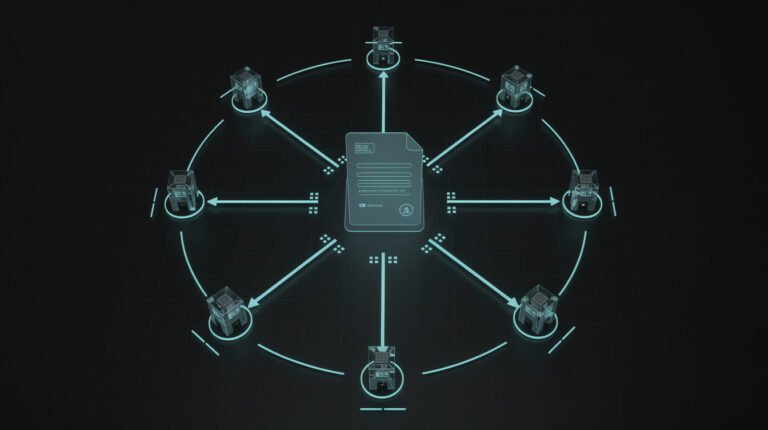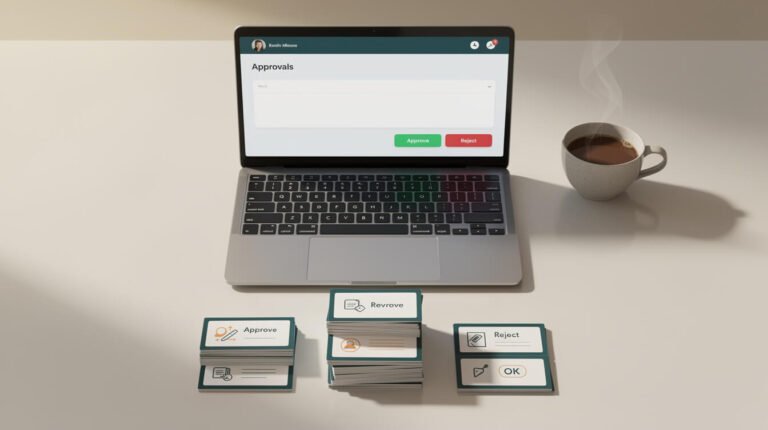
AI personalization has a branding problem: nearly every guide that ranks for it was written by an enterprise vendor who assumes you have a customer data platform, a data science team, and a martech budget with commas in it. If you are a solopreneur or a one-to-ten-person business, that advice is not just unhelpful — it is actively discouraging. It makes personalization sound like a project you need to hire for, when in reality it is something you can start shipping this week with tools you probably already pay for.
I run ten autonomous brands as a single operator. Every one of them personalizes — segmented newsletters, follow-ups that react to behavior, one-to-one email replies that sound like a human wrote them — and not one of them has a CDP or a data team behind it. This guide is the version nobody at IBM or Salesforce is going to write for you: how to do meaningful AI personalization without the enterprise machinery, what to skip, and the exact stack I use to make it run on autopilot.
What AI Personalization Actually Means for a Solo Business

Strip away the jargon and AI personalization is one idea: using data you already have about a person to change what they see, read, or receive so it fits them better — and using AI to do that at a scale a single human never could by hand. That is the whole thing. Not “hyper-personalization.” Not “agentic experience orchestration across every touchpoint.” Just: the right message, to the right person, at a moment it actually matters.
For a solo business, personalization lives in four practical places, and none of them require enterprise tooling:
- Email and newsletters — different segments get different content instead of one blast to everyone.
- Replies — AI drafts a genuinely personal one-to-one response that you approve in seconds.
- Lead magnets and offers — what someone is shown adapts to what they clicked or downloaded.
- Follow-ups — the next message fires based on behavior, not a fixed calendar.
Notice what is missing from that list: real-time website recommendations across a million products, dynamic pricing engines, and predictive models trained on billions of events. Those are real, but they are enterprise problems. Your version of personalization is smaller, cheaper, and — because you actually know your customers — often warmer than anything a Fortune 500 can automate. The AI is not there to replace your judgment. It is there to remember, sort, and draft so that your judgment reaches more people.
The Enterprise Playbook You Can Safely Ignore

Open any top-ranking article on this topic and you will hit the same wall within three paragraphs: “First, unify your data in a CDP.” A customer data platform is software whose entire job is to merge customer data from dozens of systems into one profile. It exists because big companies have data scattered across fifty tools and thousands of employees touching it. You do not have that problem. You have a CRM, an inbox, and maybe a checkout — and one person (you) who can see all of it.
Here is what the enterprise playbook tells you to buy that you can skip, at least for now:
- A CDP — your email tool or CRM already stores tags and behavior. That is your customer data platform at your scale.
- A data team — you are not training models. You are applying pre-built AI (like Claude) to text and segments. No analysts required.
- A dedicated “personalization platform” — these start in the four-and-five-figure-per-month range and justify themselves with dashboards you will never open.
- Real-time behavioral scoring at scale — lovely for Amazon, irrelevant when you have 800 or 8,000 subscribers, not 8 million.
The reason the search results are wall-to-wall enterprise advice is simple: those vendors are the ones who can afford to rank for a competitive term, and their goal is to make personalization sound complicated enough that you buy the platform. If you want the honest breakdown of why “buy the big tool” is usually the wrong first move for a small operator, I made the same argument about measurement in my guide to AI data analytics for solopreneurs. The pattern repeats everywhere: enterprise tooling solves enterprise-sized problems, and it quietly assumes you have enterprise-sized headaches you simply do not have yet.
Start Here: Personalized Email & Newsletter Segments Without a Martech Stack
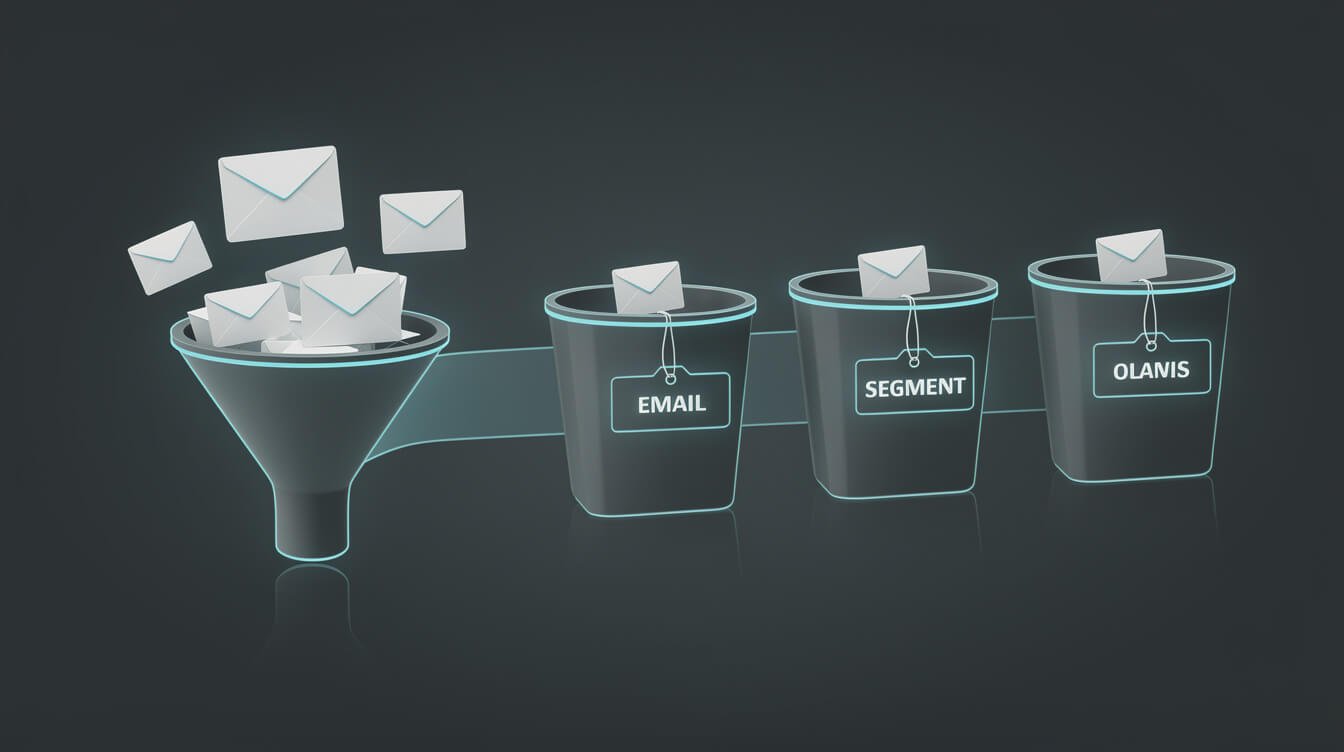
If you do one thing after reading this, do this. Segmented email is the highest-leverage personalization move available to a small business, and it needs nothing more than the email tool you already use. The mechanic is old — send different content to different groups — but AI makes the two hard parts (deciding the segments and writing for each one) almost free.
Step one: let behavior create your segments
You do not need a data scientist to define segments. You need tags that fire on actions people already take: downloaded the lead magnet, clicked a link about pricing, opened the last three emails, bought once, never opened anything in 60 days. Every serious email tool — FluentCRM, MailerLite, ConvertKit, Sendy with a little glue — can apply a tag automatically when one of those things happens. Those tags are your segments. That is the entire “customer data platform” a solo business needs on day one.
Step two: let AI write the variants
The reason people never actually segment is that writing five versions of an email is five times the work. This is exactly the job AI erases. Feed the model your base message plus a one-line description of the segment — “these people clicked pricing but haven’t bought” — and ask for a version tuned to that intent. In practice I keep a short prompt template per segment so the tone and offer stay consistent. If you have never written reusable prompts like this, my prompt engineering guide for solopreneurs walks through the exact structure I use so the output needs almost no editing.
Start with just two segments — engaged versus cold, or buyer versus prospect — and one AI-written variant for each. That single split routinely outperforms a one-size-fits-all newsletter, because the cold segment gets a re-engagement angle while the engaged segment gets the next step. You are personalizing by intent, not by scraping personal data, which is both more effective and far less creepy.

Get the AI Playbook I Use to Run 10 Autonomous Brands
One operator, a stack of AI agents, and a system that publishes and follows up while I sleep. Grab the free playbook and I will show you exactly how the pieces fit together.
AI-Drafted 1:1 Replies That Still Sound Like You (the Persona-File Trick)
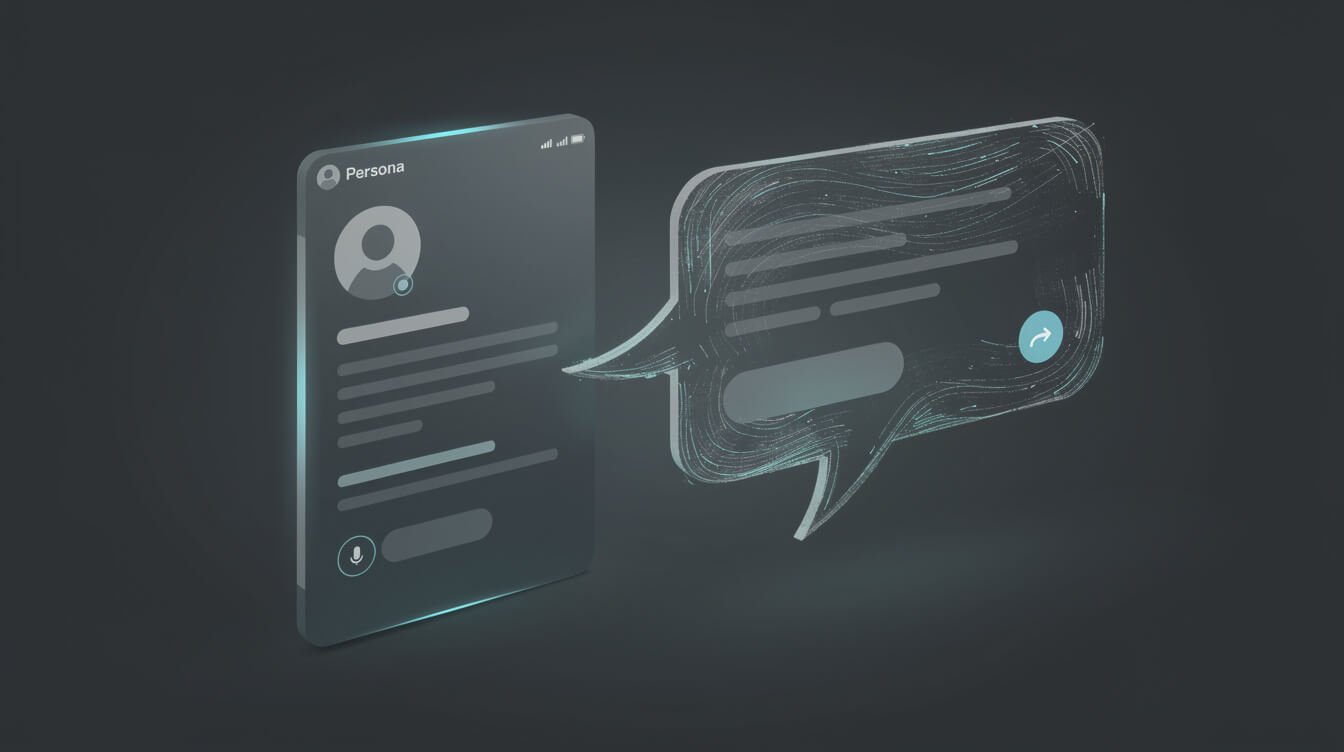
The most underrated form of personalization is not a campaign at all. It is the one-to-one reply — the email answer, the DM, the “thanks for signing up, what are you working on?” — that makes a subscriber feel like a person wrote to a person. It also does not scale by hand, which is exactly why most solo businesses let their inbox go cold. AI fixes this, but only if you solve the tone problem first.
The trick is a persona file: a single document that describes how you write. Not a personality quiz — a working spec. Mine includes my sign-off, the phrases I actually use, the things I never say, my typical email length (three to five sentences), and a few example replies I have sent in the past. When an email comes in, the AI reads the incoming message plus that persona file and drafts a reply that sounds like me because it is grounded in how I actually sound.
Two rules make this safe:
- Draft, do not auto-send. The AI proposes; a human approves. For anything involving a price, a promise, or a partnership, that human is always me. A draft that is 90% right still saves you 90% of the time.
- Ground it in real context. The reply should reference what the person actually wrote, not a generic template. That specificity is the difference between “personalized” and “mail merge.”
This is the same persona-and-approve pattern I lean on across the whole business, and it is closely related to how I handle inbound support — I broke that side down in my guide to AI and customer service for solopreneurs. The headline takeaway: personalization at the reply level is not about writing more. It is about capturing your voice once so AI can extend it a hundred times without sounding like a robot wearing your name tag.

⚡ GET THE AI EDGE
Weekly AI tips that actually save you time and money. No fluff, no hype — just what works.
Dynamic Lead Magnets & Behavior-Based Follow-Ups on a Budget
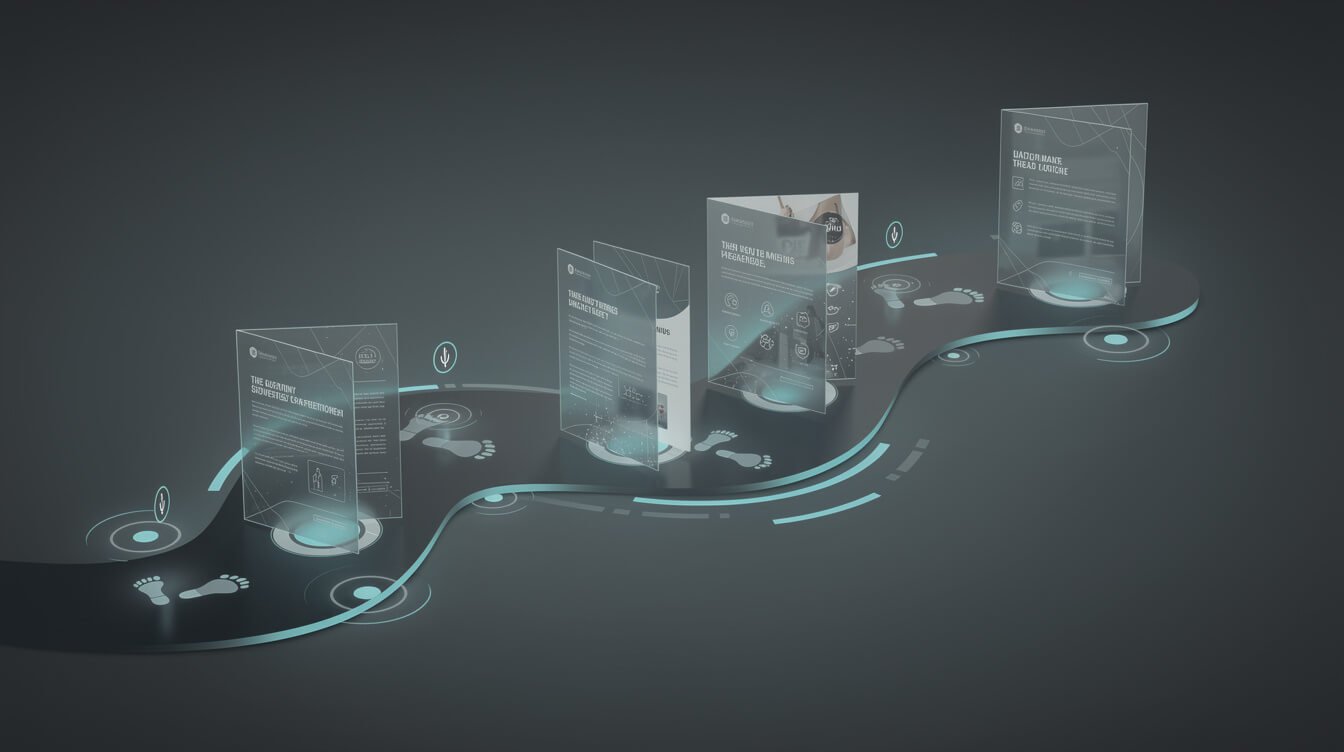
Once segments and personal replies are working, the next layer is making your funnel react. This is where personalization stops being a nice touch and starts driving revenue, and you can build all of it with automation tools that cost tens of dollars a month, not tens of thousands.
Dynamic lead magnets
Instead of one PDF for everyone, offer the thing that matches the visitor’s context. Someone reading an article about email gets the email-templates upgrade; someone on a pricing page gets the ROI calculator. You do not need a personalization engine for this — you need two or three well-matched offers and a rule about which page shows which. AI helps you spin up those variant lead magnets fast, because generating a tailored checklist or template pack is a five-minute job now, not a five-day one. My rundown of AI-powered content creation tools covers the exact tools I use to produce those assets on demand.
Behavior-based follow-ups
A calendar-based sequence sends email three on day five whether or not the person is interested. A behavior-based sequence sends the relevant next message when the person does something: clicked but did not buy, watched the demo, went quiet for two weeks. The logic is simple if/then automation — the kind any tool like n8n, Make, or your CRM’s built-in workflows can run — and AI drafts the message each branch needs. The result feels like you are paying attention to each person individually, because functionally you are; the system is just doing the watching for you.
The budget reality: a self-hosted automation tool and an email platform will run you somewhere in the range of a nice dinner per month. The personalization does not come from expensive software. It comes from writing smart rules once and letting AI fill in the words each time a rule fires.
My Actual AI Personalization Stack (FluentCRM Tags + Agent Drafts)
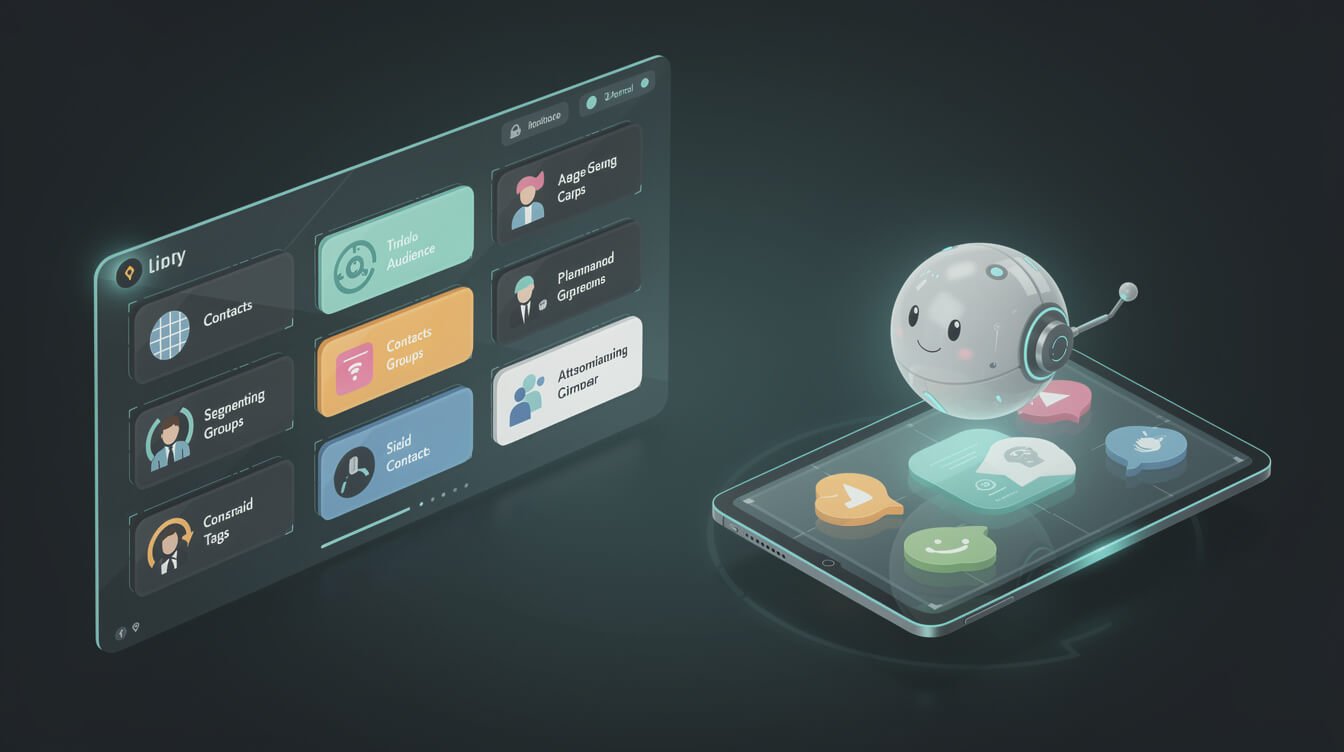
Here are the receipts. This is the real stack that personalizes across my brands, with no CDP and no data team anywhere in it:
- FluentCRM as the source of truth. Every subscriber carries tags — where they came from, what they downloaded, whether they have bought, how engaged they are. Those tags are applied automatically by form submissions and link clicks. This is my “customer data platform,” and it lives inside WordPress for a flat cost.
- Segmented sends driven by those tags. Campaigns target tag combinations, and an AI agent drafts the per-segment variant before anything goes out. Engaged buyers and cold prospects never get the same email.
- Agent-drafted one-to-one replies. Inbound email is read by an agent working from my persona file. It drafts a reply in my voice; I approve or tweak. The sign-off is always “— Jon,” and a human always makes any commitment.
- Behavior triggers in automation. Tag changes fire follow-up sequences. Someone hits the pricing page, gets tagged, and the relevant nurture starts — no manual step.
The important part is not any single tool — it is that these pieces are wired together so personalization happens without me babysitting it. A tag change in FluentCRM can trigger a workflow that asks an AI agent to draft something, which lands in a queue for approval. That is the whole “autonomous” trick: small, boring integrations doing one reliable job each.
If reading that makes you think “I get the idea but I do not want to spend a month wiring it up myself,” that is exactly the gap I close for people. Book an automation strategy session and I will map your version of this stack — which tags, which triggers, which replies to automate first — against the tools you already have, so you are shipping personalization in weeks, not quarters.
Where AI Personalization Goes Wrong for Small Businesses (Creepy vs. Helpful) + FAQ
AI personalization has a failure mode, and it is not technical — it is human. Cross the line and “helpful” becomes “creepy,” and a small brand cannot afford the trust hit. The rule I use: personalize on what people intentionally told you, not on what you inferred by surveilling them. Referencing that someone downloaded your pricing guide is helpful. Referencing something they never knowingly shared is unsettling. Behavior tags on your own list are fair game; creepy data-broker enrichment is not — and for a solo brand, the warmth of feeling human is your entire advantage over the enterprise.
The other common mistakes: over-segmenting into twenty tiny lists you cannot maintain (start with two), automating replies with no human approval (a wrong promise in your voice is worse than a slow reply), and personalizing the wording while ignoring whether the offer is actually relevant. Get the intent right first; the tailored sentence is the easy part.
Frequently Asked Questions
Do I need a CDP to do AI personalization? No. At solo and small-business scale, the tags in your email tool or CRM are your customer data platform. A CDP solves a data-fragmentation problem you do not have yet.
What is the single first step? Split your list into engaged versus cold, and send each an AI-written variant of your next email. That one move beats a generic blast almost every time.
Will AI-written personalization sound robotic? Only if you skip the persona file. Ground the AI in real examples of your voice and real context from the recipient, and it reads as personal because it is.
How much does this cost? The tools — an email/CRM tool plus a self-hosted automation app — land in the tens-of-dollars-a-month range. The value comes from the rules and prompts you set up once, not from expensive software.
Is it safe to automate replies? Yes, as a draft-then-approve flow. Let AI write; you approve anything involving money, promises, or partnerships. Never fully hands-off for one-to-one commitments.
Final Thoughts
AI personalization is not an enterprise capability you have to grow into. It is a set of small, practical moves — segmented email, personal replies, behavior-based follow-ups — that a one-person business can start shipping this week without a CDP, a data team, or a martech budget. The enterprise guides make it sound expensive because expensive is what they are selling. Your version is cheaper, warmer, and honestly harder to fake, because you actually know the people on your list.
Start with one split test on your next newsletter. Add a persona file so your replies scale without losing your voice. Wire a single behavior trigger. Then let the system compound. And if you would rather have the whole thing mapped and built for you, book an automation strategy session and we will design the personalization stack that fits your business — not IBM’s.
Get the AI Playbook I Use to Run 10 Autonomous Brands
One operator, a stack of AI agents, and a system that publishes and follows up while I sleep. Grab the free playbook and I will show you exactly how the pieces fit together.

📥 FREE: THE AI PLAYBOOK
The exact tools and workflows I use to run a one-person agency. 25 years of marketing experience distilled into an actionable guide. Yours free.

AI & Digital Marketing Strategist
With over 25 years in digital marketing, e-commerce, sales, and international business, Jon Jones is a seasoned entrepreneur dedicated to empowering small businesses through innovative AI solutions. His journey began in investment banking on Wall Street, guiding companies through capital acquisition and complex markets, and has expanded to include expertise in web development, brand design, product development, and courses and training.
Fluent in Mandarin and with a rich foundation in both finance and tech, Jon launched JonJones.ai to provide accessible, transformative tools for small businesses to streamline operations, generate leads, and build sustainable growth. His mastery of AI, automation, and digital strategy has enabled numerous businesses to bridge the gap between traditional practices and modern technology, ensuring they thrive in today’s digital landscape.