
Search “best AI website builder” and you’ll get the same thing every time: a listicle of twelve tools, each with a star rating, an affiliate link, and a “winner” that just happens to pay the biggest commission. I’ve built and shipped dozens of sites — for my own brands and for clients — and I can tell you that almost none of those rankings answer the only question that matters: what are you actually trying to build?
This isn’t another ranked list pretending all websites are the same problem. This is a builder’s honest take on the best AI website builder for 2026 — which tools are genuinely worth it, which are hype dressed up in a demo video, and when you should skip the builder entirely and let an AI coding agent do the job better. By the end, you’ll know exactly which tool fits your project, and you’ll never fall for a “top 10” list again.
Why Every “Best AI Website Builder” Listicle Is Wrong About What Matters

Here’s the dirty secret of the “best AI website builder” genre: most of those articles are ranked by affiliate payout, not by output quality. The tool at the top of the list is usually the one with the most generous partner program — not the one that builds the best site for your use case. That’s why the same five or six names shuffle around in a different order on every site you visit.
The deeper problem is that these lists treat “a website” as one thing. It isn’t. A one-page launch site for a weekend project, a lead-generating marketing site for a service business, and a full web app with user logins and a database are three completely different jobs. A tool that’s brilliant at one is often useless at the others. Ranking them on a single leaderboard is like putting a motorcycle, a minivan, and a cement truck in the same “best vehicle” list.
Notice, too, what’s sitting at the very top of Google for this search: a Reddit thread. When the number-one result for a commercial keyword is real people asking each other for honest opinions, that’s the market screaming that the listicles aren’t cutting it. People don’t want another feature-comparison table. They want someone who actually ships to tell them the truth. So let’s do that.
The 3 Use Cases That Determine Which Builder You Actually Need
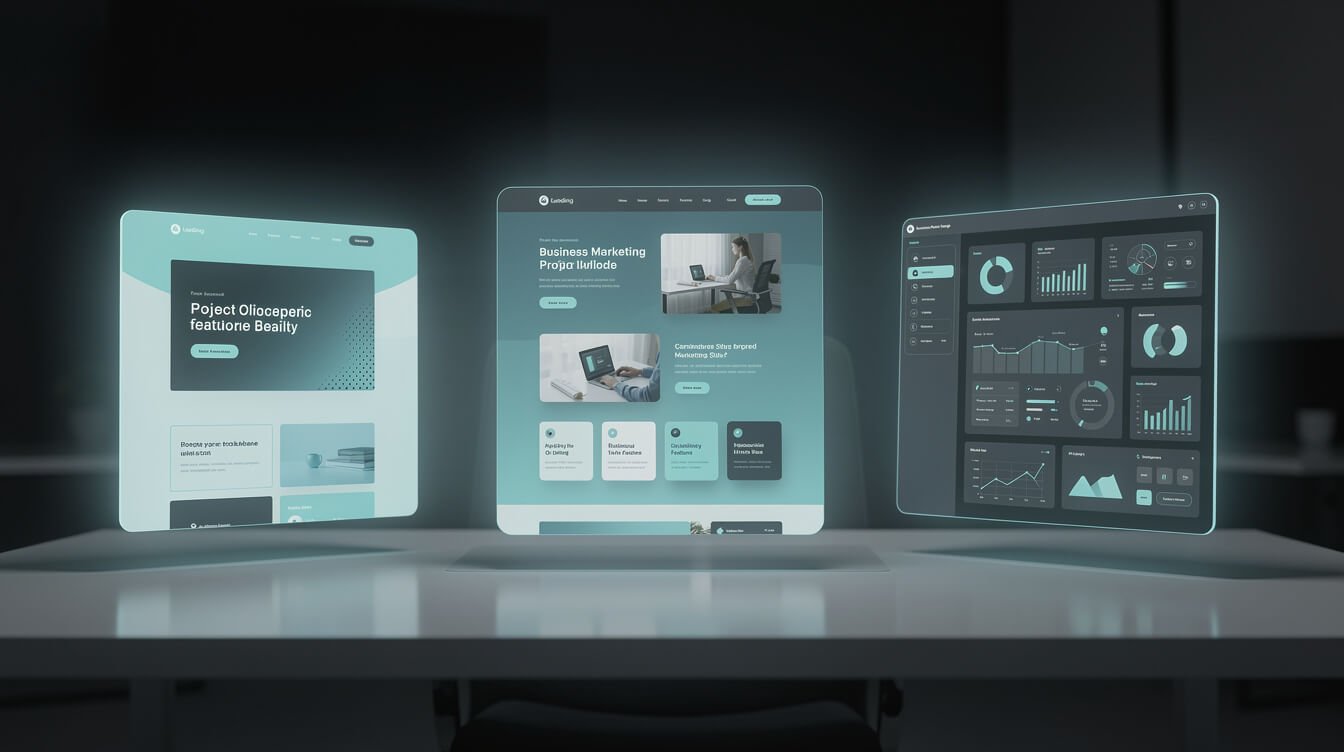
Before you look at a single tool, get honest about which of these three jobs you’re doing. This one decision eliminates 80% of the options and saves you weeks of trialling the wrong thing.
Use case 1: The simple presence site
A portfolio, a personal brand page, a “coming soon” launch, a local business with five pages and a contact form. You need it to look clean, load fast, and exist by tomorrow. You will almost never touch the code. For this, a mainstream AI website builder is not just acceptable — it’s the right call. Fighting a code editor for a five-page brochure site is over-engineering.
Use case 2: The marketing site that has to convert
A service business, a SaaS landing page, a content site that needs real SEO and fast performance. Design quality and page speed directly affect revenue here. You want pixel control, custom animations, clean semantic markup, and the ability to plug in analytics and forms. This is the sweet spot for the design-first AI builders — and the danger zone for the cheap “type a prompt, get a site” tools that produce generic, slow, template-y output.
Use case 3: The actual application
User accounts, a database, custom logic, payments, an API. This is not a website builder job — this is software. The moment you need real functionality, most AI website builders hit a wall, and you’re either stuck or paying to export half-broken code. This is where AI coding tools and agents leave website builders in the dust, which I’ll get to shortly. If you’re curious how that world works, my guide to what vibe coding actually is is the best place to start.
Pick your lane honestly. The most expensive mistake in this whole category is using a use-case-2 or use-case-3 tool for a use-case-1 problem, or worse, trying to force a use-case-1 builder to do use-case-3 work.
AI Website Builders for Solopreneurs: The 5 That Actually Deliver

These are the tools I’d actually recommend to a solopreneur in 2026, sorted by the job they’re best at — not by who pays me. I have no affiliate relationship with any of them.
1. Wix AI — best for “I just need a site by tomorrow”
Wix’s AI builder is the sensible default for use case 1. You answer a few questions, it generates a full site, and it’s genuinely usable out of the box. Hosting, forms, and a domain are all handled. The trade-off is the classic Wix trade-off: you’re renting, not owning, and you’ll never fully escape the platform. For a presence site, that’s a perfectly fair deal.
2. Framer — best for design-led marketing sites
Framer is where I point people who care how the site looks and need it to convert. The AI gets you a strong first draft, then you get real design control — animations, breakpoints, CMS collections — without touching code. Performance is excellent, which matters for SEO. For use case 2, Framer is my top mainstream pick.
3. Lovable — best for the vibe-coding generation
Lovable represents the new breed: describe an app in plain English and it generates a real, functioning app you can keep iterating on. It blurs the line between “website builder” and “software.” For a solopreneur who wants a simple app or an interactive site without hiring a developer, it’s remarkable — with the caveat that the further you push it, the more you’ll wish you understood the code underneath.
4. v0 by Vercel — best for shipping real UI fast
v0 generates polished, production-grade interface components and pages from prompts, and it plays beautifully with a real deployment pipeline. It sits between a builder and a coding tool. If you’re even slightly technical and want output you actually own, v0 is a joy.
5. Durable — best for the absolute fastest “good enough” site
Durable builds a serviceable local-business site in about thirty seconds. It’s not winning design awards, but for a tradesperson or a brand-new service business that needs to exist online today, the speed-to-live is unbeatable. Know what it is: a fast starting point, not a forever home.
Notice the pattern — every one of these wins at a specific job. There is no single “best” here, and anyone who tells you otherwise is selling something.

⚡ GET THE AI EDGE
Weekly AI tips that actually save you time and money. No fluff, no hype — just what works.

Get the free AI Playbook
The exact plays I use to run a fleet of autonomous businesses solo — the workflows, the tools, and the systems, in one download. No fluff, just the receipts.
When to Skip the Website Builder and Use Claude Code Instead
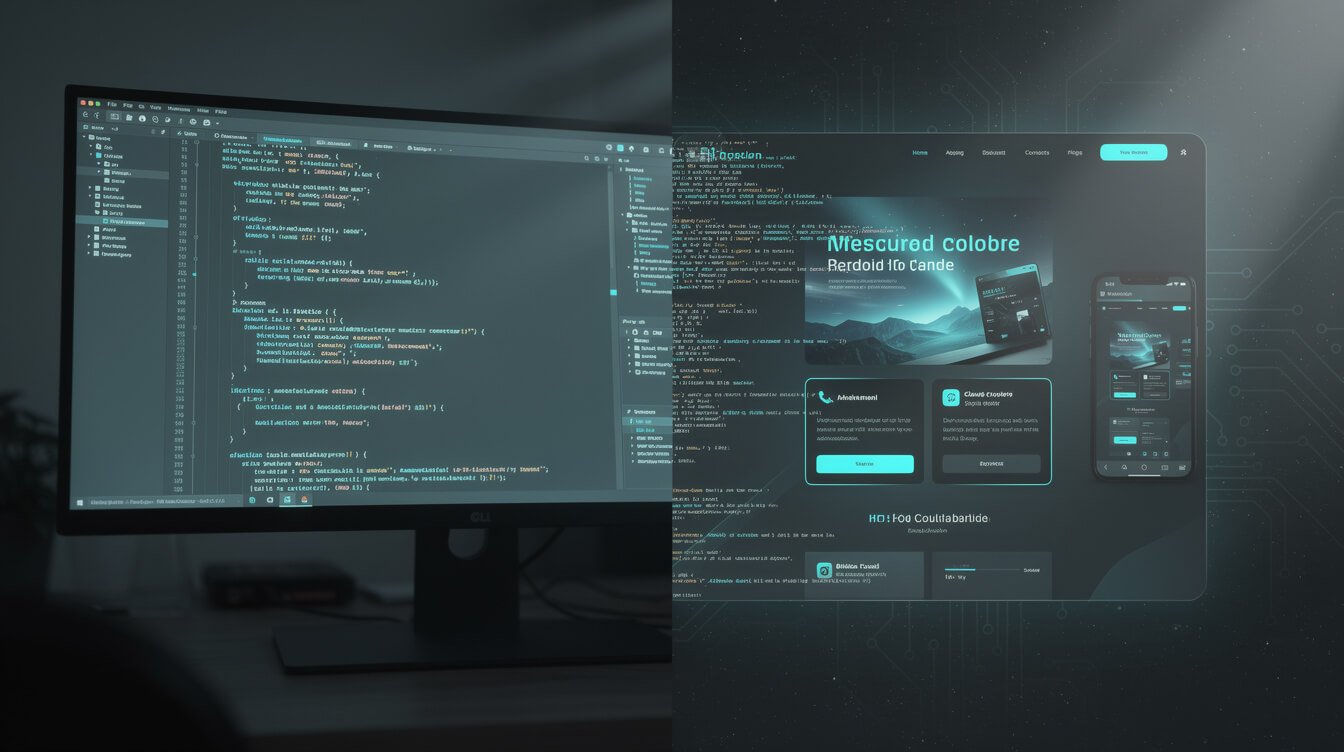
Here’s the part no listicle will tell you, because there’s no affiliate link for it: for a huge number of real projects, the best AI website builder isn’t a website builder at all. It’s an AI coding agent like Claude Code.
The logic is simple. Website builders trade control for convenience. That trade is great when your project fits inside the builder’s guardrails and terrible the moment it doesn’t. With an agent like Claude Code, you describe what you want in plain English — same as vibe coding — but the output is real, standard code that you own outright. No platform lock-in, no export fees, no monthly rent, no ceiling on complexity. It deploys anywhere, and when you need a feature the builder never anticipated, you just ask for it.
I run a fleet of autonomous brand businesses this way. The sites, the automation, the internal tools — a lot of it started as a conversation with a coding agent, not a drag-and-drop editor. When I need a custom landing page with a quirky integration, I don’t fight a builder’s template limits; I describe it and ship it. If that world is new to you, my Claude Code tutorial for beginners walks through your first agent in about thirty minutes, and my breakdown of AI-powered code editors compares the main options honestly.
Use Claude Code (or a similar agent) when: you need something custom, you want to own the code, you’re building an app rather than a brochure, or you’re going to iterate on this thing for years. Use a website builder when: it’s a simple presence site, you never want to see code, and speed-to-live matters more than control. That single distinction will save you more money and frustration than any ranked list ever could. If setting all this up yourself feels daunting, this is exactly the kind of thing I build for clients as a done-for-you automation project.
The Hidden Cost of “Free” AI Website Builders

“Free” is the most expensive word in this entire category. Almost every AI website builder dangles a free tier, and almost none of them are free in the way you think. Here’s what the listicles conveniently leave out.
- The domain hostage situation. Free plans put your site on a branded subdomain like yourname.builder.com. To use your own domain — table stakes for anything professional — you’re immediately on a paid plan.
- The forced upgrade at the worst moment. Free tiers cap the exact things you need the day you get traction: more pages, e-commerce, removing the builder’s ads, connecting a form to your email list. You upgrade under pressure, not on your terms.
- Lock-in by design. This is the big one. Most builders make it painful or impossible to export a clean, portable version of your site. Your content, your design, and your SEO history all live inside their walls. Leaving means rebuilding from scratch — so you don’t leave, and the monthly fee becomes permanent.
- The SEO and speed tax. Cheaper AI builders often generate bloated, template-heavy pages that load slowly and rank poorly. You save on build cost and pay for it in invisible traffic you never earned.
None of this means builders are a scam — it means “free” is a customer-acquisition tactic, not a gift. Do the honest math: a builder at $20–$40/month is $240–$480 a year, every year, forever, on a site you don’t own. Sometimes that convenience is worth it. But you should choose it with eyes open, which is the entire point of owning your code when the project justifies it.
My Honest Pick: What I Actually Use for Different Projects

So after all that, what do I actually reach for? It depends entirely on the job — which is the whole thesis of this article. Here’s my real decision tree, no hedging.
- A quick presence site for a new brand or a client who’ll manage it themselves: Framer for anything design-forward, Wix AI if they want the most hands-off all-in-one. Both are use-case-1 winners and I don’t overthink it.
- A marketing site that has to rank and convert: Framer, or a code-owned build if the client wants full control and long-term flexibility. Speed and SEO are non-negotiable here.
- Anything with real functionality — an app, a tool, a custom integration: Claude Code, every time. I describe it, I own it, and it grows with the business instead of hitting a platform ceiling.
- My own fleet of autonomous businesses: almost entirely agent-built. When you’re running many brands solo, owning the code and automating the build is the only thing that scales. A rented builder would break the model.
The meta-lesson: I don’t have one favorite tool, I have a favorite question — “what am I actually building?” Answer that honestly and the right tool becomes obvious. Chase a “best of” ranking and you’ll end up with a tool optimized for someone else’s project, or someone else’s affiliate revenue.
Frequently Asked Questions

What is the best AI website builder for beginners?
For a true beginner who wants a simple site and never wants to see code, Wix AI is the most forgiving all-in-one — hosting, domain, and forms are handled for you. If design quality matters more, Framer’s AI gives you a stronger-looking result with room to grow. Both fit use case 1 well.
Is an AI website builder good enough for a real business?
For a presence or marketing site, absolutely — a well-built Framer or Wix site is more than good enough to win customers. The limit appears when your business needs custom functionality like user accounts, a database, or bespoke integrations. At that point you’ve outgrown builders and want an AI coding agent instead.
Can AI actually build a whole website by itself?
Yes — that’s exactly what tools like Lovable, v0, and Claude Code do. You describe what you want and AI generates a working result. The difference is ownership: builders keep the output inside their platform, while a coding agent hands you real, portable code you fully control. This is the essence of vibe coding.
Should I use a website builder or Claude Code?
Use a builder for simple presence sites where speed and zero-code convenience matter most. Use Claude Code when you need something custom, want to own your code, or are building an actual application. When in doubt, ask whether you’ll still be iterating on this in a year — if yes, own the code.
How much does the best AI website builder really cost?
Expect $20–$40 per month for a professional plan on most mainstream builders once you add your own domain and remove branding — roughly $240–$480 a year, indefinitely. A code-owned site shifts the cost to your time (or a one-off build) but removes the recurring rent and the lock-in.
Final Thoughts: Stop Ranking Tools, Start Matching Jobs
The reason every “best AI website builder” list feels hollow is that it’s answering the wrong question. There is no universal best — there’s only the best tool for the specific thing you’re building. Nail down whether you’re making a simple presence site, a conversion-focused marketing site, or a real application, and the choice practically makes itself: a mainstream builder like Wix or Framer for the first two, and an AI coding agent like Claude Code the moment you need real ownership and real functionality.
Do that, and you’ll spend your money on the right tool the first time, skip the “free” traps, and own more of what you build. That’s how one operator runs an empire of sites and businesses without a team — by matching the job to the tool, and automating everything that can be automated. If you want the full playbook for building that way, grab the free download below.
Get the free AI Playbook
The exact plays I use to run a fleet of autonomous businesses solo — the workflows, the tools, and the systems, in one download. No fluff, just the receipts.

📥 FREE: THE AI PLAYBOOK
The exact tools and workflows I use to run a one-person agency. 25 years of marketing experience distilled into an actionable guide. Yours free.

AI & Digital Marketing Strategist
With over 25 years in digital marketing, e-commerce, sales, and international business, Jon Jones is a seasoned entrepreneur dedicated to empowering small businesses through innovative AI solutions. His journey began in investment banking on Wall Street, guiding companies through capital acquisition and complex markets, and has expanded to include expertise in web development, brand design, product development, and courses and training.
Fluent in Mandarin and with a rich foundation in both finance and tech, Jon launched JonJones.ai to provide accessible, transformative tools for small businesses to streamline operations, generate leads, and build sustainable growth. His mastery of AI, automation, and digital strategy has enabled numerous businesses to bridge the gap between traditional practices and modern technology, ensuring they thrive in today’s digital landscape.