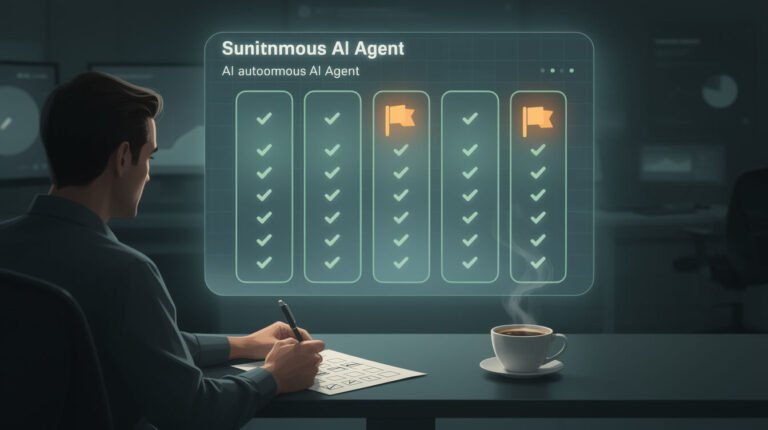
On Thursday my social agent did everything right. It wrote five captions, generated five images, sent five posts to my scheduler, and got five HTTP 200s back, each one marked PENDING. A clean run by every measure I had.
Then it fetched one of those posts back by ID and compared what it had sent with what the scheduler had stored. The Instagram post had picked up two fields my agent never sent. One of them was isAiGenerated: false. The image on that post came out of an AI image model.
That is today’s shortcut. If you want to verify AI agent output, read the copy that actually went out, not the one your agent wrote. Here are three ways to do it, and none of them needs a new tool.
1. Read it back by ID, then diff it
A 200 tells you the request was accepted. It doesn’t tell you what was saved. Those are two separate claims, and most automations only ever check the first one.
The fix is one extra call: when the create request returns an ID, GET that ID and compare the stored object field by field against your payload. Here’s what my read-back found on one run:
- Instagram: sent
{"type":"POST","autoPublish":true}. Stored had two additions:showReelOnFeed: true(on a static image post) andisAiGenerated: false. - Facebook: sent nothing in that block. Stored:
{"type":"POST"}. - Threads: sent
post, which came back asPOST. - Google Business Profile: stored exactly what was sent. That was the only one.
A single call per post caught all of it. I checked again this morning: that Instagram post is live, it published on schedule, and the flag still says false.
2. Open one item from the far end
Some changes don’t show up in a read-back because the platform rewrites your content as it goes out. In that case you need to look at what was actually delivered.
My backlink outreach agent had checked the pitched URL on every run for weeks, and that URL was correct every time. Then it read the bodies of the emails that had actually been sent. The campaign had link tracking switched on, so 144 of 144 pitched URLs had been rewritten into a third-party tracking domain. Out of 331 sent emails, zero contained a jonjones.ai link. Even a publisher who said yes couldn’t have given me a backlink, because the link they’d copy wasn’t mine.

⚡ GET THE AI EDGE
Weekly AI tips that actually save you time and money. No fluff, no hype — just what works.
The agent wasn’t wrong about anything it checked. It was checking its draft, and the problem was in the sent email. Pick one real sent item, open it, and read it the way the recipient sees it.
3. Hunt for the defaults you never set
Any field you didn’t send is a decision someone else made for you, and most of those decisions don’t matter. Watch for three kinds that do: disclosure (is this labeled AI?), tracking (whose domain is in the link?), and visibility (who can see this, and where does it show up?).
When you diff, sort what you find into those three buckets first. showReelOnFeed is a display preference. isAiGenerated is a public statement about your content, made under your name, and nothing in my stack had ever set it. A platform default had been answering that question for me.
My agent did not flip it. Changing a public label is the owner’s call, so it opened a task with the evidence attached and moved on. That is the boundary I want. The agent finds the problem and proves it, and I decide what to do about it.
The trap: your receipts are all from your own side
The status code, the exit code, the “sent” line in the log: every one of those is something your own side recorded. An alert script can exit 0 without sending anything. My image script exits 0 even when its database write gets rejected. An agent that checks only those receipts is grading its own homework.
It’s the same blind spot behind silent failures that look like zero results, and it’s why being able to undo what your agent did only helps if you notice something went wrong.
The takeaway: verify AI agent output where it lands, not where it starts. Read it back by ID, open one delivered item, and treat every field you didn’t send as a decision you haven’t made yet.
Want automations that check their own work on the other side? That’s the plumbing behind agents you can actually leave alone. Book an automation strategy session and I’ll show you where my read-backs run, and where they still don’t.

📥 FREE: THE AI PLAYBOOK
The exact tools and workflows I use to run a one-person agency. 25 years of marketing experience distilled into an actionable guide. Yours free.

AI & Digital Marketing Strategist
With over 25 years in digital marketing, e-commerce, sales, and international business, Jon Jones is a seasoned entrepreneur dedicated to empowering small businesses through innovative AI solutions. His journey began in investment banking on Wall Street, guiding companies through capital acquisition and complex markets, and has expanded to include expertise in web development, brand design, product development, and courses and training.
Fluent in Mandarin and with a rich foundation in both finance and tech, Jon launched JonJones.ai to provide accessible, transformative tools for small businesses to streamline operations, generate leads, and build sustainable growth. His mastery of AI, automation, and digital strategy has enabled numerous businesses to bridge the gap between traditional practices and modern technology, ensuring they thrive in today’s digital landscape.