Here’s a sentence the enterprise software industry does not want you to read: you can run world-class customer service as a solo operator, for almost nothing, starting this week. The whole conversation around AI and customer service has been hijacked by companies selling six-figure platforms to support teams of fifty. Search the topic and you’ll get IBM, Salesforce, and Zendesk telling you about “contact center transformation” and “omnichannel deflection at scale.” None of it is written for you — the person who is the support team, the founder, the shipping department, and the CEO all at once.
I run a portfolio of autonomous businesses by myself, and AI handles the overwhelming majority of my customer inquiries before I ever open my inbox. Not a 20-person team — me, plus a handful of Claude-powered agents that read, triage, and draft replies around the clock. This guide is the version of AI and customer service I wish existed when I started: no enterprise contract, no jargon, just the exact stack and the exact decisions that let one person deliver 24/7 support without burning out. Along the way I’ll show you real pieces of my own setup — the receipts, not the theory.
What AI and Customer Service Actually Means for a Solo Operator

For an enterprise, “AI in customer service” means deflecting tickets so 200 human agents handle higher volume. For you, it means something completely different: it means never letting a customer wait twelve hours for a reply just because you were asleep, on a flight, or heads-down building the actual product. The goal isn’t to replace a team you don’t have — it’s to give yourself the responsiveness of a team you can’t afford.
When you’re solo, every customer message is a context switch, and context switches are what quietly kill one-person businesses. You’re deep in a build, an email lands, and now you’re writing a refund policy in your head instead of shipping. AI fixes this by absorbing the first 80% of every interaction: reading the message, understanding intent, pulling the relevant context, and drafting a reply in your voice. You stay in control of what actually goes out — but you skip the cold-start tax on every single conversation.
The practical definition I work from is simple. AI customer service for a solopreneur is a loop: a customer reaches out, an agent reads and classifies the message, it drafts a response grounded in your real policies and history, and either sends it automatically (for the easy 70%) or hands it to you with everything pre-loaded (for the tricky 30%). That’s it. No “conversational AI platform.” No seat licenses. Just a loop you own. If you’ve never built an automated loop before, my guide to autonomous AI agents walks through the underlying pattern this all rests on.
The 5 Customer Service Tasks AI Can Handle Without You Watching
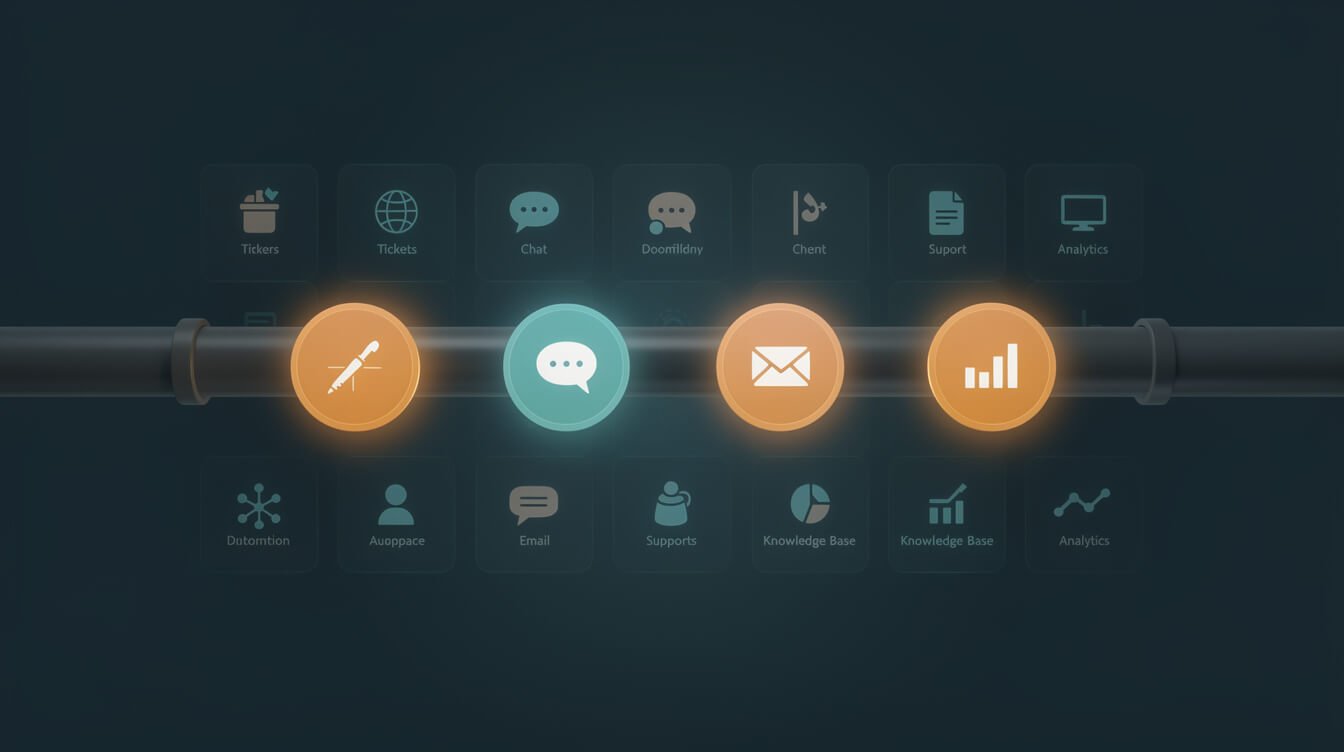
Not everything should be automated, but five specific tasks are almost pure upside. These are the jobs that are high-frequency, low-judgment, and emotionally draining when you do them by hand a hundred times a week.
- Triage and tagging. Every incoming message gets read, classified (sales question, bug report, refund, partnership, spam), and labeled before you see it. My email agent applies Gmail labels automatically —
Customer,Partnership,Finance,Misc— so my inbox is pre-sorted the moment I open it. - First-response drafting. For known question types, AI writes a complete reply in your voice, grounded in your real FAQ and policies. You approve or tweak instead of writing from scratch.
- Knowledge lookup. “What’s your refund window?” “Do you support X?” These have fixed answers. An agent with access to your docs answers them instantly and identically every time — no more contradicting yourself across threads.
- Follow-ups and nudges. The quiet revenue-killer for solo operators is the conversation that goes cold because you forgot to circle back. AI tracks open threads and drafts the follow-up at the right interval.
- Summarizing long threads. When a conversation balloons to fifteen messages, AI collapses it into a three-line summary so you make the decision in ten seconds, not ten minutes.
Notice what’s not on this list: anything requiring a judgment call about a frustrated human, a pricing exception, or your brand’s reputation. We’ll get to those. The five above are the ones you can hand off today and genuinely stop watching.
Here’s the compounding effect that makes this worth doing properly. Each of these five tasks individually saves a few minutes. But the real win is what they do together: when triage, lookup, drafting, follow-up, and summarizing all run automatically, your customer service stops being a stream of interruptions and becomes a queue you review on your own schedule. That shift — from reactive to batched — is the difference between a business that runs you and one you run. I check support twice a day, clear the escalations in fifteen minutes, and the rest already happened while I was building. For a deeper look at how that “while you were sleeping” automation actually operates, my autonomous AI agents guide shows the scheduling pattern end to end.
The Solopreneur’s AI and Customer Service Stack (What Jon Actually Uses)
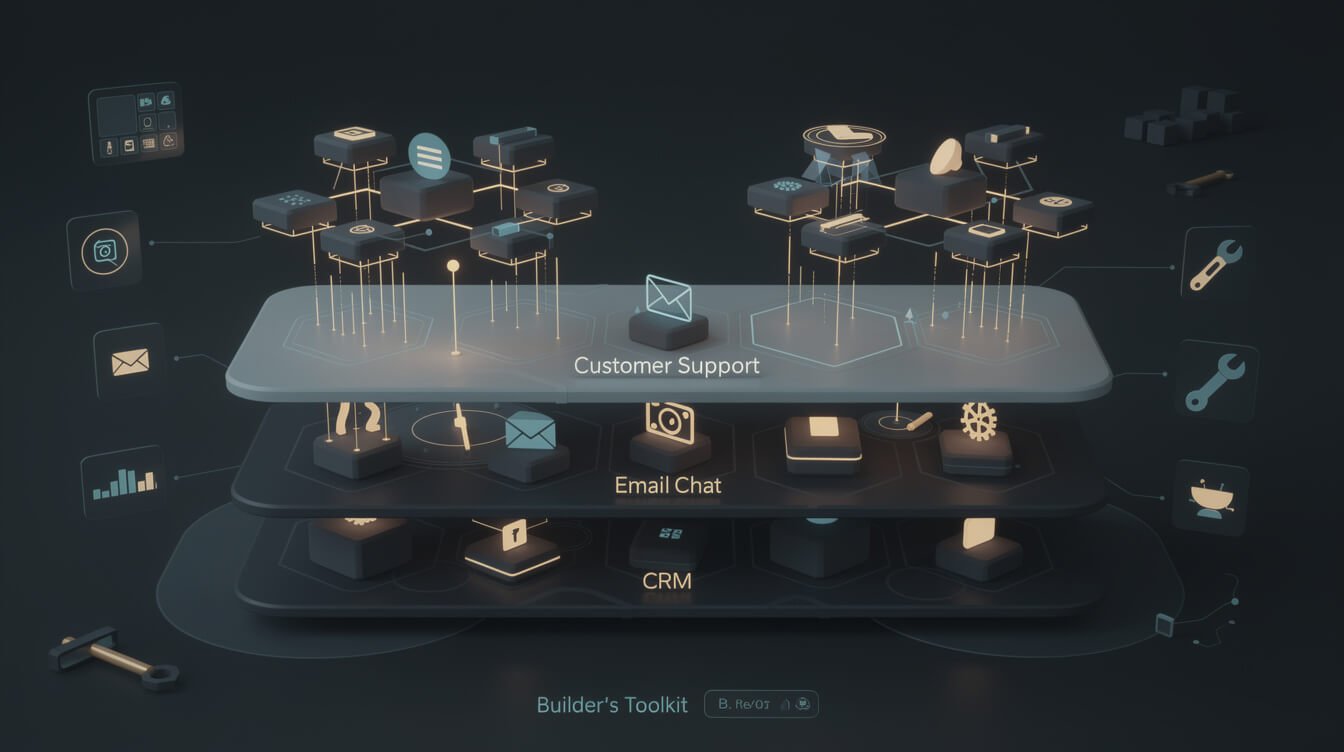
People expect me to name some expensive helpdesk suite here. I don’t use one. My entire AI and customer service stack is built from cheap, composable parts that I fully control — and that’s the point. When you own the pieces, you can change any behavior in minutes instead of filing a feature request with a vendor.
Here’s the actual stack:
- Gmail as the front door. Almost every solo business funnels customer contact through email. I keep it that way. No new inbox to monitor.
- Claude as the brain. A scheduled agent reads new mail, classifies it, and drafts replies in my voice using a persona file that captures my tone, backstory, and rules. It even knows to never make pricing commitments on my behalf — because I told it not to, once, in plain English.
- An email-checker agent on a cron schedule. It wakes up, pulls unread messages, categorizes each one, applies labels, drafts responses for the easy ones, and escalates the rest into my task manager as a flagged item.
- A task board (Asana) as the escalation queue. Anything financial or genuinely ambiguous becomes a task instead of an auto-reply. The AI knows its own limits.
That’s a 24/7 support operation that costs me the price of API tokens. If you’re new to the tool doing the heavy lifting, start with my Claude Code tutorial for beginners — it’s the same engine, pointed at your inbox instead of your codebase. And if you want the broader philosophy of why a solo operator out-services a bloated team, I made that case in my guide to AI and consulting.
Why does this composable approach beat a polished helpdesk app for a solo business? Three reasons. First, cost scales with usage, not seats — you pay pennies per conversation instead of a flat monthly fee whether you get five tickets or five hundred. Second, everything lives in tools you already know, so there’s no migration, no new dashboard to babysit, and no lock-in. Third — and this is the one nobody mentions — your AI gets smarter the more you encode about your business. Every rule you add to the persona file, every policy you write down, compounds. A SaaS helpdesk treats your business as one of ten thousand identical accounts. Your own stack treats it as the only one that matters.

Steal My AI Playbook
The exact prompts, stacks, and automations I use to run a one-person empire with AI agents. Grab the free AI Playbook and start replacing busywork this week.
How to Set Up Automated Email Replies with Claude (Step-by-Step)
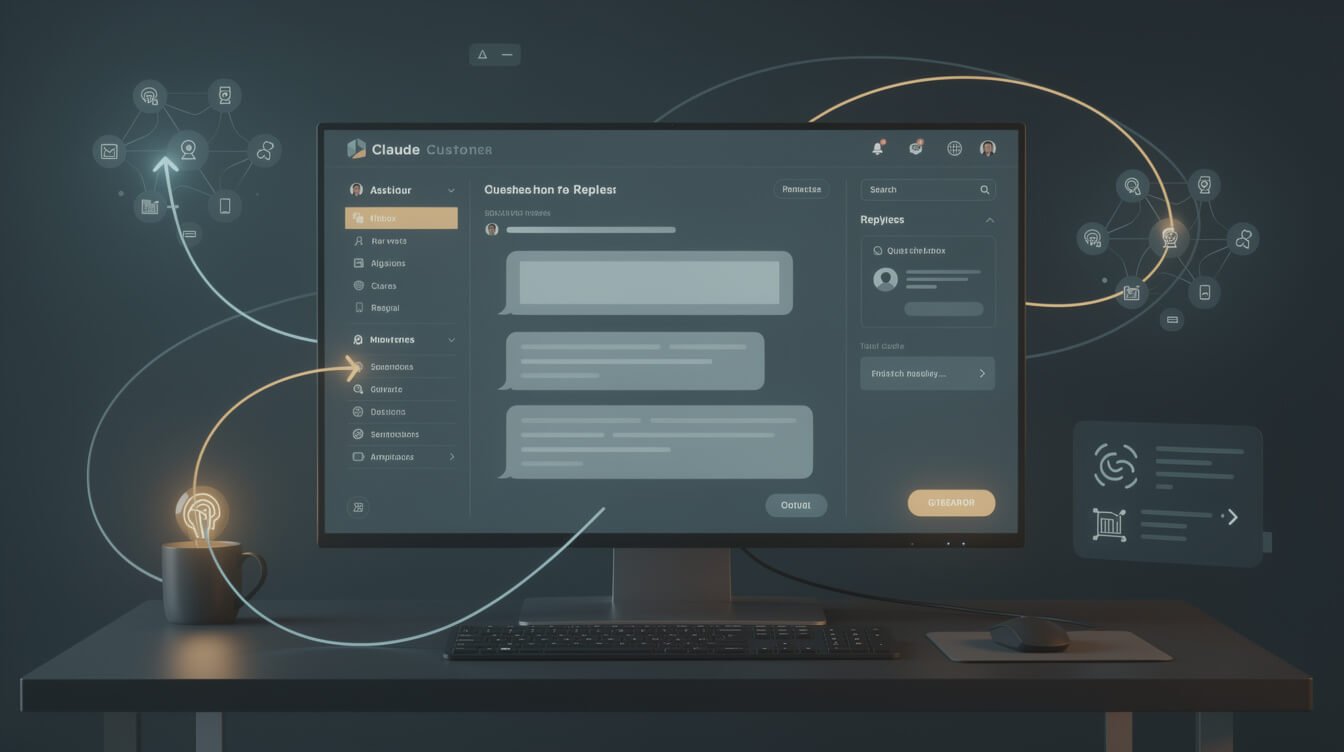
Let’s get concrete. Here’s the actual shape of an automated email-reply loop you can build this weekend. You don’t need to copy my exact tools — you need to copy the structure.
- Write a persona file. One document that tells the AI who it is: your tone, your sign-off, your hard rules (“never quote a price,” “always offer a refund within 30 days,” “sign every email — Jon”). This single file is what turns generic AI output into your voice. Spend an hour here; it pays off forever.
- Connect the inbox. Give the agent read access to incoming mail and the ability to create drafts. Drafts — not sends — for everything at first. You want a human gate until you trust it.
- Classify before you draft. Have the agent label each message by type. A refund request and a partnership pitch need totally different responses; classification is what makes the draft good.
- Ground every reply in real context. The agent should pull from your actual FAQ, past replies, and policy doc — not invent answers. This is the single biggest difference between AI that helps and AI that embarrasses you.
- Set the autonomy dial. Start with “draft everything, send nothing.” After a week of watching good drafts, promote the safest categories (knowledge-lookup questions, order status) to auto-send. Keep refunds and complaints on manual review forever.
The mistake I see solopreneurs make is jumping straight to full auto-send on day one, getting one cringe-worthy reply, and abandoning the whole idea. Build trust in layers. The technical pattern underneath this — an agent that reads, reasons, and acts on a schedule — is exactly what I break down in my agentic AI guide for solopreneurs.
One detail that makes a disproportionate difference: have the agent cite which policy or past reply it used when it drafts. When my email agent drafts a refund response, it notes “based on the 30-day window in the policy doc.” That one habit lets me approve in two seconds because I can see the reasoning, and it instantly flags hallucinations — if the AI references a policy that doesn’t exist, I catch it before the customer ever does. Grounding plus a visible citation is the entire difference between an assistant you trust and one you have to double-check line by line.

⚡ GET THE AI EDGE
Weekly AI tips that actually save you time and money. No fluff, no hype — just what works.
Handling Complaints, Refunds, and Edge Cases When You’re the Only One

This is where most “AI customer service” advice falls apart, because enterprise tooling assumes a tier-two human is always standing by. You don’t have a tier two. You are tier two. So the rule is different: AI prepares the response, but a human — you — approves anything with emotional or financial weight.
For an angry complaint, I don’t let AI fire back automatically. Instead, the agent does three things that make my job trivial: it summarizes what the customer is actually upset about (often buried under three paragraphs of frustration), it drafts a calm, empathetic reply that takes responsibility, and it surfaces the relevant order or account history so I’m not digging. I read the summary, adjust one or two sentences so it sounds human and specific, and send. A two-minute job instead of a twenty-minute spiral.
For refunds, I set a bright-line policy the AI enforces: inside the window and under a dollar threshold, it can draft an immediate “yes, done.” Outside those bounds, it escalates to me as a task. The customer still gets an instant acknowledgment (“I’ve got this and I’m on it”) — they just don’t get a final decision from a robot on money matters.
Edge cases — the weird one-off no policy covers — are exactly what you keep for yourself. But even here AI earns its keep by drafting a holding reply in seconds so the customer never feels ignored while you think. Silence is what turns a small problem into a bad review. AI’s first job in any edge case is simply to make sure nobody waits.
What NOT to Automate: Where Human Touch Still Wins

The fastest way to wreck a one-person brand is to automate the moments that made people choose you over a faceless corporation in the first place. Your unfair advantage as a solo operator is that you’re a real human who cares. Don’t automate that away to save four minutes.
Keep these human, always:
- The genuinely upset customer. AI drafts, you send. A person in distress can tell when they’re being handled by a script, and it makes everything worse.
- High-value or first-time buyer moments. A personal note from the founder lands differently. These are relationship investments, not tickets.
- Anything touching money decisions. Pricing, custom quotes, exceptions. My agents are explicitly forbidden from committing me to a number — a rule I’d give any solo operator without hesitation.
- Public-facing reputation moments. A reply to a critical review or a sensitive social comment is brand strategy, not customer service. Write those yourself.
The mental model: automate the volume, personalize the moments. AI buys back the hours you used to spend on repetitive triage so you can spend real attention where it actually changes how someone feels about your business. When AI handles the boring 70%, you finally have the bandwidth to be brilliant on the 30% that matters. The same logic governs how I run everything else, including my AI and social media workflow — automate the cadence, show up personally for the conversations.
AI and Customer Service: Frequently Asked Questions
The questions I get most often from solo operators who are about to build their first support loop:
Will customers be annoyed that they’re talking to AI?
Only if you hide it badly or let it handle things it shouldn’t. Customers don’t actually want “a human” — they want a fast, correct, respectful answer. When AI handles a status question in ten seconds at midnight, that’s a better experience than waiting until you wake up. Keep humans on the emotional and money moments, automate the rote ones, and satisfaction goes up, not down.
How much does an AI customer service setup actually cost?
For a solo operator, realistically a few dollars to a few tens of dollars a month in API usage, depending on volume. That’s the whole appeal versus enterprise platforms that start in the hundreds or thousands per month. You’re paying for tokens, not seats.
What’s the single best first task to automate?
Triage and tagging. It’s zero-risk — nothing goes to a customer — and it immediately makes every other part of your day calmer because your inbox arrives pre-sorted. Once you trust the classification, layer drafting on top.
Do I need to know how to code?
Less than you’d think. The hardest part is writing clear instructions in plain English — your persona file and your policies. The wiring is increasingly point-and-click, and where it isn’t, my beginner Claude Code walkthrough covers the exact steps. You’re a writer here more than a programmer.
Building Your Own AI Customer Service Loop (No Enterprise Contract Required)

Let’s bring it together into something you can act on. You don’t need a platform, a budget, or a team. You need a loop, and you can stand up version one this week.
Start absurdly small. Pick your single most common customer question — the one you answer five times a day — and build the loop for just that. Persona file, inbox access, classify, draft, manual review. Watch it for a few days. Once you trust it on that one question, add the next. Within a month you’ll have an AI support layer that handles the majority of your volume, escalates the rest cleanly, and never sleeps. That’s not a someday goal; it’s a couple of focused afternoons.
The enterprises spending fifty grand a year on customer service AI are buying scale you don’t need. You’re buying something better: leverage. One operator, a few well-instructed agents, and the responsiveness of a company ten times your size. That’s the whole game of being a modern solopreneur — and customer service is one of the easiest places to win it. Build the loop, keep the human moments human, and let the machine handle the rest while you go build the thing only you can build.
Steal My AI Playbook
The exact prompts, stacks, and automations I use to run a one-person empire with AI agents. Grab the free AI Playbook and start replacing busywork this week.

📥 FREE: THE AI PLAYBOOK
The exact tools and workflows I use to run a one-person agency. 25 years of marketing experience distilled into an actionable guide. Yours free.

AI & Digital Marketing Strategist
With over 25 years in digital marketing, e-commerce, sales, and international business, Jon Jones is a seasoned entrepreneur dedicated to empowering small businesses through innovative AI solutions. His journey began in investment banking on Wall Street, guiding companies through capital acquisition and complex markets, and has expanded to include expertise in web development, brand design, product development, and courses and training.
Fluent in Mandarin and with a rich foundation in both finance and tech, Jon launched JonJones.ai to provide accessible, transformative tools for small businesses to streamline operations, generate leads, and build sustainable growth. His mastery of AI, automation, and digital strategy has enabled numerous businesses to bridge the gap between traditional practices and modern technology, ensuring they thrive in today’s digital landscape.