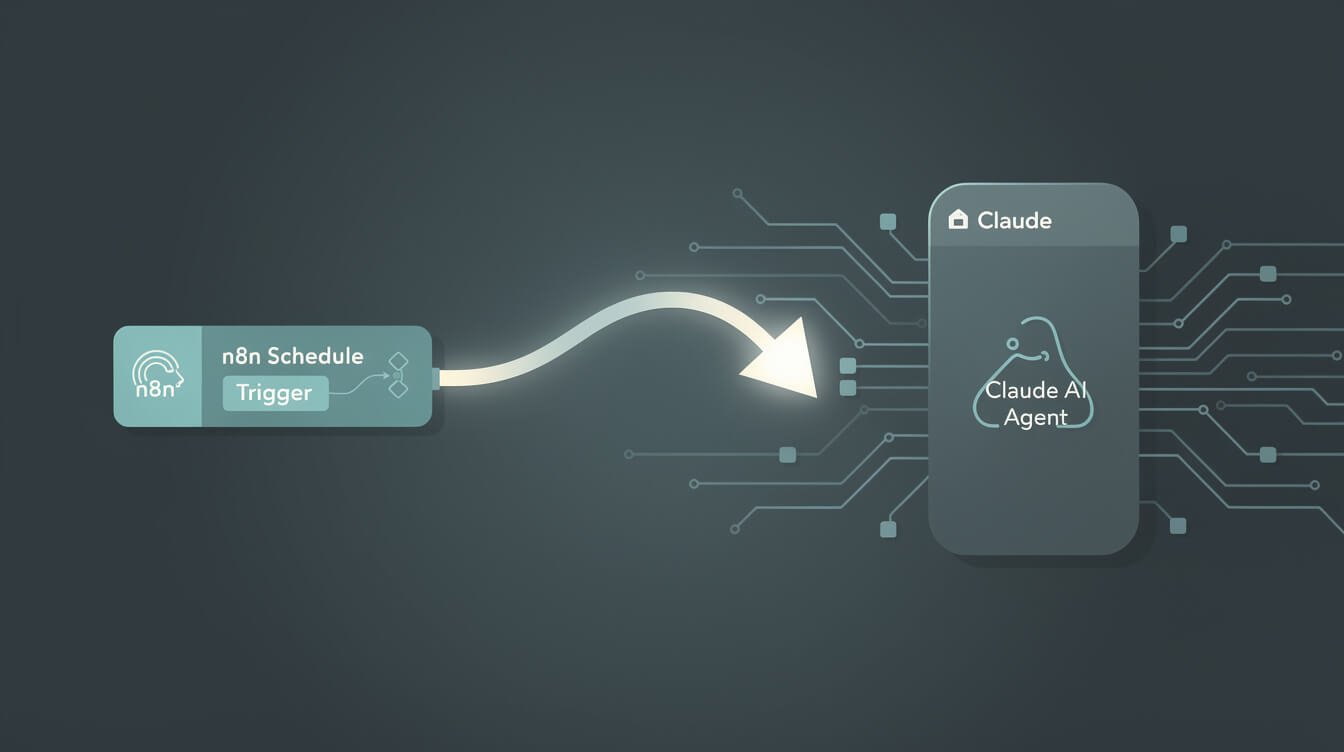
Here’s a confession: I don’t wake up at 7am to manually kick off my Claude agents. n8n does that. Has been for months.
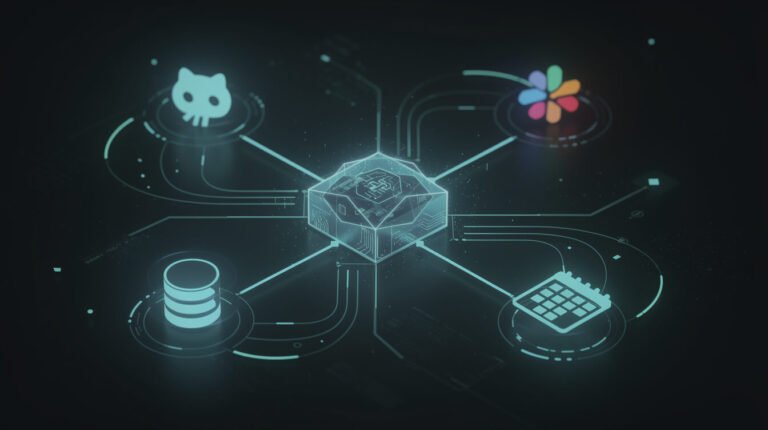
The setup is three nodes. The result is a fully autonomous execution chain that runs every morning whether I’m in Taipei or Ubud, awake or asleep.
Here’s exactly how it works.
The Three-Node Architecture
Node 1: Schedule Trigger
Drag a Schedule Trigger node into n8n. Set your cron expression:
0 7 * * *— 7am daily0 7 * * 1-5— weekdays only0 7,12,20 * * *— three daily runs (morning, noon, evening)
This is your alarm clock. No input required — it fires itself.
Node 2: HTTP Request
Connect an HTTP Request node. Method: POST. URL: your webhook endpoint (wherever your agent container is listening).
Pass this payload:
{
  "skill": "daily-contribution",
  "date": "{{ $now.format('YYYY-MM-DD') }}",
  "timezone": "Asia/Makassar"
}
That tells the agent exactly what skill to run and what date it’s running — no ambiguity.

⚡ GET THE AI EDGE
Weekly AI tips that actually save you time and money. No fluff, no hype — just what works.
Node 3: Your Agent Container
The webhook receiver is your Claude Code agent. It reads the payload, loads the skill file, and executes. My containers run in Docker on a VPS — n8n lives on the same host, so the HTTP call is local and near-instant.
When the skill finishes, it logs to Airtable, fires a Telegram alert, and shuts down. n8n doesn’t need to wait for the result — the agent handles its own reporting.
The One Thing Most People Get Wrong
Pass timezone explicitly in the payload. If you skip it, your agent logs in UTC while your n8n runs in local time — you’ll get posts dated “yesterday” in Airtable. Ask me how I know.
Also: wire n8n’s built-in error workflow to a Telegram channel. If the webhook call fails, you want a ping at 7:15am — not to discover it at noon when content should already be live.
The Takeaway
Manual triggers are the enemy of autonomy. If you’re still clicking “run” every morning, you’re the bottleneck — not your AI.
A Schedule Trigger + HTTP Request node is an afternoon’s work. After that, your agents run whether you’re watching or not. That’s the whole game.
Want the full breakdown of how Claude agents connect to n8n — including MCP integration? Read: n8n MCP: How to Connect Claude AI Agents to Your n8n Workflows.
What time does your first agent wake up? Drop it in the comments — I’m genuinely curious how people structure their daily execution windows.

📥 FREE: THE AI PLAYBOOK
The exact tools and workflows I use to run a one-person agency. 25 years of marketing experience distilled into an actionable guide. Yours free.

AI & Digital Marketing Strategist
With over 25 years in digital marketing, e-commerce, sales, and international business, Jon Jones is a seasoned entrepreneur dedicated to empowering small businesses through innovative AI solutions. His journey began in investment banking on Wall Street, guiding companies through capital acquisition and complex markets, and has expanded to include expertise in web development, brand design, product development, and courses and training.
Fluent in Mandarin and with a rich foundation in both finance and tech, Jon launched JonJones.ai to provide accessible, transformative tools for small businesses to streamline operations, generate leads, and build sustainable growth. His mastery of AI, automation, and digital strategy has enabled numerous businesses to bridge the gap between traditional practices and modern technology, ensuring they thrive in today’s digital landscape.