
If you’re managing social media as a solopreneur, you already know the drill. You need to be on six platforms. You need to post daily. You need to write captions, find images, think up hooks, track analytics — and somehow still run your actual business. It’s a grind that was designed for teams, not operators.
The relationship between AI and social media has flipped the math. Not in the “AI will replace social media managers” way you’ve read about in Forbes. In a practical, usable way: one person can now run 9 social platforms autonomously, generate platform-native content daily, and still have time to ship real work.
In this guide, I’m going to show you exactly how that works — the tools, the systems, the actual workflows — with real receipts from how I run JonOps. No agency budget required.
What AI and Social Media Actually Means for Solopreneurs in 2026

Let’s be honest about what “AI and social media” means when you Google it. You get academic papers on generative AI risks. You get RAND Institute reports on misinformation. You get enterprise case studies about how Sprinklr helped a Fortune 500 company manage their social listening.
None of that is for you.
Here’s what’s actually happening at the solopreneur and SMB level in 2026: 58% of small businesses now use generative AI, up from 40% in 2024. The adoption isn’t theoretical — it’s operators integrating AI into their daily content workflow and quietly doubling their output without adding headcount.
For solopreneurs, AI and social media intersects in three concrete ways:
- Content creation: AI generates captions, graphics, short-form video scripts, and even voiceovers at scale — in your brand voice, on your schedule.
- Publishing automation: AI agents post across multiple platforms at optimal times without you manually scheduling each piece.
- Analytics and decision-making: AI analyzes what’s working and surfaces the data you actually need to act on.
This isn’t about replacing creativity. It’s about removing the operational drag that eats your time without adding to your authority. The solopreneurs winning on social media right now aren’t posting more — they’ve automated the execution so they can focus on the thinking.
If you’re new to what makes this possible at the infrastructure level, start with my breakdown of agentic AI for solopreneurs — that’s the engine behind everything in this guide.
AI Tools for Social Media Content Creation (What’s Actually in the Stack)
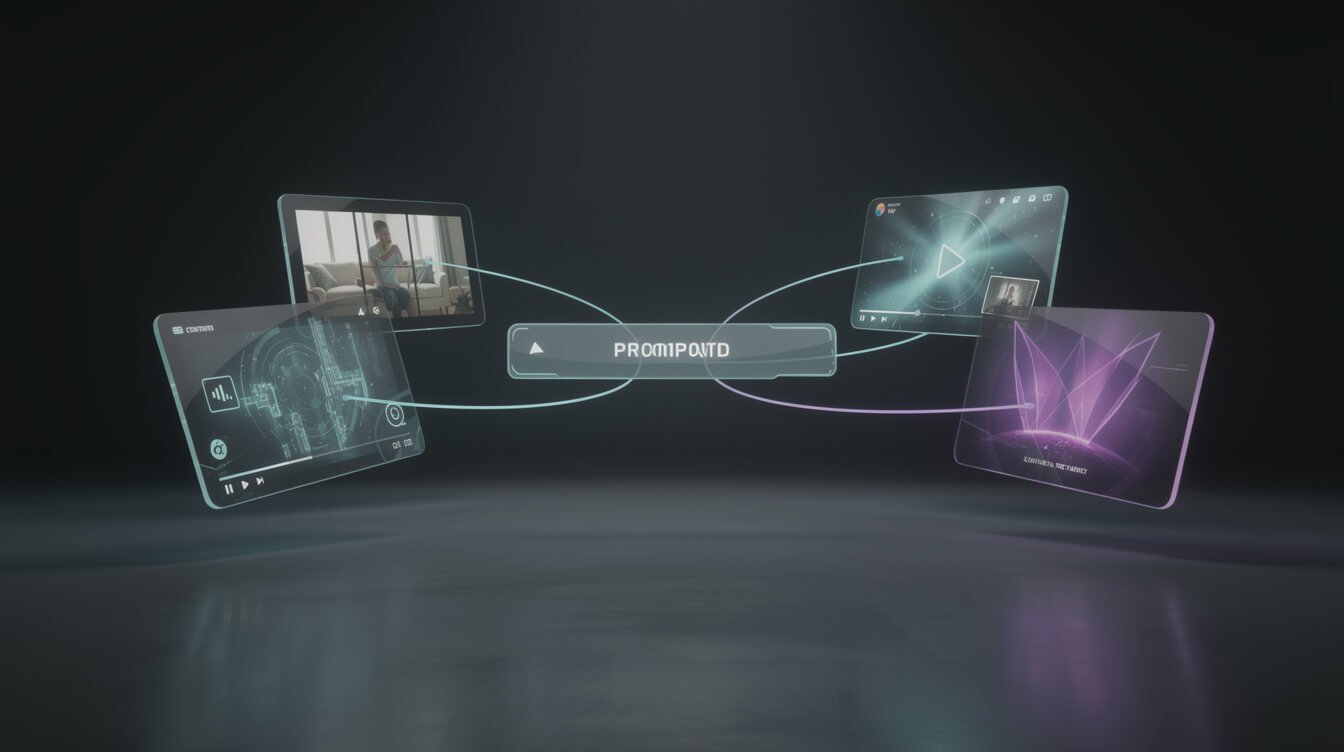
There’s a lot of noise about AI social media tools. Most of what you’ll read are listicles stuffed with SaaS tools that each cost $49/month and do one thing. What I’m going to show you is a real stack built around language models and automation — not subscriptions that pile up.
Copy and Captions: Claude
Every piece of social copy I post starts with Claude. Not ChatGPT, not Jasper — Claude. Why? Because Claude holds brand voice better across long-context windows and produces content that doesn’t feel like AI wrote it after you tune the prompt.
The key is a well-engineered system prompt that encodes your voice, your audience, and your content pillars. If you haven’t done this yet, my prompt engineering guide for solopreneurs walks you through exactly how to write one that actually works.
In practice: Claude takes a blog post, a product update, or a raw idea, and generates platform-native captions for Facebook, LinkedIn, Instagram, Pinterest, Bluesky, X, and Threads — each adapted to that platform’s format, tone, and character limit. In one run.
Images: Replicate + FLUX
Social media is visual. For image generation, I use Replicate’s FLUX models — specifically flux-2-pro for social posts (higher quality, 2MP resolution). Every image goes through Tinify for compression before hitting any platform, because file size matters for load time and Meta’s API has hard rejections on certain file formats.
The full image pipeline is: Replicate (generate JPEG) → Tinify (compress) → Cloudinary (CDN, permanent URL) → platform. I never post WebP to social media because Meta’s APIs reject it. Cloudinary keeps the URL permanent even if I update WordPress later.
Video: AI Script + ElevenLabs Voice + HyperFrames
Short-form vertical video (TikTok, Instagram Reels, YouTube Shorts) is the highest-organic-reach format in 2026. My video pipeline runs entirely without me touching a camera or editing software:
- Claude generates a 7-beat warm-hug script from any topic or blog post
- ElevenLabs converts the script to voiceover using my cloned voice profile
- FLUX generates per-beat background visuals
- WhisperX timestamps every word for karaoke-style captions
- HyperFrames + GSAP renders the final 9:16 video and uploads to Cloudinary
One Almanac pipeline run. One 30-second video. ~$0.33 per video. No editor. No camera. No editing session.
Orchestration: n8n + Claude Code Agents
The tools above are powerful in isolation. The real leverage comes from connecting them. n8n handles the workflow orchestration — triggering content generation, routing outputs, scheduling via Metricool’s API. Claude Code agents handle the intelligence layer: deciding what content to create, adapting it per platform, and logging everything to Airtable.
If you want to understand how to connect Claude agents to n8n workflows specifically, the n8n MCP guide covers the full connection pattern.
Automating Your Social Media Publishing With AI Agents

Writing good content is half the battle. The other half is getting it published consistently without manually touching a scheduler every day. This is where AI agents pay off — not in the content quality, but in the operational consistency.
The Two-Poster Architecture
In JonOps, social media runs on a two-poster model:
Social Poster 1 (11:00 daily) — Repurposes the daily blog post into platform-native social content. Takes the published article, extracts the core insight, generates captions for each platform, creates a 16:9 image, and schedules everything via Metricool API to go live staggered across the day. LinkedIn 09:00, GBP 10:00, Threads 11:30, Facebook 12:00, Pinterest 15:00, Bluesky 17:00, Instagram 20:00.
Social Poster 2 (18:00 daily) — Pulls from a research queue. This is topical content — trend commentary, market reactions, educational angles — that doesn’t need a full blog post behind it. Also handles TikTok and Instagram Reels using the Almanac video pipeline.
Together, these two runs publish to Facebook, Instagram, Threads, X, Bluesky, LinkedIn, Pinterest, Google Business Profile, and YouTube daily. One operator. Zero manual scheduling.
Platform-Specific Content Strategy (Automated)
Each platform gets a format-native version, not a copy-paste:
- LinkedIn: Professional framing, first-person build log, 700-900 characters, no hashtags in caption body
- Instagram: Visual hook first, 2-3 sentence caption, hashtag block at end, Reels for video
- Pinterest: 2:3 vertical image, keyword-rich description, board targeting
- Bluesky: Short punchy takes, 280 characters max, no hashtag stuffing
- X (Twitter): Hook + context + CTA structure, thread format for longer content
- TikTok: 9:16 video with karaoke captions, warm-hug script, no selling in first 10 seconds
An AI agent handles all of this adaptation automatically based on per-platform rules encoded in the skill files. The same core idea ships to 9 platforms in the formats each audience expects.
AI-Powered Social Media Analytics: Know What’s Working
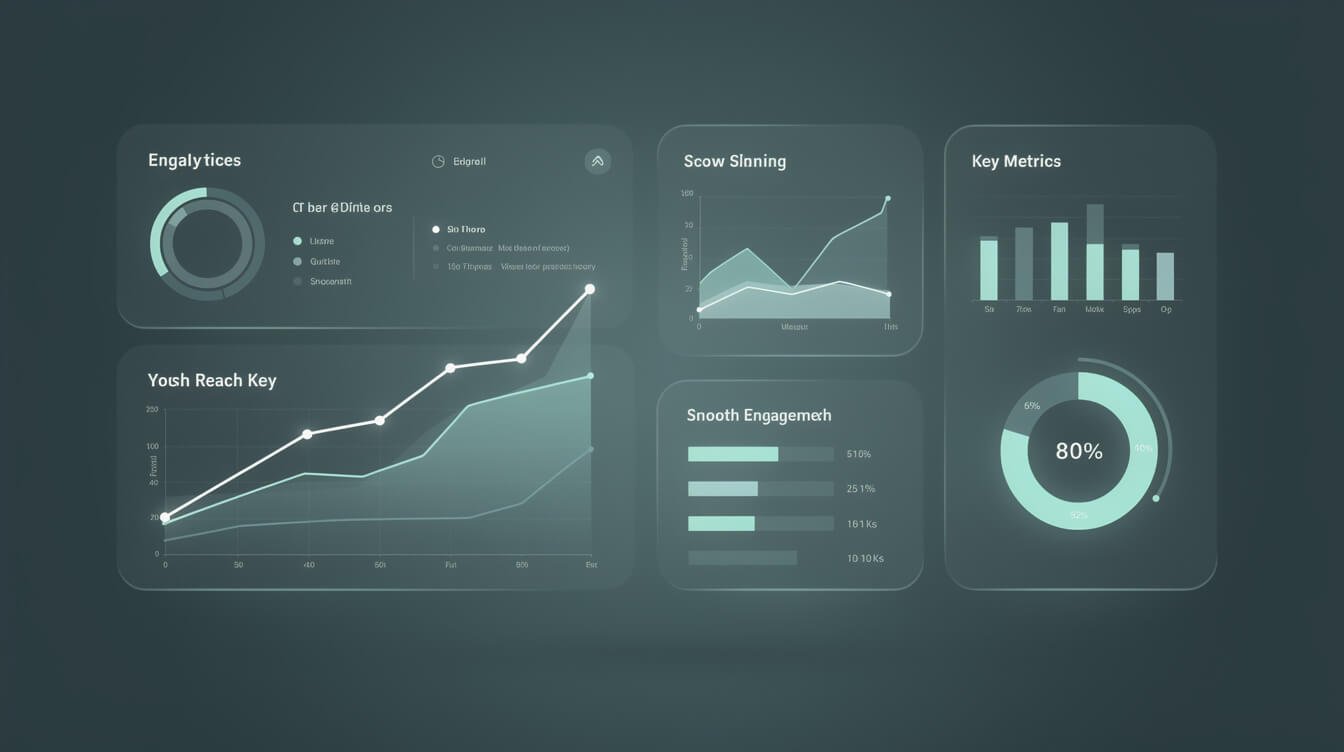
Here’s where most solopreneurs waste time with AI and social media: they automate the posting but still manually dig through analytics trying to figure out what’s working. You don’t need a data team to understand your social performance — but you do need AI to surface the signal from the noise.
What to Actually Measure
Most social analytics tools surface 30 metrics. You need about 5:
- Reach per post: How many unique people saw this? (Not impressions — unique reach)
- Save rate (Instagram): Saves signal content utility — people save things they want to use later, not just react to
- Link click-through rate: Are posts driving traffic to your site or offer?
- Follower growth rate: Week-over-week trend, not absolute number
- Comments with questions: High engagement quality signal — if people are asking questions, the content created genuine interest
Using AI to Interpret Analytics
I pull platform analytics into Airtable weekly and run a Claude analysis pass on the data. The prompt pattern is simple: “Here are this week’s social media metrics by platform. Identify the top 3 posts by reach, the patterns in what’s performing, and the one action I should take next week based on this data.”

⚡ GET THE AI EDGE
Weekly AI tips that actually save you time and money. No fluff, no hype — just what works.
Claude returns a plain-English brief. Five minutes instead of an hour. No spreadsheet formulas.
If you want to go deeper on using AI for business analytics broadly, the AI data analytics guide for solopreneurs covers the full pattern including how to get actionable outputs from raw data.
What the Analytics Tell You to Automate More
The meta-insight from running this system for months: analytics don’t just tell you what content to create — they tell you what to automate. When a specific content format consistently outperforms, you build an agent that generates that format daily. When a platform underperforms, you either deprioritize it or change the format before automating more posts there.
AI analytics → automation decisions → better output at scale. That’s the actual loop.
The JonOps Blueprint: How One Operator Runs 9 Social Platforms Autonomously
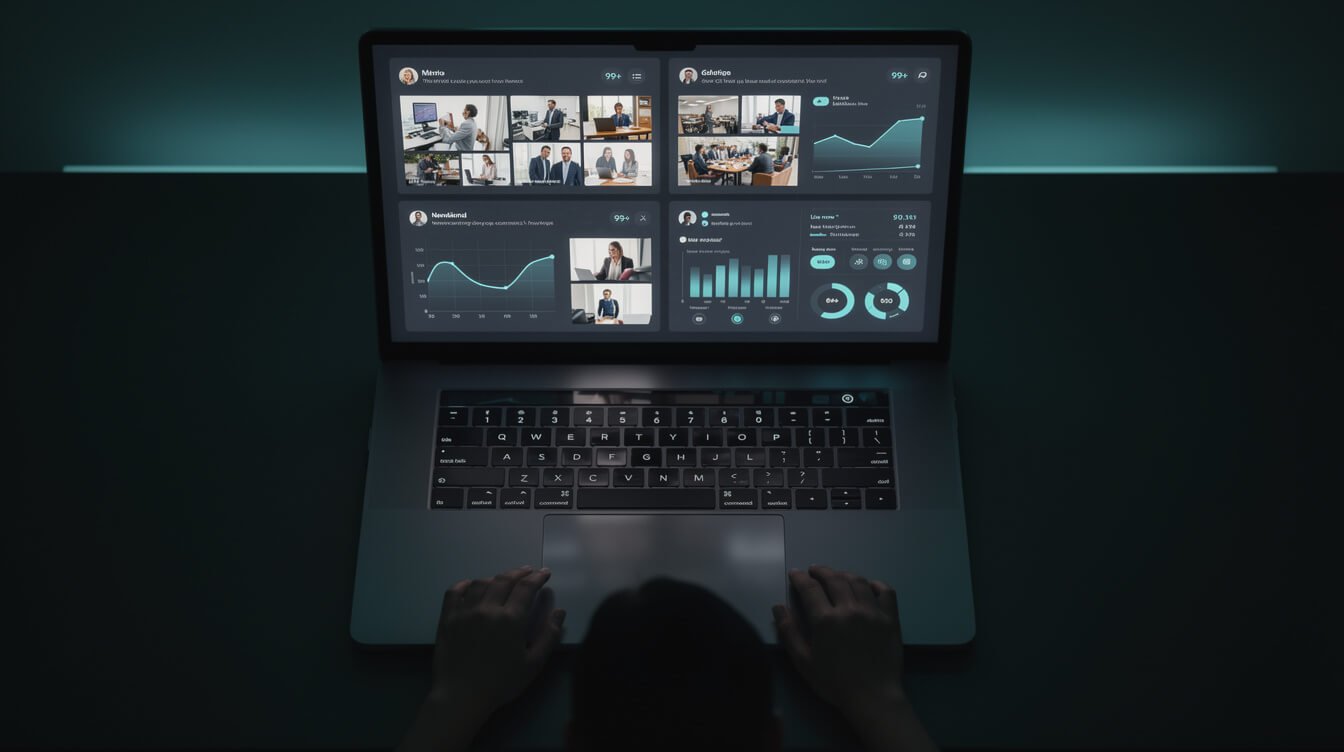
I run 10+ autonomous brand containers under JonOps, and jonjones.ai is the public proof-of-concept. Here’s the actual daily schedule for the social media layer:
00:00 — Blog writer runs. Pulls keyword from Airtable queue, researches SERP, writes 2,500-3,500 word post, generates images, publishes to WordPress live. No draft, no review queue.
11:00 — Social Poster 1 runs. Picks up yesterday’s published post, generates platform-native captions and images, schedules via Metricool API to go live staggered across the day. LinkedIn 09:00, GBP 10:00, Threads 11:30, Facebook 12:00, Pinterest 15:00, Bluesky 17:00, Instagram 20:00.
12:00 — Social miner runs (6 days/week). Scans Reddit, discovers community conversations, drafts responses queued for human review before posting. Keeps organic conversation engagement alive without spamming.
16:00 — Social engager runs. Follows up on any monitored threads, checks for reply opportunities.
18:00 — Social Poster 2 runs. Generates topical content from a research queue (trend commentary, market takes, educational posts), creates TikTok/Reels video via Almanac, schedules across all platforms.
22:00 — Asana checker runs. Reviews any tasks Jon left in the “Agent To Do” section and queues them for next day execution.
The result: jonjones.ai publishes to 9 platforms daily, with original content adapted per platform, without me logging into a social media tool. I review Telegram alerts at the end of the day to see what ran.
This is what “one operator plus AI” looks like in practice. It’s not about AI replacing creativity — it’s about AI handling the operational layer so you can do the thinking that compounds over time.
The infrastructure that makes this possible starts with understanding how managed AI agents work. The Claude Agent SDK guide explains how these agents are structured, and my MCP server guide covers how they access external tools and platforms.
Common AI Social Media Mistakes (and the Fixes)
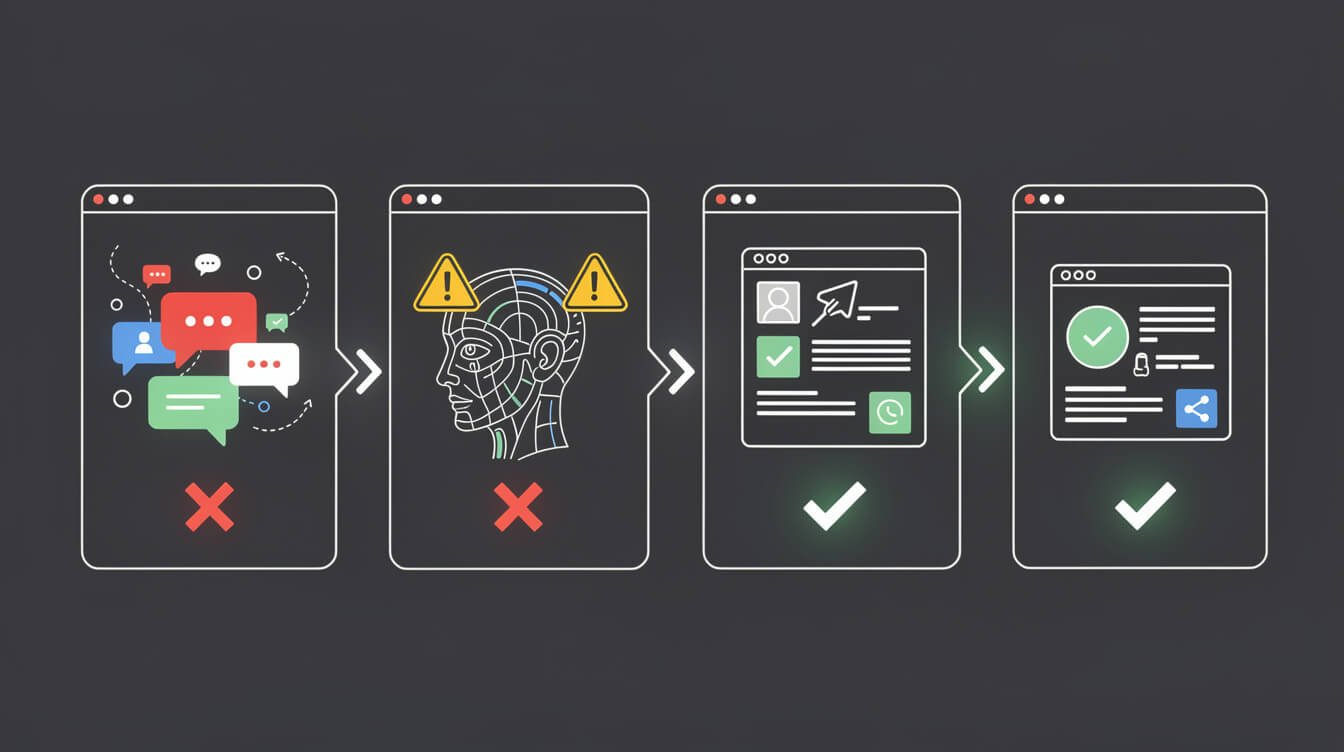
I’ve seen solopreneurs set up AI social media workflows and still get poor results. Usually it’s one of these four problems:
Mistake 1: Generic AI Copy Without Brand Voice Encoding
If you’re prompting Claude or ChatGPT with “write a LinkedIn post about AI automation” and pasting the output, you’re getting generic content that sounds like every other AI-generated post. The fix is a system prompt that encodes your specific voice — your vocabulary, your opinion stances, your audience’s language, your content pillars. This takes two hours to build right and saves months of mediocre output.
Mistake 2: Automating Before You Know What Works
Don’t automate a content format you haven’t validated manually. Run 30 days of posts manually (or with AI drafts you review), identify the 2-3 formats that consistently get traction, then automate those. Automating before you have signal means you’ll scale mediocre content efficiently — which is worse than posting slowly and learning.
Mistake 3: All Platforms, No Depth
The JonOps 9-platform setup only works because each platform has its own subskill file with format-specific rules. Most solopreneurs try to be everywhere but use the same caption format across all platforms. LinkedIn and TikTok are completely different content environments. Platform-native adaptation isn’t optional — it’s what separates posts that spread from posts that get ignored.
Mistake 4: No Human Review Loop on High-Stakes Content
Automating community engagement responses before they’re validated is where things go sideways. In the JonOps social mining workflow, responses to Reddit comments are drafted by AI and queued in Airtable for human review before posting. The rule is: direct conversation with humans gets a human review step. Scheduled content can automate fully. Know the difference.
Frequently Asked Questions About AI and Social Media
Can AI fully replace a social media manager?
For solopreneurs and small businesses: yes, for the execution layer. AI handles content generation, scheduling, image creation, and basic analytics interpretation. What it doesn’t replace is strategy — the decision about what your brand stands for, which audience you’re building, and what your content pillars should be. That thinking is yours. The execution can be AI’s.
Which social media platforms should I automate first?
Start with the platforms that accept scheduled content via API — LinkedIn, Facebook, Instagram, Pinterest, and X all support this. TikTok has API access for business accounts. Prioritize the platforms where your audience actually is, not all of them. Get two platforms automated well before expanding to nine.
How do I keep AI social media content feeling human?
Three things: encode your specific voice in the system prompt (not just “write in a conversational tone” — actual examples of your language and phrases), include real data and personal examples that AI can’t fabricate (JonOps receipts, actual results, specific tool names), and build in a review pass for anything that goes into a conversation, not just scheduled broadcast content.
What tools do I need to get started with AI social media automation?
Minimum viable stack: Claude (copy generation), a scheduling tool with API access like Metricool or Buffer, and one image generation tool (DALL-E 3 if you want simple, FLUX via Replicate if you want control). Start with one platform and one content type. Expand after you have a repeatable system.
Is AI social media content against platform terms of service?
Platforms prohibit coordinated inauthentic behavior — mass fake accounts, bot networks, manufactured engagement. AI-assisted content creation for genuine accounts is not against TOS for any major platform as of 2026. The key word is “inauthentic” — if the voice is your brand’s real voice and the content reflects your actual expertise, AI generation is just a production tool.
How much does an AI social media setup cost?
A full autonomous stack similar to what I run costs roughly $30-60/month in API costs for an active solopreneur content operation: Claude API ($15-25), Replicate image generation ($5-10), Metricool ($22/mo), ElevenLabs for video voiceover ($5-10 for moderate volume). Less than what you’d pay for a single social media contractor hour.
Final Thoughts: AI and Social Media Is a Systems Game
The solopreneurs who win with AI and social media aren’t the ones with the fanciest tools. They’re the ones who built a system, ran it long enough to learn from it, and then automated the parts that repeated.
That’s what this guide is: a systems framework, not a tool review. The tools change. The framework — encode your voice, validate before automating, adapt per platform, measure the signal not the noise — stays the same.
If you want to build the infrastructure layer under all of this, the next logical step is understanding how AI agents actually orchestrate these workflows. Start with how agentic AI systems work for solopreneurs, then wire up your first automated social post. The compounding starts faster than you think.

Get the AI Automation Playbook
Practical AI workflows, real JonOps receipts, and the exact systems I use to run 10+ autonomous businesses — delivered free to your inbox.

📥 FREE: THE AI PLAYBOOK
The exact tools and workflows I use to run a one-person agency. 25 years of marketing experience distilled into an actionable guide. Yours free.

AI & Digital Marketing Strategist
With over 25 years in digital marketing, e-commerce, sales, and international business, Jon Jones is a seasoned entrepreneur dedicated to empowering small businesses through innovative AI solutions. His journey began in investment banking on Wall Street, guiding companies through capital acquisition and complex markets, and has expanded to include expertise in web development, brand design, product development, and courses and training.
Fluent in Mandarin and with a rich foundation in both finance and tech, Jon launched JonJones.ai to provide accessible, transformative tools for small businesses to streamline operations, generate leads, and build sustainable growth. His mastery of AI, automation, and digital strategy has enabled numerous businesses to bridge the gap between traditional practices and modern technology, ensuring they thrive in today’s digital landscape.