歡迎來到「週四回顧」——在這裡,我會挖出一個JonOps的老bug,讓你們不必重蹈我的覆轍。今天的「幽靈」是:我所有的社群媒體圖片都消失了,而且沒有任何儀表板告訴我原因。.
症狀:沉默,而非錯誤
幾個月前,我的經紀人們興高采烈地製作精美的特色圖片,上傳到 WordPress,然後交給社群媒體調度器。博客看起來很棒。但 Facebook 和 Instagram 上的貼文總是只顯示純文字——沒有圖片,沒有錯誤提示,也沒有任何抱怨。調度器顯示“成功”。圖片就是……不見了。.
這是最糟糕的那種漏洞。一種是你可以追蹤的、顯而易見的故障。另一種是悄無聲息的故障,你甚至都不知道該去尋找它,直到有人問:“嘿,為什麼你的 Instagram 帖子看起來這麼空?”
罪魁禍首:WordPress 支援 WebP,但 Meta 不支援。
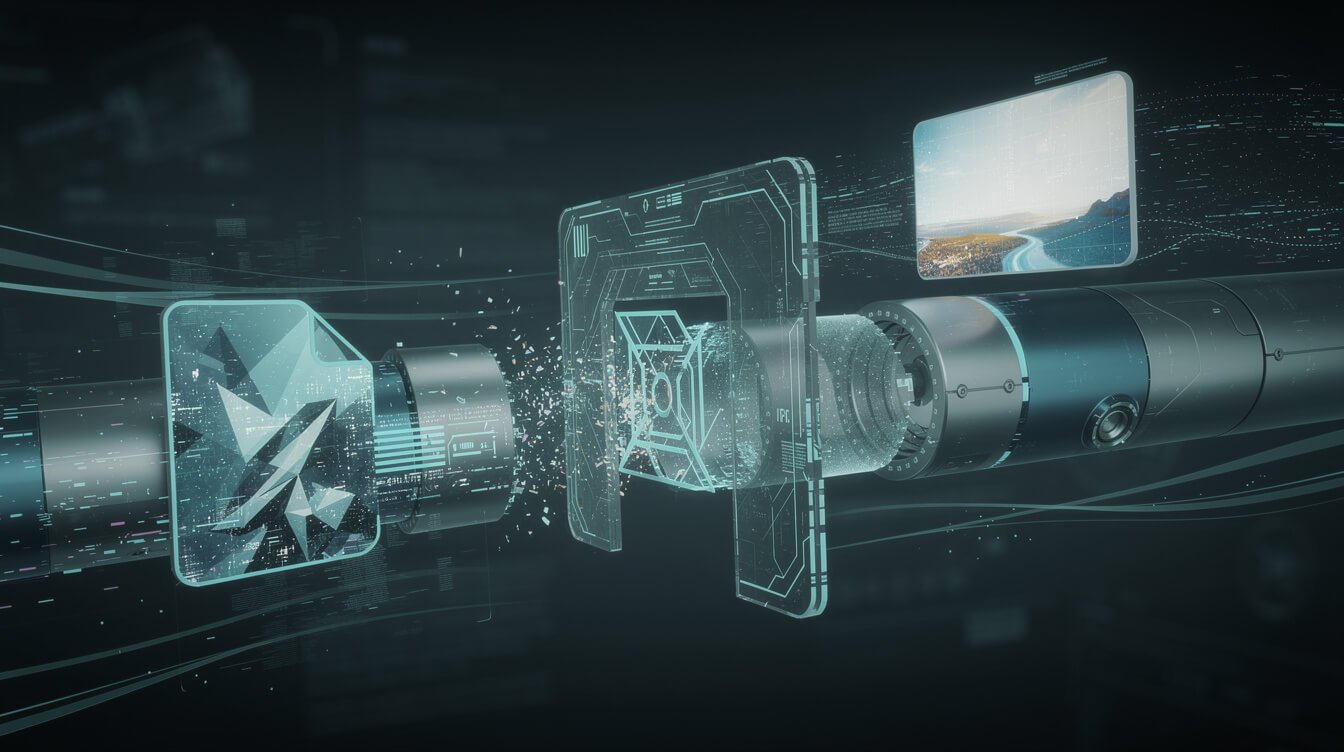
實際情況是這樣的:現代 WordPress(以及許多優化外掛)會在後台悄悄地將你的上傳檔案自動轉換為… WebP — 非常適合快速載入網頁的格式。問題在於:Meta 的 Graph API,也就是實際發佈在 Facebook 和 Instagram 上的 API,, 完全拒絕 WebP. 所以我的管道原本是要提取 WordPress 圖片 URL,但這個 URL 已經被悄悄地替換成了另一個 URL。 .webp 文件,Meta 直接把它扔進了垃圾桶。.
兩個系統,都按設計運行,卻在文件格式上悄悄產生了分歧。沒有人舉手。.

⚡ 取得人工智慧優勢
每週提供真正省時省錢的AI小技巧。沒有廢話,沒有誇大其詞——只有切實有效的方法。.
解決方法:為每個目標位置指定它實際需要的格式。
這次修復並非簡單的修補,而是一條岔路。社群圖片現在透過 Cloudinary CDN 進行路由,從而提供真正永久的儲存空間。 JPEG ——Meta 每次都接受這種格式。部落格特色圖片可以保留 WebP 格式,因為瀏覽器支援這種格式,而且網站速度也很重要。一個資源,兩種格式,根據其用途選擇。.
要點: 你的內容只完成了一半的工作。 您的下游平台實際接受的格式 另一半在於——平台很少會公開它們的挑剔之處。當自動化流程「成功」但結果為空時,不要再相信綠色對勾,而應該去查看接收 API 實際接收到的內容。.
把這個習慣學起來
下次當你需要在兩個工具之間進行任何交接連接時,在發貨前請問自己一個問題: 另一端的設備實際上接受哪種格式? 然後核實文件是否已送達,而不僅僅是“已發送”狀態。花五分鐘檢查總比幾個月都收不到郵件好得多。.
想看看這台蟲子藏身的整台機器嗎?我把它拆解開了。 在我睡覺的時候,這篇部落格就是透過這七步驟流程發布的。 圖片交接等等。下次懷舊活動再見。 ——喬恩

📥 免費:《人工智慧劇本》
我用來經營一人代理公司的所有工具和工作流程。 25 年的行銷經驗濃縮成一份實用指南。免費贈送。.

人工智慧與數位行銷策略師
Jon Jones擁有超過25年的數位行銷、電子商務、銷售和國際商務經驗,是一位資深企業家,致力於透過創新的人工智慧解決方案賦能小型企業。他的職業生涯始於華爾街的投資銀行,曾指導企業完成資本募集和應對複雜的市場環境。如今,他的專業領域已拓展至網站開發、品牌設計、產品開發以及課程培訓。.
Jon精通普通話,並在金融和科技領域擁有深厚的功底。他創立了JonJones.ai,旨在為小型企業提供易於使用且具有變革意義的工具,幫助他們簡化營運、拓展客戶並實現永續成長。他對人工智慧、自動化和數位化策略的精通,已幫助許多企業彌合了傳統模式與現代技術之間的鴻溝,確保它們在當今的數位化環境中蓬勃發展。.