Welcome to Thursday Throwback — where I dig up an old JonOps bug so you don’t have to bleed for the same lesson I did. Today’s ghost: the day every one of my social images vanished, and not a single dashboard told me why.
The symptom: silence, not errors
Months back, my agents were happily generating gorgeous featured images, uploading them to WordPress, and handing them off to the social scheduler. The blog looked great. But the Facebook and Instagram posts kept going out as bare text — no image, no error, no complaint. The scheduler said “success.” The images just… weren’t there.
That’s the worst kind of bug. A loud failure you can chase. A silent one you don’t even know to look for until someone asks, “Hey, why do your Instagram posts look so empty?”
The culprit: WordPress speaks WebP, Meta doesn’t listen
Here’s what was actually happening. Modern WordPress (and plenty of optimization plugins) quietly auto-converts your uploads to WebP — a great format for fast-loading web pages. The problem: Meta’s Graph API, the thing that actually posts to Facebook and Instagram, rejects WebP outright. So my pipeline was pulling the WordPress image URL, which had been silently swapped to a .webp file, and Meta was throwing it straight in the bin.
Two systems, both working exactly as designed, quietly disagreeing about a file format. No one raised their hand.

⚡ GET THE AI EDGE
Weekly AI tips that actually save you time and money. No fluff, no hype — just what works.
The fix: give each destination the format it actually wants
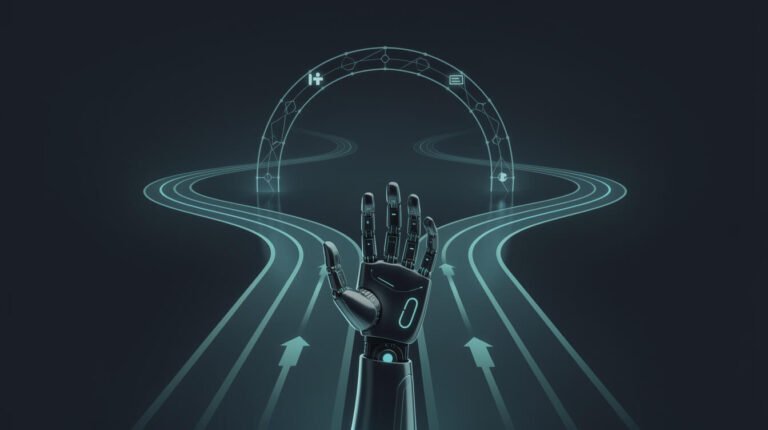
The repair was a fork in the road, not a patch. Social images now route through a Cloudinary CDN that serves a real, permanent JPEG — a format Meta accepts every time. Blog featured images can stay WebP, because browsers love it and site speed matters. One asset, two formats, chosen by where it’s going.
The takeaway: your content is only half the job. The format your downstream platform actually accepts is the other half — and platforms rarely announce their pickiness. When an automation “succeeds” but the result is empty, stop trusting the green checkmark and go read what the receiving API really got.
Steal this habit
Next time you wire up any hand-off between two tools, ask one question before you ship it: what format does the thing on the other end actually accept? Then verify the delivered file, not just the “sent” status. Five minutes of checking beats months of empty posts.
Want to see the full machine this bug lives inside? I broke it down in the 7-step pipeline that publishes this blog while I sleep — image hand-off and all. See you next Throwback. — Jon

📥 FREE: THE AI PLAYBOOK
The exact tools and workflows I use to run a one-person agency. 25 years of marketing experience distilled into an actionable guide. Yours free.

AI & Digital Marketing Strategist
With over 25 years in digital marketing, e-commerce, sales, and international business, Jon Jones is a seasoned entrepreneur dedicated to empowering small businesses through innovative AI solutions. His journey began in investment banking on Wall Street, guiding companies through capital acquisition and complex markets, and has expanded to include expertise in web development, brand design, product development, and courses and training.
Fluent in Mandarin and with a rich foundation in both finance and tech, Jon launched JonJones.ai to provide accessible, transformative tools for small businesses to streamline operations, generate leads, and build sustainable growth. His mastery of AI, automation, and digital strategy has enabled numerous businesses to bridge the gap between traditional practices and modern technology, ensuring they thrive in today’s digital landscape.