
If you have spent an hour searching how to build an AI agent, you have probably found two kinds of answers: dense engineering guides that assume you write Python for a living, and thin “drag three boxes together” posts that stop the second the demo works. Neither one tells a solopreneur the thing that actually matters — which path to pick, and what an agent needs to run unattended and ship real work while you sleep.
This guide is the missing middle. I run ten autonomous brands out of one operator seat, and the post you are reading was drafted by one of my agents on a schedule. So instead of theory, you get the operator’s decision framework: what an agent really is, the honest fork between no-code and Claude Code, the five parts every shipping agent needs, and two build paths you can start today. No fluff, no filler. Let’s build.
How to Build an AI Agent: What It Actually Means

Strip away the hype and an AI agent is a simple idea: a language model in a loop, with permission to act. A chatbot answers and stops. An agent takes a goal, decides on a step, uses a tool, looks at the result, and decides the next step — over and over — until the job is done. That loop is the whole trick. Everything else is plumbing around it.
Four things turn a model into an agent:
- A brain — the LLM that reasons and plans (Claude, GPT, or an open model).
- Tools — the hands. APIs, scripts, a database, a browser. Without tools an agent can only talk; with tools it can do.
- Memory — a place to store context between steps and between runs, so it is not brain-dead every morning.
- A trigger — what wakes it up. A message, a webhook, or a cron schedule that fires at midnight whether you are awake or not.
Here is the part the enterprise guides bury: an agent that only responds when you prompt it is really just a fancy assistant. The moment it earns its keep is when a trigger fires on its own and the agent finishes a job with nobody watching. That is the line between “cool demo” and “team member.” If you want the deeper conceptual tour, I wrote a full primer on what autonomous AI agents are and how they work — read it alongside this if the loop still feels abstract.
The Fork: No-Code vs Claude Code — How to Actually Choose
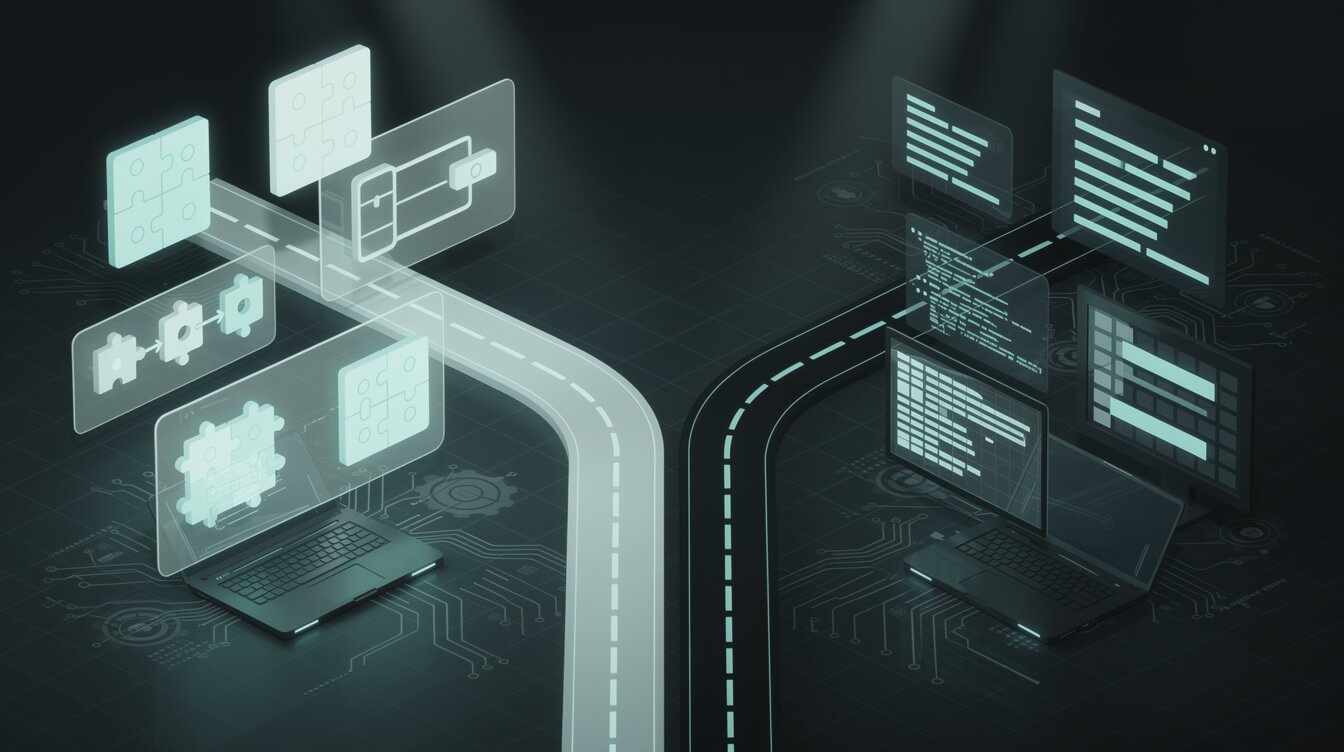
Every “how to build an AI agent” tutorial eventually hits a fork, and most of them pretend it does not exist. You are choosing between two very different worlds:
- No-code / low-code (n8n, Make, Lindy, Gumloop): you wire an agent together visually on a canvas. Fast to start, easy to see, hard to break in obvious ways.
- Code (Claude Code, the Claude Agent SDK, or a raw framework): you give the agent a real environment — a filesystem, a shell, version control — and it becomes as flexible as a junior developer.
Do not pick based on how “technical” you feel. Pick with the load-bearing test: is this agent a nice-to-have, or is it holding up part of your business?
If it is a nice-to-have — summarize my inbox, tag new leads, draft a first-pass reply — start no-code. You will have something running this afternoon and the ceiling is high enough for most solopreneur jobs. If it is load-bearing — it publishes content, touches money, or coordinates other agents — you will eventually want the control that code gives you. I explain the full spectrum in my honest guide to no-code AI agents, but the short version is this: no-code is where you learn the shape of the problem; code is where you own the solution once you know it matters.
Most operators should start no-code and graduate deliberately — not because code is scary, but because you should not build a cathedral before you know you need a room.
| No-Code (n8n, Make, Lindy) | Code (Claude Code / Agent SDK) | |
|---|---|---|
| Time to first agent | An afternoon | A weekend for your first one |
| Ceiling | High — covers most solo jobs | Effectively none — anything you can script |
| You need to… | Drag nodes, write prompts | Be comfortable in a terminal |
| Best for | Nice-to-have automations | Load-bearing, unattended, multi-agent |
| Failure mode | Outgrowing the canvas | Over-scoping before you need it |
The 5 Parts Every AI Agent That Ships Work Needs

Whichever path you take, an agent that actually ships — not just chats — needs five parts. Skip one and it stays a toy. This checklist is the difference between a weekend demo and something you trust overnight.
- A trigger. What starts it. For unattended work this is almost always a schedule (a cron job) or a webhook. If a human has to press go, it is an assistant, not an agent.
- Tools. The specific things it is allowed to do — post to WordPress, query Airtable, send an email, run a script. Give it exactly the tools the job needs and no more.
- Memory. Somewhere to keep state. This can be as simple as a text file or as structured as a database. My agents literally read and write Markdown files as long-term memory — no vector database required.
- Guardrails. The rules it cannot break: read-only where possible, human approval before irreversible actions, hard scope limits. We will spend a whole section on these because they are non-negotiable.
- Logging. A record of every action it took, so when something goes sideways at 2 a.m. you can read exactly what happened instead of guessing.
Notice how little of that is about the model itself. The brain is the easy part now — every frontier model is stunningly capable. The engineering of building an AI agent is wiring these five parts so the thing runs safely without you hovering over it.

Steal My AI Automation Playbook (Free)
The exact framework I use to build agents that publish, email, and run my ten brands on autopilot. Straight to your inbox — no fluff.
Path A: How to Build an AI Agent With No Code (n8n, in an Afternoon)
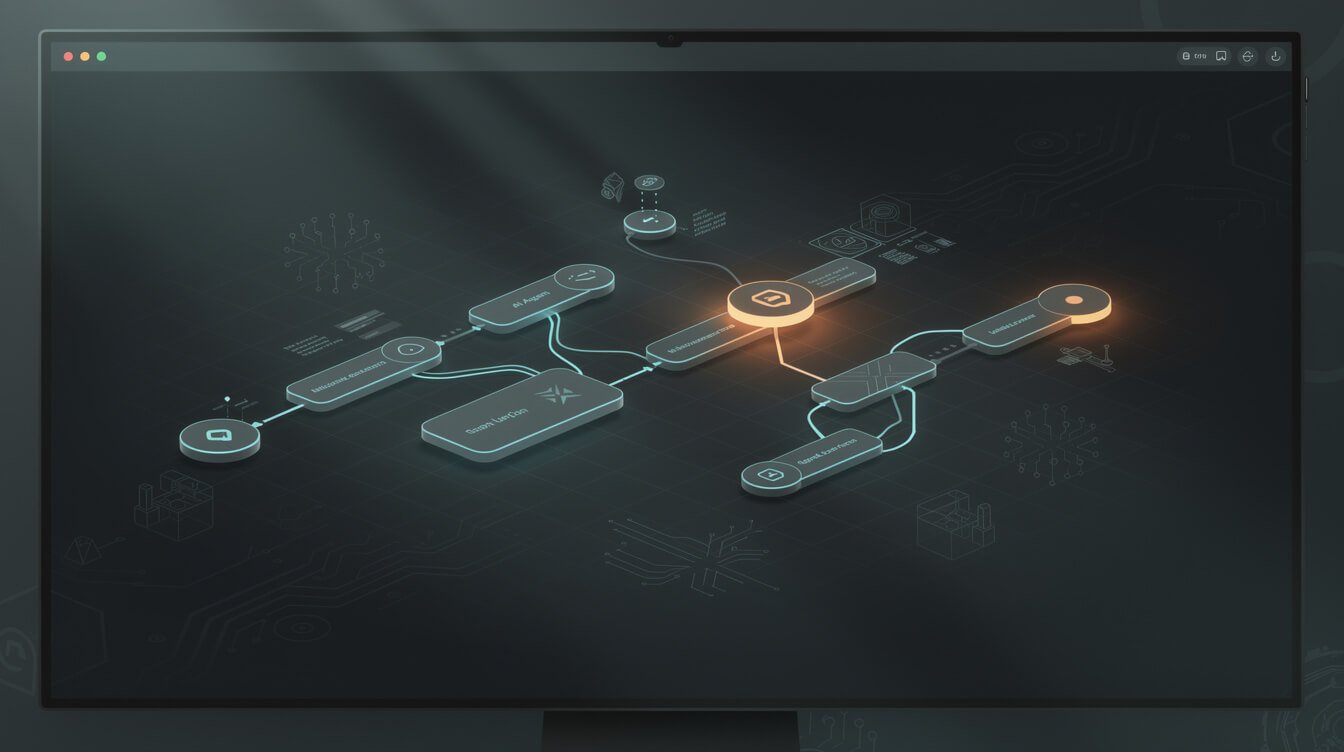
Let’s actually build one. This is the fastest honest path from zero to a running agent, and you can finish it before dinner. We will use n8n because it self-hosts for the price of a coffee, does not charge you per task, and does not lock your logic in someone’s cloud. (If you are weighing the plans, I broke down exactly what it costs in my n8n pricing guide.)
A concrete first agent — “watch a form, research the lead, draft a reply” — looks like this:
- Trigger: add a Schedule node (say, every hour) or a Webhook node that fires when a new form submission lands.
- Brain: add an AI Agent node and connect a chat model (Claude works well here). Give it a plain-English system prompt: who it is, what job it does, what “done” looks like.
- Tools: attach tool nodes — an HTTP request to enrich the lead, a Google Sheets or Airtable node to log it, a Gmail node to draft (not send) a reply.
- Memory: switch on the agent node’s memory, or write each interaction to a sheet so tomorrow’s run has yesterday’s context.
- Guardrail: route the drafted email to a “waiting for approval” step instead of sending automatically. You approve with one click.
That is a real agent: it triggers itself, reasons, uses tools, remembers, and respects a guardrail. No Python. The reason I still recommend starting here even for technical folks is that the visual canvas teaches you the shape of the problem — you can see exactly where the loop is deciding, where it calls a tool, and where it should stop. When you outgrow the canvas, you will know precisely why. For a wider comparison of platforms at this tier, see my picks for the best AI agent for small business.
Path B: How to Build a Real Claude Code Agent (the One Writing This Post)

Here is the receipt. The blog post you are reading was written and published by a Claude Code agent running on a schedule inside a Docker container. Nobody typed this out. That is Path B, and it is what you graduate to when an agent becomes load-bearing.
The difference is the environment. Instead of nodes on a canvas, a Claude Code agent gets a real workspace: a filesystem, a shell, scripts, and API access. It reads its own instructions from a file, pulls a task from a queue, does the work, writes the output, and logs what it did — the same five parts as before, just with far more range because it can run any command you would run yourself.
The build looks like this in spirit:

⚡ GET THE AI EDGE
Weekly AI tips that actually save you time and money. No fluff, no hype — just what works.
- A brief / instruction file the agent reads on every run — its job description and rules (this is memory and guardrails in one).
- A trigger — a cron entry that launches the container at a set time.
- Tools — shell scripts and API calls: generate an image, post to WordPress, update Airtable, send a Telegram alert when it finishes.
- A queue — a table of work so the agent always knows what to do next and never repeats itself.
- Logging — every action written to a file so I can audit the whole run over morning coffee.
You do not have to hand-roll all of that from scratch. The Claude Agent SDK gives you the loop, tool-calling, and permission scaffolding out of the box, and if you would rather run genuinely open infrastructure, my guide to open source AI agents covers the self-hosted route. This is powerful, but it is also where you can genuinely hurt yourself — an agent with a shell can delete things. That is a great moment to book an automation strategy session if you want a second set of eyes before you point an autonomous agent at anything that matters.
The Guardrails I Never Skip

This is the section the demo videos skip and the one that keeps me employed. An agent that can act can also act wrong, at scale, at 3 a.m. These are the rules I never break, no matter how much I trust the model:
- Read-only first. A new agent gets to read everything and change nothing until it has proven itself over many runs. Reading is safe; writing is where the damage lives.
- Human-approve anything irreversible. Sending money, emailing a customer, deleting records, publishing to a big audience — these route to me for a one-click yes. The agent proposes; a human disposes.
- Scope tightly. Give the agent access to exactly the files, tables, and keys the job needs — and nothing else. A calendar agent has no business holding your payment credentials.
- Never put secrets where the agent can read them into a prompt. Keys live in environment variables, not in the notes or documents the agent processes. Untrusted text an agent reads can carry hidden instructions; treat it like it might.
- Log every action. If it happened, it is written down. An unlogged autonomous agent is a liability you cannot debug.
None of this is exotic. It is the same discipline a good manager uses with a new hire: start them on low-stakes work, watch closely, expand trust as they earn it. The operators who get burned by agents are the ones who hand a brand-new one the keys to everything on day one. If you want that guardrail layer designed properly for your stack before you go live, that is exactly the kind of thing I help operators wire up.
What Building an AI Agent Actually Costs — and What Breaks
Real talk on money, because the tutorials love to skip it. Building an AI agent is cheap to start and easy to make expensive if you are careless.
The infrastructure is almost free. A small VPS to run n8n or your container is roughly $5 a month. Self-hosted n8n has no per-task fee, which is the whole reason I use it across the fleet.
To make it concrete: one of my daily content agents runs on a shared $5 VPS and spends somewhere in the low single digits of dollars a month on tokens, because each run is short, focused, and reads only the context it needs. Multiply that across ten brands and the whole fleet still costs less than a single junior VA for one day. The math only turns ugly when an agent is sloppy — re-reading a novel of context every step, or looping without a ceiling. Discipline in the build is what keeps the bill boring.
The model tokens are the real variable. A lightweight agent doing a handful of tasks a day might cost you a few dollars a month. A chatty agent that re-reads huge context on every step, or loops without limits, can quietly run up a real bill. The fix is boring and effective: cap the loop, keep context lean, and put a hard spend limit on your API key.
Here is what actually breaks in practice, so you can plan for it:
- Runaway loops. An agent that never decides it is “done” burns tokens forever. Always give it a max-steps ceiling.
- Silent tool failures. An API changes, a token expires, and the agent keeps going on stale data. Logging plus a failure alert catches this.
- Context rot. Stuff too much history into memory and the model gets confused. Store durable facts, not every keystroke.
- Over-trust. The single most expensive failure is skipping guardrails because “it’s been fine so far.” Fine, until it isn’t.
An agent is leveraged, not passive. It multiplies your effort — including your mistakes. Build it so the mistakes are small and visible.
How to Build an AI Agent: FAQ
Do I need to know how to code to build an AI agent?
No. Path A (n8n or another no-code tool) gets you a real, running agent with zero code. You only need code when an agent becomes load-bearing and you want deeper control — and even then, tools like the Claude Agent SDK do most of the heavy lifting for you.
Is it safe to run an AI agent unattended?
Yes — if you build the guardrails. Read-only first, human approval for anything irreversible, tight scope, and full logging. My agents run unattended every night, and the reason I sleep fine is that none of them can do anything catastrophic without a human clicking “approve.”
What is the best starter project?
Pick something boring, repetitive, and low-stakes that you already do by hand — triaging leads, drafting first-pass replies, summarizing a daily report. Boring is good: it is easy to verify and safe to get wrong while you learn.
How long does it take to build your first AI agent?
A useful no-code agent is genuinely an afternoon. A robust, unattended, code-based agent with proper guardrails is more like a weekend for the first one — and much faster after that, because the pattern repeats.
No-code or Claude Code — which should I actually start with?
Start no-code unless you already live in a terminal. Build one real agent on a canvas so you understand the loop, the tools, and where the guardrails go. Move to code only when an agent becomes load-bearing and the canvas starts fighting you. Almost nobody regrets learning the shape of the problem first.
Final Thoughts
Learning how to build an AI agent is not really a coding problem — it is an operator problem. The model is the easy part. The work is choosing the right path (no-code until it is load-bearing, then code), wiring the five parts every shipping agent needs, and refusing to skip the guardrails. Do that and you do not get a chatbot — you get a team member that works while you sleep.
Start today. Open n8n, wire a schedule to a model to a single tool, and watch it finish one small job on its own. That first unattended run is the moment it clicks. When you are ready to make an agent load-bearing — the kind that touches your revenue, your content, or your customers — that is where a wrong move gets expensive, and where a second set of eyes pays for itself. Book an automation strategy session and I will help you build the thing that actually ships. Total conquer, complete domination. Let’s build.
Want the Whole Playbook?
Get the AI Playbook I use to run ten autonomous brands from one seat — the triggers, guardrails, and build patterns, free in your inbox.

📥 FREE: THE AI PLAYBOOK
The exact tools and workflows I use to run a one-person agency. 25 years of marketing experience distilled into an actionable guide. Yours free.

AI & Digital Marketing Strategist
With over 25 years in digital marketing, e-commerce, sales, and international business, Jon Jones is a seasoned entrepreneur dedicated to empowering small businesses through innovative AI solutions. His journey began in investment banking on Wall Street, guiding companies through capital acquisition and complex markets, and has expanded to include expertise in web development, brand design, product development, and courses and training.
Fluent in Mandarin and with a rich foundation in both finance and tech, Jon launched JonJones.ai to provide accessible, transformative tools for small businesses to streamline operations, generate leads, and build sustainable growth. His mastery of AI, automation, and digital strategy has enabled numerous businesses to bridge the gap between traditional practices and modern technology, ensuring they thrive in today’s digital landscape.