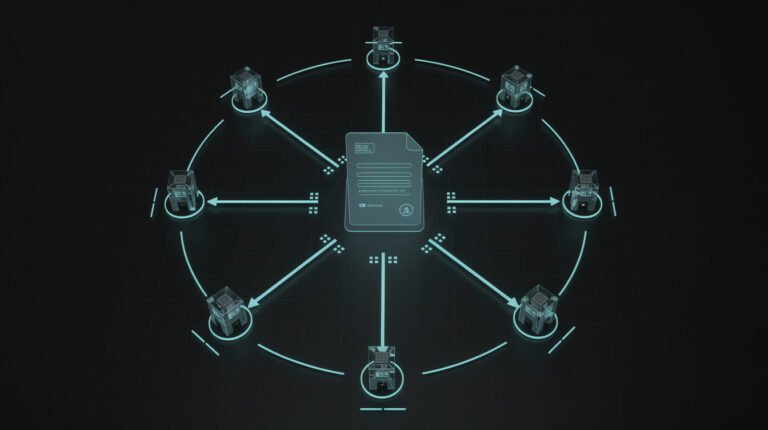
Everyone can produce a slick demo now. You type a sentence, an AI writes the code, and 20 minutes later you’ve got a to-do app that looks like a startup. That’s the trap. Cursor vibe coding — letting the AI drive inside the Cursor editor while you steer with plain English — is genuinely one of the fastest ways to build software today. But the gap between a demo that impresses your group chat and software that survives real users, real data, and real money is enormous. This guide is about closing that gap.
I run a fleet of autonomous businesses. The code that sends my newsletters, generates storefronts, and posts to ten social platforms wasn’t hand-typed by a team of engineers — a lot of it was vibe coded, then hardened until it could run unattended on a cron schedule. So this isn’t theory. Here’s how to use Cursor to ship real software, not just another demo you abandon by Friday.
What Cursor Vibe Coding Actually Is (and Where Demos Fall Apart)

Vibe coding is a simple idea: you describe what you want in natural language and let an AI agent write, edit, and run the code. Cursor is a code editor — a fork of VS Code — with that AI woven directly into the workflow. Instead of copy-pasting between a browser chatbot and your files, the model sees your whole project, edits multiple files at once, runs commands, reads the errors, and fixes itself. If you’re totally new to the concept, start with my primer on what vibe coding is and how solopreneurs use it, then come back here for the shipping part.
Here’s why demos fall apart. A demo only has to work once, on your machine, with you being careful about what you click. Real software has to work when a stranger does something you never imagined, when the database has 50,000 rows instead of three, and when it’s 2am and nobody’s watching. The AI is brilliant at the first 80% — the part that makes a demo — and quietly reckless about the last 20% that makes it production-grade: validation, error handling, security, edge cases, and tests.
The skeptics aren’t wrong, exactly. Plenty of experienced developers have tried Cursor on a large, mature codebase and walked away frustrated because the agent confidently made changes that broke things in subtle ways. That’s real. But it’s a workflow problem, not a tooling problem. The people who ship with Cursor treat the AI like a fast, tireless junior developer who needs clear instructions and a tight leash — not a genie who grants wishes. Get that mental model right and everything else follows.
A quick receipt so this isn’t hand-waving: one of the tools in my fleet is a small pipeline that renders a vertical video every evening — script, voiceover, captions, background music, the whole thing — and posts it to two platforms unattended. The first version was vibe coded in an afternoon and looked great in a demo. It also fell over the moment a caption ran long, an API rate-limited, or a font failed to load. It took another week of the exact discipline in this guide — tests, validation, error handling, retries — to make it something I’d trust to run at midnight with nobody watching. Vibe coding built the draft in hours. Engineering made it a business system. Same tool, two completely different outcomes.
Setting Up Cursor for Real Work, Not Just Vibes
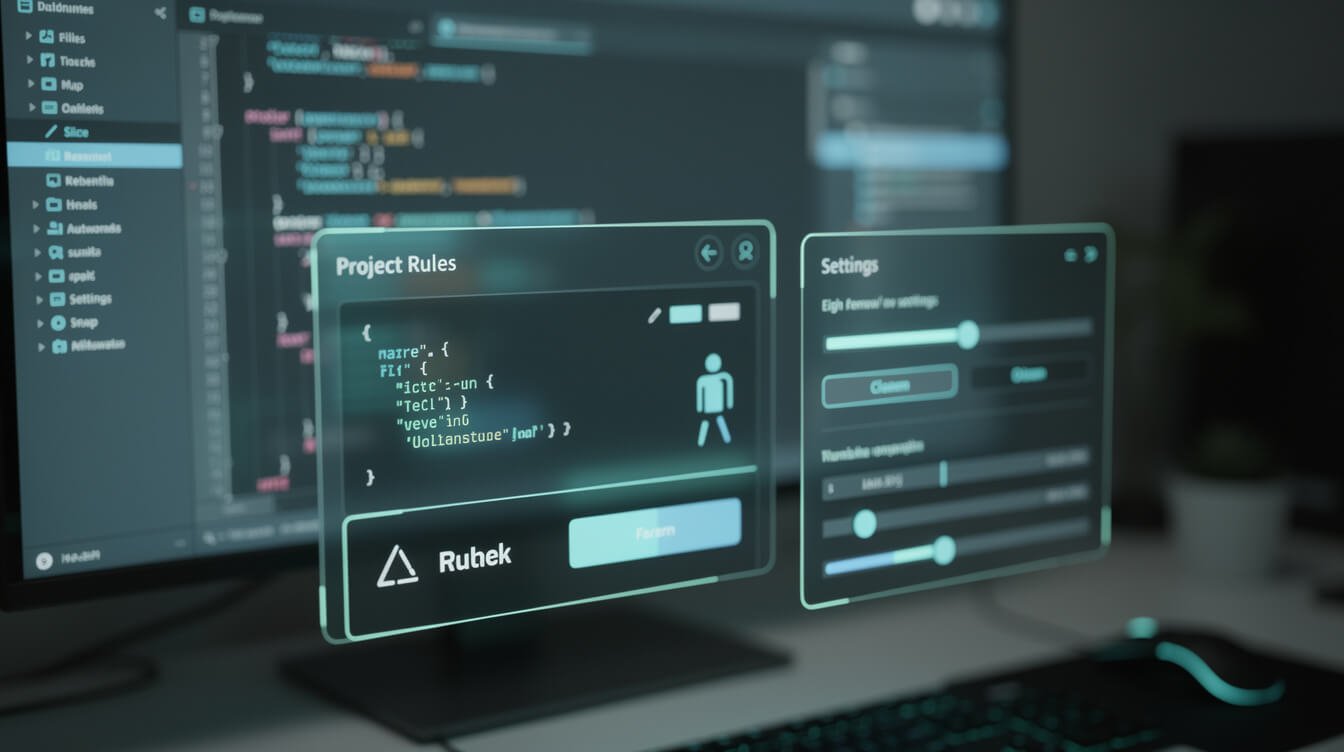
Most people install Cursor, open a blank folder, and start typing prompts. That’s exactly how you end up with a demo. A little setup is the difference between an agent that guesses and an agent that knows your standards.
Start inside version control from minute one
Before you write a single prompt, run git init and make your first commit. This is non-negotiable. Vibe coding is a high-speed, high-mistake activity, and git is your undo button for the entire project. When the AI confidently rewrites a working file into rubble — and it will — a clean git history means you lose five minutes, not five hours. If you don’t know git yet, learning add, commit, diff, and restore is the single highest-leverage hour you’ll spend.
Write a project rules file
Cursor lets you define project rules (a .cursor/rules file or the older .cursorrules) that get injected into every request. This is where you stop repeating yourself. Tell the AI your stack, your conventions, and your hard limits once:
- Stack and versions: “This is a Next.js 15 app using TypeScript, Tailwind, and Supabase. Never suggest class components.”
- Standards: “Every function that touches user input must validate it. Never store secrets in the repo. Prefer small, single-purpose functions.”
- Behavior: “When you’re unsure, ask before making sweeping changes. Explain your plan before editing more than three files.”
A good rules file turns a generic model into your developer. It’s the highest-return five minutes in the whole process.
Pick the right model and pick your tools
Cursor lets you choose which frontier model handles your requests, and it matters — the strongest reasoning models are noticeably better at multi-file changes and debugging. If you’re still deciding which editor and model combination fits you, my breakdown of the best vibe coding tools in 2026 compares the real trade-offs. And if your project needs the AI to safely touch a database or a repo, wire up the right connectors — my guide to the MCP servers I actually run shows how to give an agent controlled access without handing it the keys to everything.
The Vibe Coding Loop That Actually Ships
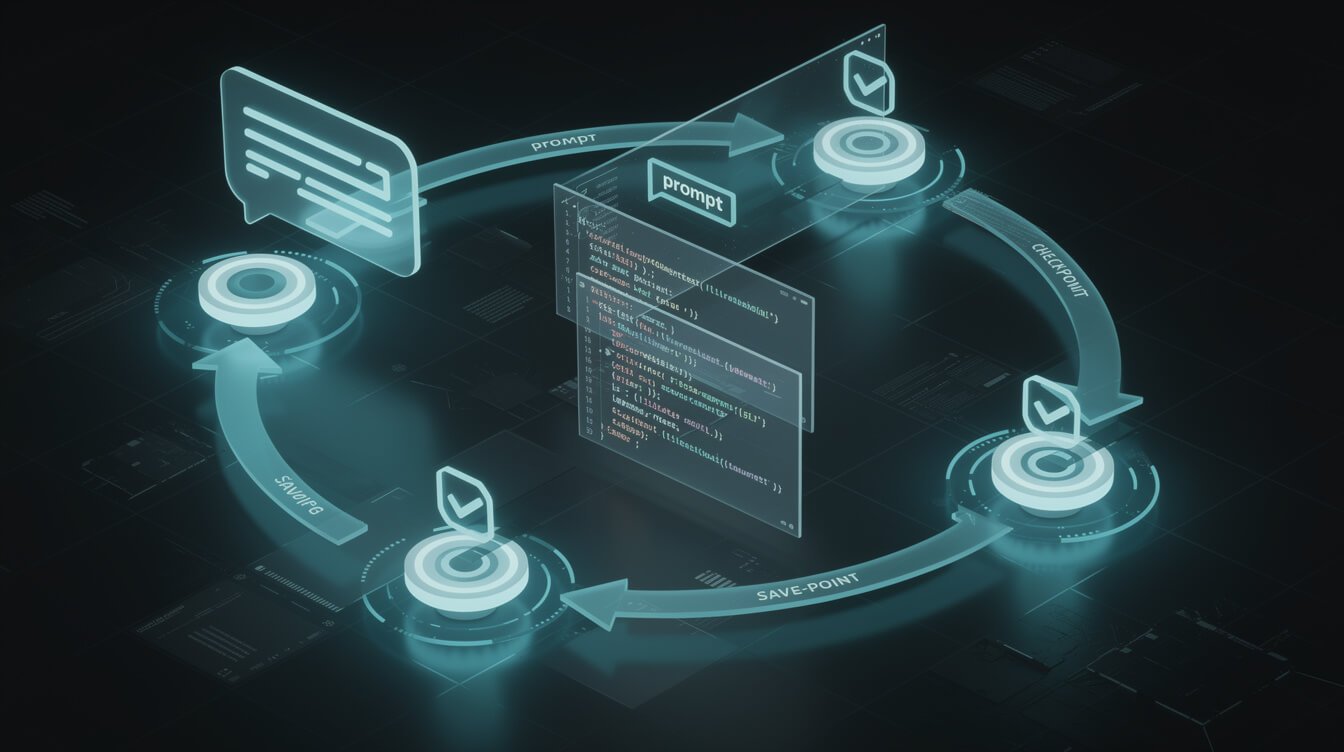
Shipping isn’t one giant prompt. It’s a loop you run dozens of times a day. Master this rhythm and Cursor stops feeling like a slot machine and starts feeling like leverage.
1. Scope before you build
The number one reason vibe coding produces garbage is vague requests. “Build me a CRM” gets you a mess. “Create a single page that lists contacts from the contacts table, with a search box that filters by name, and a button to add a new contact via a modal” gets you something usable. Think in small, testable slices. If you use Claude Code as well as Cursor, the same discipline applies — I wrote about scoping properly in my operator’s guide to planning mode, and every lesson transfers.
2. Ask mode vs. Agent mode
Use Ask when you want to understand or plan — “How is auth handled in this project?” or “What’s the cleanest way to add rate limiting here?” It answers without touching your files. Use Agent when you want the change made — it edits files, runs commands, and iterates. The pros bounce between them: Ask to form a plan, Agent to execute it, Ask again to review what happened. Don’t let Agent mode run wild across your whole codebase in one shot; give it one slice at a time.
3. Commit at every green checkpoint
Every time the app works — even a little more than it did five minutes ago — commit. This creates a trail of restore points. Cursor also has its own checkpoint/restore feature that lets you roll a conversation back, but git is the durable safety net that survives closing the editor. Working software, commit. New feature works, commit. It becomes muscle memory.
4. Debug with evidence, not vibes
When something breaks, don’t just say “it’s broken, fix it.” Paste the actual error message. Screenshot the broken UI — Cursor can read images, and showing it the misaligned button is often faster than describing it. Give the agent the evidence a human developer would need, and its hit rate jumps dramatically.
5. Feed it context on purpose
Cursor is only as good as what it can see. Don’t make it guess — point it at the exact files, folders, or docs that matter using the @ symbol to reference them directly in your prompt. Attaching the relevant component, the type definitions, and the API docs for a library turns a vague answer into a precise one. The same applies to external knowledge: if you’re working with a framework’s latest version, give the agent the current docs rather than trusting its training-cutoff memory. Curating context is a skill, and it’s the one that most separates people who fight the tool from people who fly with it.

Get the AI Playbook
The exact plays I use to run autonomous businesses on Claude and Cursor — systems, prompts, and receipts. Free. No fluff.

⚡ GET THE AI EDGE
Weekly AI tips that actually save you time and money. No fluff, no hype — just what works.
From Demo to Production: The 5 Guardrails Most Vibe Coders Skip

This is the section that separates a toy from a tool. The AI will almost never add these on its own — you have to demand them. These five guardrails are what turn a Cursor vibe coding session into software you can actually put in front of paying customers.
1. Make it ask for tests
“Vibing” and “shipping” are different sports, and tests are the boundary. After a feature works, prompt: “Write tests covering the happy path and the obvious failure cases for this, then run them.” Tests are how you catch the thing the AI silently broke in file B while fixing file A. They’re also how you refactor later without fear. You don’t need 100% coverage — you need coverage on the parts that would cost you money or trust if they failed.
2. Validate every input and handle every error
Demos assume good input. Production assumes hostile input. Explicitly ask: “Add validation to every user-facing input and graceful error handling to every network and database call. What happens if this returns nothing, or times out?” The AI can do this beautifully — it just won’t unless you tell it to.
3. Treat security as a first-class request
This is where vibe coded apps most often bite their owners. Secrets committed to the repo, missing authorization checks, SQL injection, exposed API endpoints — the AI will happily generate all of these if left unsupervised. Before you deploy anything real, run a dedicated security pass and, ideally, have a second AI review the code with fresh eyes. I go deep on exactly how to do this in my guide to scanning AI-built apps for security holes — read it before you put a form on the internet.
4. Keep the human in the loop on architecture
Let the AI write functions all day. Do not let it silently decide your data model, your auth strategy, or how money flows through the system. Those are the decisions that are expensive to unwind. Use Ask mode to discuss the approach, make the call yourself, then let Agent mode implement it. You’re the architect; the AI is the incredibly fast bricklayer.
5. Ship small, ship often
Deploy the smallest useful version and put it in front of one real user. Real usage surfaces the problems no prompt ever will. This is the whole operator mindset: build the thing, ship it, watch what breaks, fix that, repeat. A live app with three happy users beats a perfect demo with none. If a build gets big enough that it becomes a genuine business system, that’s exactly the kind of done-for-you automation I build for clients — but you can get remarkably far on your own with this loop.
When Cursor Vibe Coding Breaks (and How to Recover)

It will break. The agent will get stuck in a loop, “fix” a bug by introducing two more, or insist a file is correct when it plainly isn’t. Staying calm and knowing your recovery moves is what keeps a rough patch from torching an afternoon.
The doom loop
Symptom: you ask for a fix, it breaks something else, you ask again, it breaks the first thing again. Stop. Don’t send a seventh prompt into the fire. Roll back to your last good git commit, take a breath, and re-approach with a smaller, more specific request. The doom loop almost always means the task was too big or the context got polluted.
Start a fresh chat
Long conversations accumulate confusion — the model starts tripping over its own earlier assumptions. When a chat goes sideways, open a new one. A clean context window with a crisp description of the current state often solves in one message what a bloated thread couldn’t in ten.
Read the code yourself
Here’s the uncomfortable truth: you cannot ship software you refuse to understand, at least at a high level. You don’t need to write every line, but you should be able to follow what a file does. When you’re stuck, actually read the diff Cursor is proposing before you accept it. Half the time you’ll spot the problem instantly. If reading code feels impossible, a structured course helps — I rounded up the best vibe coding courses for people who want to build fluency fast.
Know when to hand it to a human
Some problems — a gnarly race condition, a payment integration, a data migration — are worth a real engineer or a proper build. That’s not failure; that’s judgment. The goal isn’t to never need help. The goal is to get 90% of the way there yourself, fast, and know exactly where the last 10% needs a pro.
Frequently Asked Questions About Cursor Vibe Coding
Do I need to know how to code to use Cursor?
No, but you’ll go further if you learn a little as you go. Complete beginners can build real things with Cursor vibe coding. The people who ship, though, invest an hour here and there learning git, basic debugging, and how to read code. You don’t need a CS degree — you need enough literacy to steer.
Is Cursor better than a browser-based AI chatbot for coding?
For anything beyond a snippet, yes. The ergonomics are the whole point: Cursor sees your entire project, edits multiple files, runs your code, and reads the errors — all without copy-paste ping-pong. A chatbot is fine for a one-off function. Cursor is for building and maintaining a real project.
How much does Cursor cost?
There’s a free tier to try it, and a Pro plan (around $20/month) that unlocks heavier usage of the strongest models. For anyone building seriously, it pays for itself almost immediately — one afternoon of shipped work covers months of subscription.
Can I really run a business on vibe coded software?
Yes — I do. The key word is hardened. Vibe code the first version fast, then apply the five guardrails above until it can run unattended. Vibe coding gets you to working software in hours; the discipline in this guide gets you to dependable software you’d bet a business on.
Final Thoughts: Vibe the Draft, Engineer the Ship
Cursor vibe coding is the most fun I’ve had building in years, and it’s genuinely changed what one person can ship alone. But the magic isn’t in the demo — anyone can get a demo now. The magic is in the boring, deliberate work of turning that demo into something real: version control from minute one, a rules file that encodes your standards, a tight build-test-commit loop, five guardrails you refuse to skip, and the calm to recover when it breaks.
Vibe the draft. Engineer the ship. Do both, and you’re not playing with a toy anymore — you’re running a system. Now go build something that’s still standing next month.
Get the AI Playbook
The exact plays I use to run autonomous businesses on Claude and Cursor — systems, prompts, and receipts. Free. No fluff.

📥 FREE: THE AI PLAYBOOK
The exact tools and workflows I use to run a one-person agency. 25 years of marketing experience distilled into an actionable guide. Yours free.

AI & Digital Marketing Strategist
With over 25 years in digital marketing, e-commerce, sales, and international business, Jon Jones is a seasoned entrepreneur dedicated to empowering small businesses through innovative AI solutions. His journey began in investment banking on Wall Street, guiding companies through capital acquisition and complex markets, and has expanded to include expertise in web development, brand design, product development, and courses and training.
Fluent in Mandarin and with a rich foundation in both finance and tech, Jon launched JonJones.ai to provide accessible, transformative tools for small businesses to streamline operations, generate leads, and build sustainable growth. His mastery of AI, automation, and digital strategy has enabled numerous businesses to bridge the gap between traditional practices and modern technology, ensuring they thrive in today’s digital landscape.