
Search make automation and here’s what you actually get: Make.com’s own homepage, a couple of YouTube tutorials, and a Reddit thread. Every result is either selling you the platform or showing you which button to click. Nobody sits you down and explains how the billing really works, where Make quietly starts costing you money, and when a solopreneur is better off owning the whole thing instead of renting it.
That’s the gap I want to close. I run automation across more than ten autonomous brands, so I’ve paid real invoices to Make, to n8n, and to Zapier — and watched each one behave very differently under load. This is the honest operator decode: what Make is, how “operations” (now dressed up as “credits”) actually get counted, what it’s genuinely great at, where it bites you, and the simple rule I use to decide between paying for it and self-hosting instead.
What Make Automation Actually Is (and the Integromat Backstory)
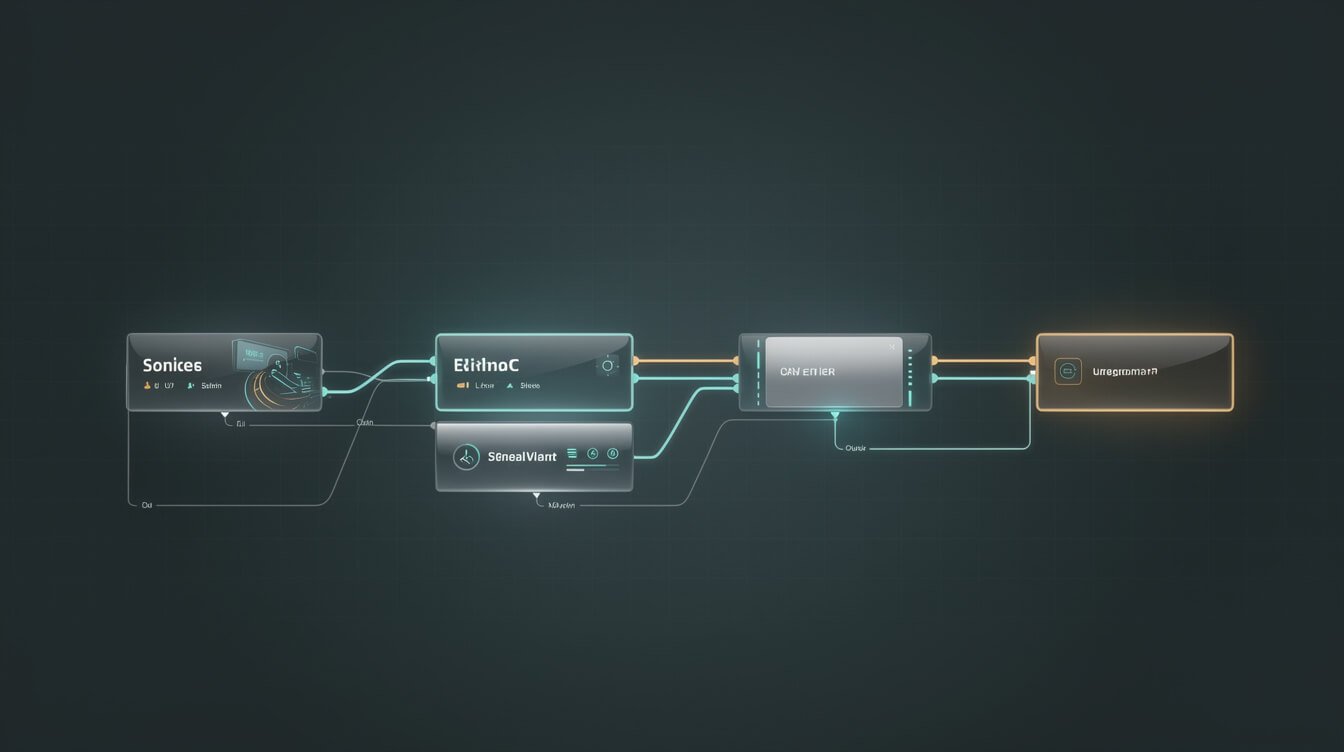
Make is a visual, no-code automation platform. You build things called scenarios — sequences of connected “modules” laid out on a canvas — and each module does one job: fetch a Gmail message, add a row to Google Sheets, call an API, filter a record, route data down a branch. Data flows left to right through those modules, and the whole scenario fires on a schedule, on a webhook, or on demand.
If the name feels new, the tool isn’t. Make is the platform formerly known as Integromat. It rebranded in February 2022 after being acquired by Celonis, and it kept the thing that made Integromat beloved by power users: a genuine node-based canvas instead of the rigid single-line “when this, then that” recipe you get from simpler tools.
That distinction matters more than the marketing lets on. A trigger-action tool like Zapier walks in a straight line. Make gives you a whiteboard. You can split a flow into parallel branches, apply conditional logic at any node, map individual fields between systems, and handle errors mid-scenario — all without writing code. For a solopreneur wiring together a CRM, an invoicing tool, and an email platform, that branching power is the reason to look at Make in the first place. If you’re still deciding whether you even need a visual builder versus a code-first agent, my guide to no-code AI agents lays out that fork in more detail.
So the one-line answer: make automation means building multi-step, branching workflows on a visual canvas that connects your apps. The interesting part isn’t the canvas — it’s what happens to your bill when those scenarios start running all day.
The Make Automation Pricing Model Decoded: Operations, Not Tasks

Here’s the single most important thing to understand about Make, and the thing every tutorial skips: Make bills per module action, not per workflow. Historically this unit was called an “operation.” On the current pricing page they’ve relabeled it a “credit,” but the mechanic is identical — every time a module runs, that’s one unit consumed.
Read that again, because it’s where the money hides. A scenario isn’t one charge. A scenario with six modules that runs once burns six units. If that same scenario runs every fifteen minutes, you’re not paying for one automation — you’re paying for six units × 96 runs a day × 30 days. That’s roughly 17,000 units a month for a single small workflow.
Compare that to Zapier, which bills per task (roughly, per meaningful action) and it becomes clear why the same-looking automation costs wildly different amounts on each platform. Make’s model is cheaper per unit but multiplies fast; Zapier’s is simpler to predict but pricier per action.
What the plans actually cost in 2026
Here’s Make’s current lineup, straight from their pricing page (monthly, priced at the 10,000-credit tier):
- Free — $0/mo: 1,000 credits/month, the full visual builder, 3,000+ app connectors, routers and filters. The catch: a 15-minute minimum interval between runs.
- Core — $12/mo: 10,000 credits, unlimited active scenarios, scheduling down to the minute, and access to the Make API.
- Pro — $21/mo: 10,000 credits plus priority execution, custom variables, and full-text search of your execution logs.
- Teams — $38/mo: 10,000 credits plus team roles and shared templates.
- Enterprise — custom: overage protection, advanced security, 24/7 support.
Notice that the credits are the real product. You can slide the allowance up (10k, 20k, 40k, all the way past a million) and the price climbs with it. So the honest way to read Make’s pricing isn’t “what plan am I on” — it’s “how many module-actions will my scenarios fire per month,” and then buy the credit tier that covers it. Do that math before you build, not after your first surprise invoice. The same discipline applies to every tool in your stack; I broke down the equivalent trap for n8n in my n8n pricing breakdown.
A worked example, because the math is the whole story
Say you build a lead-handling scenario: a webhook catches a new form submission, a filter checks it’s real, a module enriches the contact, another creates a CRM record, one more sends a Slack alert, and a final module drops a row in a tracking sheet. That’s six modules — six credits every time it fires. Run on demand for maybe 40 leads a day, that’s 240 credits a day, about 7,200 a month. Comfortable inside a $12 Core plan. Perfect use of Make.
Now take a monitoring scenario that polls instead of waiting for a webhook: it checks an inbox every 15 minutes, and each check runs four modules. That’s 96 runs a day × 4 modules = 384 credits a day, roughly 11,500 a month for one workflow that mostly finds nothing. Stack three or four polling scenarios like that and you’ve blown past 10k credits and you’re shopping the next tier up — not because you’re doing more valuable work, but because you’re polling. The lesson: on Make, prefer instant webhook triggers over frequent polling wherever the app supports it, and count your modules before you build. Frequency, not usefulness, is what sets your bill.
What Make Is Genuinely Great At
I’m hard on Make’s billing, but I’d be lying if I said it wasn’t a seriously capable tool. There are jobs where it’s the right first pick, especially for someone who doesn’t want to touch a server.
Visual branching that actually makes sense. This is Make’s superpower. When a workflow needs to say “if the deal is over $5,000 send it to Slack and create a task, otherwise just log it,” Make lets you draw that with routers and filters. You can see the logic. For non-developers, seeing the flow is the difference between trusting an automation and being afraid of it.
A massive connector library. Make ships with thousands of pre-built app modules — north of 3,000 by their count — plus generic HTTP and webhook modules for anything without a native integration. In practice that means most of your everyday SaaS tools are one click from being wired together.
Fast to a first win. You can go from empty canvas to a working scenario in an afternoon. There’s no hosting, no updates, no Docker, no command line. For a lot of solopreneurs, that low activation energy is exactly what gets the first automation shipped instead of sitting on a someday list.
Real data handling. Iterators, aggregators, array mapping, error handlers — Make gives you genuine data-transformation tools inside the visual editor. That’s a meaningful step up from the “copy this field to that field” ceiling of the simplest connectors. If you want the wider view of where a tool like this sits in a modern toolkit, my rundown of AI tools for business maps how the pieces fit together.

Get the AI Automation Playbook
The exact plays I use to run 10+ autonomous brands with one operator and Claude. Free, no fluff — just the systems and the receipts.

⚡ GET THE AI EDGE
Weekly AI tips that actually save you time and money. No fluff, no hype — just what works.
Where Make Bites You at Scale (Ops Ceiling, Lock-In, Opaque Debugging)

Everything above is real. So is this: Make has three failure modes that show up exactly when your automations start mattering, and none of them are on the marketing page.
1. The operations ceiling. This is the big one. Because you pay per module-action, costs scale with activity, not value. A workflow that’s cheap when it runs twice a day becomes expensive when it runs every few minutes across dozens of records. The automations you rely on most — the high-frequency, always-on ones — are precisely the ones that eat your credit allowance fastest. You end up rationing your best automations to stay under budget, which is a strange place to be.
2. Cloud lock-in. Your scenarios live on Make’s servers, in Make’s format. There’s no clean “export my automations and run them somewhere else.” If Make raises prices, changes a plan, or deprecates a feature you depend on, you don’t have a lot of leverage — your operational plumbing is a tenant on someone else’s property. For a nice-to-have, fine. For something load-bearing in your business, that dependency deserves a hard look.
3. Opaque debugging. When a scenario fails at 3 a.m., you’re reading Make’s execution log through Make’s interface, trying to reconstruct what happened inside a run you can’t fully instrument. It’s better than most no-code tools, and Pro’s full-text log search helps — but you’re still debugging a black box you don’t host. Compare that to a self-hosted setup where the logs are just files on your machine and you can add your own logging anywhere. This is a recurring theme with hosted platforms; I go deeper on ownership trade-offs in my piece on open source AI agents.
None of these make Make a bad tool. They make it a rental. And how you feel about renting depends entirely on how important the thing is.
Make vs n8n vs Zapier: The Solopreneur Cost-Per-Workflow Table

These three tools get lumped together, but they solve the problem in genuinely different ways. Here’s the honest operator comparison — not by feature checklist, but by how they behave when a solo operator is footing the bill.
| Make | n8n | Zapier | |
|---|---|---|---|
| Billing unit | Per module action (operation/credit) | Per workflow execution (self-hosted: unlimited) | Per task (action) |
| Entry price | Free (1k credits, 15-min interval); $12/mo Core | Free self-hosted; ~$20/mo Cloud Starter | Free (100 tasks); ~$20/mo+ |
| Cost at high frequency | Climbs fast — every module counts | Flat if self-hosted (you pay the server, ~$5/mo) | Climbs fastest — priciest per action |
| Branching / logic | Excellent (visual routers, filters) | Excellent (nodes + real code when needed) | Basic (paths on higher tiers) |
| Ownership | Cloud only — lock-in | Self-host and own it, or use Cloud | Cloud only — lock-in |
| Best for | Visual branching, fast start, no server | Load-bearing, high-frequency, cost control | Simplest linear zaps, maximum app coverage |
The pattern is clear once you see it. Zapier is the easiest and the most expensive at scale. Make is the sweet spot for visual, branching work when you don’t want to run infrastructure — cheaper per unit than Zapier, but still metered and still a rental. n8n is the one you can self-host for the price of a coffee a month, with no per-execution meter running against you, at the cost of owning the server yourself. If you want the full picture on where these fit into an automated business, start with my broader workflow automation guide.
My Rule: When to Pay for Make vs When to Self-Host and Own It

After years of running this stuff in production, my decision rule has collapsed into one sentence: nice-to-have automations, pay for the managed tool; load-bearing automations, self-host and own them.
Here’s the test. Ask: if this workflow silently broke for a week, what would it cost me? If the answer is “a minor annoyance” — a Slack ping, a spreadsheet that’s a little stale, an occasional lead notification — then pay Make (or Zapier) and never think about it again. The $12–$21 a month buys you zero maintenance, and that’s a great trade for something that doesn’t move the needle.
But if the answer is “I’d lose money, miss customers, or break a promise” — that automation is load-bearing, and load-bearing things shouldn’t be tenants on someone else’s platform with a meter running. That’s where I move the workflow to a self-hosted n8n instance on a ~$5/month server: no per-operation billing, full control of the logs, and no vendor able to reprice my core operations out from under me. My own fleet of autonomous brands runs on exactly this split, and the agents behind it are the receipts.
The place most solopreneurs get stuck isn’t choosing the tool — it’s the migration. Rebuilding a tangle of Make scenarios as owned, self-hosted workflows is real work, and doing it wrong means downtime on the systems you can least afford to lose. If that’s where you are, this is literally what I do for people: if you want a second set of hands mapping which of your automations should stay rented and which should be owned — and then actually building the owned ones — book an automation strategy session and we’ll draw the line together.
Make Automation FAQ
Is Make automation free?
There’s a genuinely usable free plan: 1,000 credits a month, the full visual builder, and 3,000+ connectors. The real limit is the 15-minute minimum interval between runs, so it’s great for learning and low-frequency automations, but you’ll outgrow it the moment you need anything near real-time. Paid plans start at $12/month.
Is Make beginner-friendly?
Yes, more than most people expect. The visual canvas means you can see your automation instead of imagining it, and you can build a working scenario in an afternoon with no code. The learning curve isn’t the interface — it’s understanding the operations/credit billing model so you don’t build something that quietly drains your allowance.
What’s the difference between operations and tasks?
It’s the core billing distinction. Make counts every module action as one operation (now labeled a “credit”), so a six-module scenario burns six units per run. Zapier counts per task, which is roughly per meaningful action. Make’s units are cheaper individually but multiply with every module and every run; Zapier’s are easier to predict but cost more each.
Is Make (Integromat) dying?
No. Make is the rebrand of Integromat after its 2022 acquisition by Celonis, and it’s actively developed with a growing connector library and AI features. The question for a solopreneur isn’t whether Make survives — it’s whether renting your automation plumbing is the right call for a given workflow, versus owning it on self-hosted infrastructure.
Can I move my automations off Make later?
Not cleanly — there’s no one-click export to another platform, which is exactly the lock-in to weigh before you put anything load-bearing on it. The practical move is to keep nice-to-haves on Make and rebuild the mission-critical workflows on a tool you can host yourself, like n8n.
Final Thoughts
Make is a genuinely good tool that the internet only ever describes with a homepage and a tutorial. Cut through that and the truth is simple: it’s a powerful visual automation builder with a metered, per-operation billing model and no exit door. That combination is perfect for the automations that make your life a little easier, and quietly risky for the ones your business actually leans on.
So use the rule. Pay Make for the nice-to-haves and enjoy the zero-maintenance. Self-host and own the load-bearing ones. Do the credit math before you build, not after the invoice. Get that split right and make automation stops being a mystery box and becomes exactly what it should be — leverage you control instead of a meter you’re feeding. And if you’d rather have someone draw that line with you and build the owned half, book an automation strategy session and let’s get your systems running for you instead of the other way around.
Get the AI Automation Playbook
The exact plays I use to run 10+ autonomous brands with one operator and Claude. Free, no fluff — just the systems and the receipts.

📥 FREE: THE AI PLAYBOOK
The exact tools and workflows I use to run a one-person agency. 25 years of marketing experience distilled into an actionable guide. Yours free.

AI & Digital Marketing Strategist
With over 25 years in digital marketing, e-commerce, sales, and international business, Jon Jones is a seasoned entrepreneur dedicated to empowering small businesses through innovative AI solutions. His journey began in investment banking on Wall Street, guiding companies through capital acquisition and complex markets, and has expanded to include expertise in web development, brand design, product development, and courses and training.
Fluent in Mandarin and with a rich foundation in both finance and tech, Jon launched JonJones.ai to provide accessible, transformative tools for small businesses to streamline operations, generate leads, and build sustainable growth. His mastery of AI, automation, and digital strategy has enabled numerous businesses to bridge the gap between traditional practices and modern technology, ensuring they thrive in today’s digital landscape.