
If you’ve used Claude Code, you already know what an AI agent can do: read your files, run commands, fix bugs, and loop until the job is done — all without you babysitting every step. The Claude Agent SDK gives you that exact engine as a programmable Python or TypeScript library. Same tools. Same intelligence. Same autonomous loop. But now you control it from your own code, your own pipelines, your own products. This guide explains exactly what the Claude Agent SDK is, how it works, and how to build your first agent in under 10 minutes.
What Is the Claude Agent SDK (and Why Solopreneurs Should Care)
For the enterprise-platform alternative to this SDK, see my updated review of Google Vertex AI Agent Builder — same job, a very different amount of overhead.
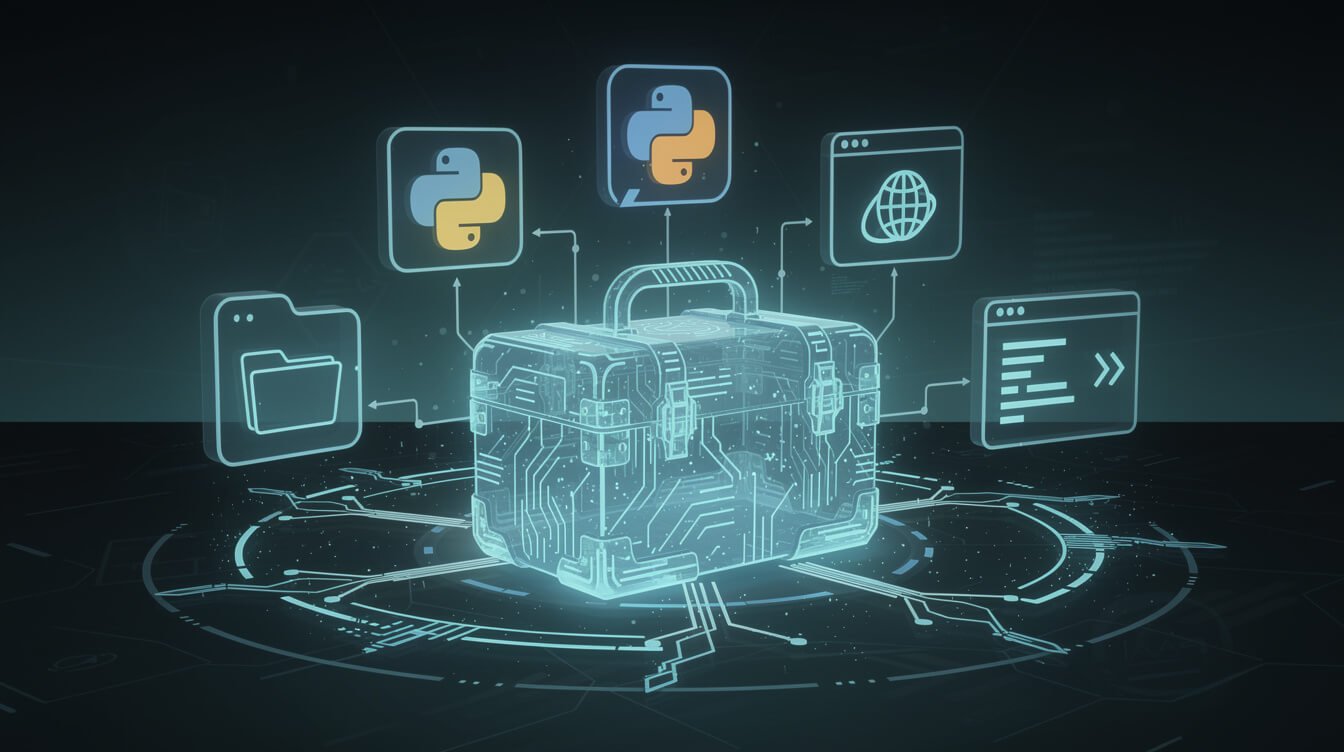
The Claude Agent SDK is an open-source Python and TypeScript package published by Anthropic — the same company behind Claude — that gives you programmatic access to the exact agent loop powering Claude Code. You install it, you write a few lines of code, and you have an autonomous AI agent that can read files, run terminal commands, browse the web, and edit code without you touching it again.
As of June 2026, the GitHub repo (anthropics/claude-agent-sdk-python) has 7,400+ stars and is on version v0.2.106 — actively maintained and shipped by Anthropic. The TypeScript package mirrors it feature-for-feature.
Here’s why this matters for solopreneurs specifically:
- It’s the same engine as Claude Code. Anthropic extracted the production-grade agent loop they spent years building and packaged it for you to use in your own products. You’re not building something toy — you’re deploying enterprise infrastructure.
- Zero tool-building required. The SDK ships with built-in tools for reading files, running Bash commands, editing code, and searching the web. Your agent starts doing real work immediately.
- Python and TypeScript. Whether you’re scripting automations or building web apps, the SDK meets you where you are.
- Fully autonomous loop. You define the goal. The agent picks the tools, executes them, observes the output, and loops until it’s done. You don’t manage individual steps.
The best way to think about it: if Claude Code is the finished car, the Claude Agent SDK is the engine you can drop into any chassis you build. Agentic AI is no longer something you use via a chat interface — with the SDK, it’s something you deploy inside your own systems.
Claude Agent SDK vs Claude Code: Same Engine, Different Driver

This is the question that trips everyone up, so let’s kill it cleanly.
Claude Code is an interactive terminal tool and IDE extension. You type a prompt, Claude reads your codebase, makes changes, runs tests, and shows you what it did. You’re in the loop the whole time — reviewing diffs, approving or rejecting steps. It’s optimized for human-in-the-loop workflows where a developer wants AI assistance without losing control.
The Claude Agent SDK is the library form of that same engine. Instead of you driving through a terminal, your code drives the agent. You call query() with a prompt, the agent loops autonomously, and you get the result back. No interactive session. No terminal. Just code you deploy in a script, a server, a cron job, or a production pipeline.
Augmentcode summarizes it cleanly: “Claude Code is the finished product you use for interactive coding; the Claude Agent SDK is the extracted engine you embed in custom applications.”
The practical difference looks like this:
- Claude Code use case: You open a terminal, ask it to refactor your auth module, review the diff, approve, move on.
- Claude Agent SDK use case: Every Monday at 3am, your cron job fires an agent that pulls competitor blog posts, summarizes the key points, writes a draft competitive analysis, and saves it to your Airtable — while you sleep.
Both run the same underlying model and tools. The difference is who’s driving. If you want to understand Claude Code as a starting point, check out my Claude Code tutorial for beginners — but if you’re ready to deploy agents in your own systems, the SDK is your next step.
The Agentic Loop: How the Claude Agent SDK Works Under the Hood

Understanding the agentic loop makes everything else click. Here’s exactly what happens when you call query():
- You send a prompt. Something like “Find and fix the bug in auth.py” or “Research the top 5 competitors in AI automation and write a summary.”
- The SDK sends your prompt to Claude. Claude thinks about what tools it needs to accomplish the task.
- Claude calls a tool. Maybe it calls
Readto look at auth.py, orBashto run a test, or a web search tool to pull competitor URLs. - The SDK executes the tool. This is the key part: the SDK runs the tool in your local environment and sends the results back to Claude.
- Claude observes the result and decides what to do next. Did the test pass? Is there another file to check? Does it need to search for something?
- The loop continues until Claude determines the task is complete — then it returns the final result to your code.
This is what makes the SDK powerful and different from just calling the Claude API directly. When you call the Anthropic API yourself, you get a text response. You have to build all the tool logic, all the retry handling, all the context management yourself. The Agent SDK already built all that. It gives you the complete agentic infrastructure, not just model access.
The allowed_tools parameter in ClaudeAgentOptions lets you control exactly which tools the agent can use — so you can sandbox an agent to only read files, or open it up to run Bash commands and browse the web, depending on what you need.
This is a fundamentally different architecture than chain-based AI tools. There’s no prompt chain you have to engineer. There’s no manual tool routing. Claude figures out the plan and executes it. Your job is to give it the right goal and the right permissions. That’s it.

Get My Free AI Automation Playbook
Join solopreneurs building with AI. Get the exact playbook I use to run autonomous businesses — delivered free to your inbox.
Getting Started: Install and Run Your First Claude Agent SDK Project in 10 Minutes

Here’s the honest, no-fluff setup. You need Python 3.10 or later. Check yours: python3 --version. If you’re on 3.9 or below, upgrade first — the SDK will refuse to install.
Step 1: Install the SDK
pip install claude-agent-sdkOr for TypeScript/Node.js:
npm install @anthropic-ai/claude-agent-sdkStep 2: Set Your API Key
export ANTHROPIC_API_KEY=your-api-key-hereGet your API key from the Anthropic Console. The SDK also works with Amazon Bedrock, Google Vertex AI, Microsoft Azure, and Claude Platform on AWS — enterprise-grade infrastructure options if you need them.
Step 3: Write Your First Agent
import asyncio
from claude_agent_sdk import query, ClaudeAgentOptions

async def main():
    async for message in query(
        prompt="Analyze auth.py and find any security vulnerabilities",
        options=ClaudeAgentOptions(allowed_tools=["Read", "Bash"]),
    ):
        print(message)

asyncio.run(main())
That’s it. The agent will read your auth.py file, analyze it for security issues, potentially run some tests, and report back — all on its own. No more configuration needed.
Key Parameters to Know
prompt— The task you want the agent to accomplish. Be specific: what’s the input, what’s the expected output.allowed_tools— Control what the agent can do.["Read"]for read-only safety;["Read", "Edit", "Bash"]for full autonomous action. Available built-ins includeRead,Edit,Write,Bash,WebSearch, and more.system_prompt— Give the agent a persona and context. “You are an expert Python developer specializing in security audits” will get you different results than a blank system prompt.max_turns— Cap how many loops the agent can take before stopping. Useful for cost control in production.
The async generator pattern (async for message in query(...):) means you get streaming output — you see the agent’s progress in real time rather than waiting for a final dump. In production, you’d typically collect all messages and process the final result.
5 Real-World Claude Agent SDK Use Cases for Solopreneurs

The SDK isn’t a toy. Here are five production-grade use cases that work right now, with the rough architecture for each.
1. Autonomous Competitor Research Agent
Every week, your agent scrapes the top 5 competitor blog posts, extracts the key arguments, identifies content gaps vs. your site, and writes a competitive summary to your Airtable. I run this exact system as part of JonOps — my fleet of autonomous AI agents that runs the business while I’m offline. Schedule it with a cron job. No human hours spent.
2. Codebase Audit and Auto-Fix Pipeline
Point an agent at your repo with allowed_tools=["Read", "Edit", "Bash"], prompt it to “find all console.log statements used for debugging and remove them, then run the test suite,” and let it work. The agent reads files, edits them, runs tests to verify nothing broke, and reports back. This is vibe coding taken to the next level — you’re not writing code at all, just directing outcomes.

⚡ GET THE AI EDGE
Weekly AI tips that actually save you time and money. No fluff, no hype — just what works.
3. Customer Email Triage and Draft Agent
Connect the SDK to your Gmail API, have the agent read incoming customer emails, categorize them by priority and type, and write draft responses in your voice — all saved to a drafts folder for your final review before sending. This is a perfect example of a human-in-the-loop workflow where the agent does 90% of the cognitive work and you just hit send.
4. SEO Content Audit Agent
Give the agent a list of your published posts (or point it at your sitemap), have it analyze each post’s focus keyword density, heading structure, and internal linking, and produce a prioritized refresh list with specific recommendations per post. Set it up on a weekly schedule. Your content strategy runs itself.
5. Lead Research and Personalization Agent
Feed the agent a list of B2B leads — company names and websites. It uses web search tools to research each company, identifies their specific pain points, and writes personalized outreach email first lines. What used to take a VA 4 hours per week becomes a 10-minute overnight run. This is the kind of leverage that makes good prompt engineering compound into real business value.
The common thread: all of these are tasks you’d otherwise pay a human to do repeatedly, on a schedule. The Agent SDK lets you deploy an autonomous worker that never sleeps, never makes inconsistent decisions, and runs for pennies per task.
Claude Agent SDK vs LangChain, CrewAI, and n8n: Which Should You Use?

There are a lot of agent frameworks out there. Here’s the honest breakdown of when to use each:
Claude Agent SDK vs LangChain
LangChain is a framework for chaining together LLM calls, tools, and prompts. It’s powerful and flexible but comes with significant abstraction overhead — you’re managing chains, agents, memory, and tool definitions yourself. The learning curve is steep, and debugging can be painful.
Claude Agent SDK is higher-level: Anthropic pre-built the agent loop. You don’t build a chain — you write a prompt and let Claude figure out the execution plan. If you’re building a simple-to-medium complexity agent that needs to use Claude specifically, the SDK will get you there in hours, not days. If you need extreme flexibility across multiple models and a massive ecosystem of integrations, LangChain has a larger library.
Claude Agent SDK vs CrewAI
CrewAI is purpose-built for multi-agent workflows — orchestrating teams of specialized agents where each agent has a role, tools, and scope. If your use case is “I need a researcher agent, a writer agent, and an editor agent that hand off to each other,” CrewAI has an elegant model for that.
Claude Agent SDK is better for single-agent, task-focused automation. It’s simpler, more direct, and easier to reason about. For most solopreneur use cases — a competitor research agent, a content audit agent, an email triage agent — you don’t need a crew. One well-prompted agent with the right tools handles it.
Claude Agent SDK vs n8n
n8n is a visual workflow automation tool. No code (mostly). Connect APIs with drag-and-drop nodes. Great for linear workflows where you know every step in advance and want a visual map of what happens.
Claude Agent SDK is code. It’s for workflows where the agent needs to make decisions — where the path through the task isn’t predetermined and Claude needs to reason about what to do next. If your workflow is “when I get an email, add it to Airtable,” use n8n. If your workflow is “when I get an email, figure out who it’s from, research their company, decide if it’s worth responding to, and write a personalized draft,” use the SDK.
The real answer: most JonOps systems use both. n8n handles the trigger and routing logic; Claude Agent SDK handles the cognitive heavy lifting inside each node. They compose beautifully.
Frequently Asked Questions About the Claude Agent SDK

Do I need to be a developer to use the Claude Agent SDK?
You need to be comfortable writing Python (or TypeScript). It’s not a no-code tool — it’s a library you import into your code. That said, the learning curve is gentler than building from scratch with the raw API. If you can write a Python script, you can deploy your first agent in an afternoon.
What does it cost to run agents with the Claude Agent SDK?
You pay for Claude API usage — priced per token (input + output). A research agent that runs for 10 minutes might use 50,000–200,000 tokens depending on complexity. At current Claude Sonnet rates, that’s roughly $0.15–$0.60 per run. Batch simple tasks together and set max_turns to keep costs predictable. For context: a competitor research agent running weekly costs less than one hour of a VA’s time per year.
Can I use the Claude Agent SDK with Claude 4?
Yes. The SDK uses the model you configure in your environment. By default, it uses the same model powering Claude Code, which as of 2026 includes Claude Sonnet 4.6 and Claude Opus 4.8. You can specify the model explicitly in your options if you need a specific version.
Is the Claude Agent SDK the same as Claude Code?
No — Claude Code is a finished interactive product (terminal + IDE extension). The Agent SDK is the underlying library. Claude Code is actually built on top of the same agent loop that the SDK exposes. Think of it this way: Claude Code is a specific application of the Agent SDK, the same way a car is a specific application of an engine.
Can I run the Claude Agent SDK on a server or VPS?
Absolutely — and that’s the point. The SDK runs in any Python 3.10+ environment: local machine, Docker container, AWS Lambda, a VPS, a GitHub Actions workflow. I run multiple agent containers on a VPS under JonOps, each running on cron schedules. The SDK is production-ready.
Does the Claude Agent SDK support MCP (Model Context Protocol)?
Yes. The SDK supports MCP server integration, which means you can connect your agents to MCP-compatible tools and data sources. This is increasingly important as the MCP ecosystem grows — connecting Claude agents to Slack, GitHub, Notion, databases, and hundreds of other services through a standardized interface.
Final Thoughts: The Claude Agent SDK Is the Infrastructure Layer of the Solopreneur AI Stack
The narrative around AI tools in 2026 has mostly been about “using AI” — ChatGPT for writing, Claude for research, Copilot for code. That’s fine. But the next level is deploying AI — building systems that do the work without you touching them.
The Claude Agent SDK is the bridge from “AI user” to “AI operator.” It’s the same production-grade agent engine Anthropic uses in Claude Code, now available as a Python library you can embed in any pipeline you build. The fact that it comes pre-loaded with tools, handles the agentic loop, and works with existing cloud infrastructure means the barrier to deploying serious autonomous systems is lower than it’s ever been.
The solopreneurs who figure this out in 2026 will be running what looks like a 10-person operation with a two-person team. One human. One AI agent fleet. And infrastructure like the Claude Agent SDK making it possible to build that fleet without needing to be a machine learning engineer.
Start with one agent. Pick the most repetitive cognitive task you do — competitor research, content auditing, email drafting — write a prompt, give it the right tools, and let it run. Then build the next one. That’s how the JonOps model works: one autonomous container at a time, each one eliminating a category of manual work.
The engine is right there. All you have to do is use it.
Build Your Own AI Agent Fleet — Free Playbook Inside
Get the exact systems and playbook behind JonOps — the autonomous AI business stack I’m building in public. Free, no fluff, straight to your inbox.

📥 FREE: THE AI PLAYBOOK
The exact tools and workflows I use to run a one-person agency. 25 years of marketing experience distilled into an actionable guide. Yours free.

AI & Digital Marketing Strategist
With over 25 years in digital marketing, e-commerce, sales, and international business, Jon Jones is a seasoned entrepreneur dedicated to empowering small businesses through innovative AI solutions. His journey began in investment banking on Wall Street, guiding companies through capital acquisition and complex markets, and has expanded to include expertise in web development, brand design, product development, and courses and training.
Fluent in Mandarin and with a rich foundation in both finance and tech, Jon launched JonJones.ai to provide accessible, transformative tools for small businesses to streamline operations, generate leads, and build sustainable growth. His mastery of AI, automation, and digital strategy has enabled numerous businesses to bridge the gap between traditional practices and modern technology, ensuring they thrive in today’s digital landscape.