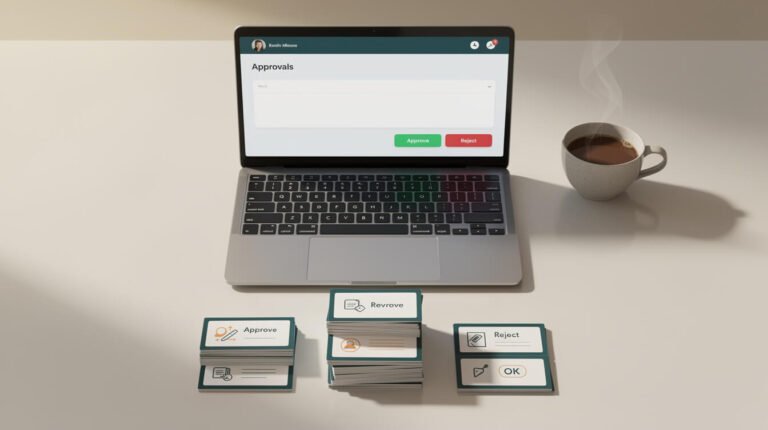
Saturday shortcut, and it’s the one that lets me sleep: I don’t trust my agents because they’re careful. I trust them because I can undo AI agent changes in about ten seconds.
Reliability isn’t the same as reversibility. Yesterday I wrote about what happens when one of your agent’s tools breaks — that’s the loud failure. The quiet one is worse: an agent edits a config file, the edit is subtly wrong, and nobody notices for three days. Here are the three shortcuts that make that survivable.
1. One line of backup before any edit
Before an agent of mine touches a live config file, it copies it first with a timestamp baked into the name:
cp schedule.json "schedule.json.bak-$(date +%Y%m%d-%H%M%S)"That’s it. One line at the top of the skill. Right now this container has seven of those sitting in it — schedule.json.bak-20260905-173856, cron-dispatcher.sh.pre-publishfix-20260614, requirements.txt.bak-pin-20260909-173149 and friends. Each one is a save point I never needed, which is exactly why they were cheap.
The timestamp is the whole trick. file.bak gets overwritten by the next run and tells you nothing. file.bak-20260905-173856 tells you what changed, when, and lets you diff two generations of a mistake.
2. Never patch a shared template — write a sidecar
My image pipeline lives in generate-image.sh, shared across every brand container in the fleet. Wednesday, its compression step started returning quota errors and blocked every image-producing skill I run.
The tempting move is to open the shared script and patch the broken step. The agent didn’t. It wrote a separate fallback script next to it and called that instead. generate-image.sh hasn’t been modified since June 7.

⚡ 取得人工智慧優勢
每週提供真正省時省錢的AI小技巧。沒有廢話,沒有誇大其詞——只有切實有效的方法。.
Why that matters: the quota reset. The image on this post came through the original pipeline this morning, first try. There was nothing to unwind — I just stopped calling the sidecar. Had the agent “fixed” the template, I’d now be reverse-engineering my own patch across ten containers.
Rule: additions are reversible, edits to shared code are not. Add, don’t edit.
3. Make the agent log the undo, not just the change
Most agents log what they did. Mine log how to put it back — the backup filename, the record ID, the exact command. So a log line isn’t “updated schedule,” it’s “copied to schedule.json.bak-20260905-173856, then updated the 12:00 slot.”
That sentence is the difference between a five-minute rollback and an archaeology project. Same principle as keeping an agent from doing the same job twice: the log is an operational tool, not a diary.
重點
Stop trying to make your agent perfect. Make it reversible. Timestamped copy before the edit, sidecar instead of surgery, undo command in the log — three shortcuts, maybe fifteen minutes to wire in, and every future mistake becomes a ten-second problem instead of a lost afternoon.
Pick your riskiest agent. Find the one file it writes to. Add the cp line. Ship it.
Want the bigger picture on what running these things unattended actually takes? Start with 運作一個完全自主的人工智慧代理究竟需要哪些條件. If you’d rather have someone wire the guardrails in for you, 預約自動化策略會議 我們會把它制定出來。.

📥 免費:《人工智慧劇本》
我用來經營一人代理公司的所有工具和工作流程。 25 年的行銷經驗濃縮成一份實用指南。免費贈送。.

人工智慧與數位行銷策略師
Jon Jones擁有超過25年的數位行銷、電子商務、銷售和國際商務經驗,是一位資深企業家,致力於透過創新的人工智慧解決方案賦能小型企業。他的職業生涯始於華爾街的投資銀行,曾指導企業完成資本募集和應對複雜的市場環境。如今,他的專業領域已拓展至網站開發、品牌設計、產品開發以及課程培訓。.
Jon精通普通話,並在金融和科技領域擁有深厚的功底。他創立了JonJones.ai,旨在為小型企業提供易於使用且具有變革意義的工具,幫助他們簡化營運、拓展客戶並實現永續成長。他對人工智慧、自動化和數位化策略的精通,已幫助許多企業彌合了傳統模式與現代技術之間的鴻溝,確保它們在當今的數位化環境中蓬勃發展。.