I was scrolling through r/woocommerce the other day when someone posted a question that should’ve had a one-line answer.
“How are you handling alt text for large WooCommerce product catalogs?”
Simple question. I gave a simple answer: use Claude Code in the terminal, point it at the WooCommerce REST API, done.
What happened next was… something else entirely.
I Watched Someone Turn a 10-Minute Job Into a Board Meeting

The original poster came back with concerns about “dev-heavy setups” and “multilingual metadata workflows.” I explained the actual process — no scripting required, just tell Claude what to do in plain English. Ten minutes, tops.
Their response? More hand-wringing about “non-technical store operators” and “the safest middle ground between YOLO automation and fully manual edits.”
So I broke it down even simpler. Nobody is scripting anything. You literally tell Claude to use the WordPress REST API to update the alt tags. Back up your site first if you’re nervous. That’s all there is to it.
Their final response was a masterpiece of overthinking:
“Where I think people underestimate it is less the ‘how’ and more the ‘should we’ at scale… blind YOLO updates can create issues around tone consistency, variant differentiation, and accessibility quality… The tech is easy. Governance is the real challenge.”
Governance. For alt tags. On product images.
This person managed to turn “describe what’s in the picture” into a corporate compliance initiative. And they had the upvotes to prove the sub agreed with them.
Meanwhile, I’m sitting here running actual stores with actual products making actual money, thinking: this is exactly why most WooCommerce stores still have empty alt text fields. Not because the task is hard. Because people make it hard.
Let me show you how easy this actually is.
Why Alt Text Matters (And Why It’s Not That Deep)
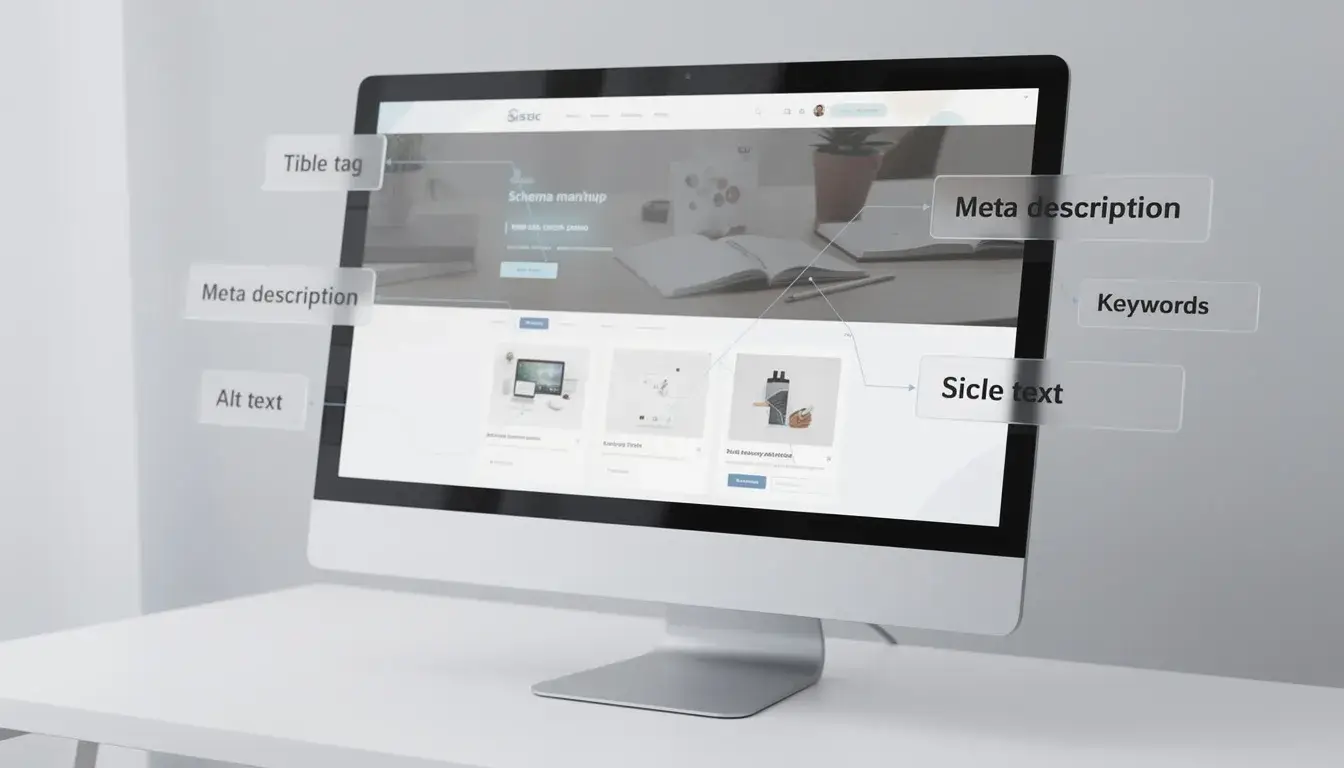
First, let me be clear — alt text genuinely matters. Two reasons:
SEO. Google reads alt text to understand your images. Good alt text helps your product images surface in Google Image search. For an e-commerce store, that’s free organic traffic you’re leaving on the table every single day your images are untagged. Google’s own documentation says image alt text is a ranking factor. If you’ve got 500 products with empty alt text, that’s 500 missed opportunities showing up in your Search Console right now.
Accessibility. Screen readers use alt text to describe images to visually impaired users. Around 2.2 billion people globally have some form of vision impairment. It’s the right thing to do. In some jurisdictions under ADA and EAA compliance, it’s also legally required. Lawsuits over inaccessible e-commerce sites are real and increasing every year.
Now here’s the thing people overcomplicate: alt text is a short, factual description of what’s in the image.
Your product is a black leather laptop bag? The alt text is “black leather laptop bag.” Maybe you add “with brass buckle and adjustable shoulder strap” if you’re feeling thorough.
This is not a creative writing exercise. There are no legitimate “tone consistency” concerns for factual product descriptions. You’re not writing poetry. You’re labeling a photograph.
If your current situation is 1,000 images with no alt text — literally any accurate description is a massive improvement. The enemy of progress here isn’t imperfect alt text. It’s no alt text at all. Stop waiting for perfect. Get it done.
The Method: Claude Code + WooCommerce REST API
Here’s the actual process I use. No plugins. No monthly subscriptions. No SaaS product trying to charge you $29/month for something that should take ten minutes.
What You Need
Four things:
- Claude Code installed (free — runs in your terminal on Mac, Linux, or Windows WSL)
- Your WordPress site URL
- A WordPress application password (Users → Your Profile → Application Passwords)
- Your WooCommerce REST API keys (WooCommerce → Settings → Advanced → REST API → Add Key with Read/Write permissions)
If you’ve never used Claude Code before, the install is one line:
npm install -g @anthropic-ai/claude-codeThen type claude in your terminal. You’re in. No setup wizard. No config file. No 47-step onboarding.
What To Tell Claude
Once Claude is running, you don’t write code. You don’t write scripts. You talk to it like a person:
I need you to update alt text for all product images on my WooCommerce store.

Site URL: https://mystore.com
WooCommerce Consumer Key: ck_xxxxxxxxxxxx
WooCommerce Consumer Secret: cs_xxxxxxxxxxxx

For each product:
1. Get the product name, categories, and attributes (color, material, size)
2. Write a descriptive alt text for the featured image and every gallery image
3. Format: "product name - key attributes - view type if multiple images"

Start with the first 10 products so I can review before doing the full catalog.
That’s it. Claude handles everything from there. It figures out the API endpoints, iterates through your products, generates intelligent alt text, and pushes the updates live.
What Actually Happens
Claude makes a series of API calls. It fetches your catalog via GET /wp-json/wc/v3/products, reads each product’s name, description, categories, and attributes, then generates contextual alt text.

⚡ GET THE AI EDGE
Weekly AI tips that actually save you time and money. No fluff, no hype — just what works.
For a product called “Premium Merino Wool Crew Neck Sweater” with attributes color: Navy, material: Merino Wool — Claude generates alt text like:
- Featured image: “Premium merino wool crew neck sweater in navy blue – front view”
- Gallery image 2: “Navy merino wool sweater showing ribbed cuff and hem detail”
- Gallery image 3: “Men’s navy crew neck sweater styled with dark jeans – lifestyle shot”
That’s infinitely better than a blank field. Or worse — “IMG_4382.jpg” as your alt text because someone uploaded photos straight from their camera.
For a 500-product store with 3-4 images per product, the whole process takes about 15-20 minutes running in the background. You start it, go make a coffee, come back to a fully-tagged image library.
It’s Not Just Alt Text — This Works For Everything
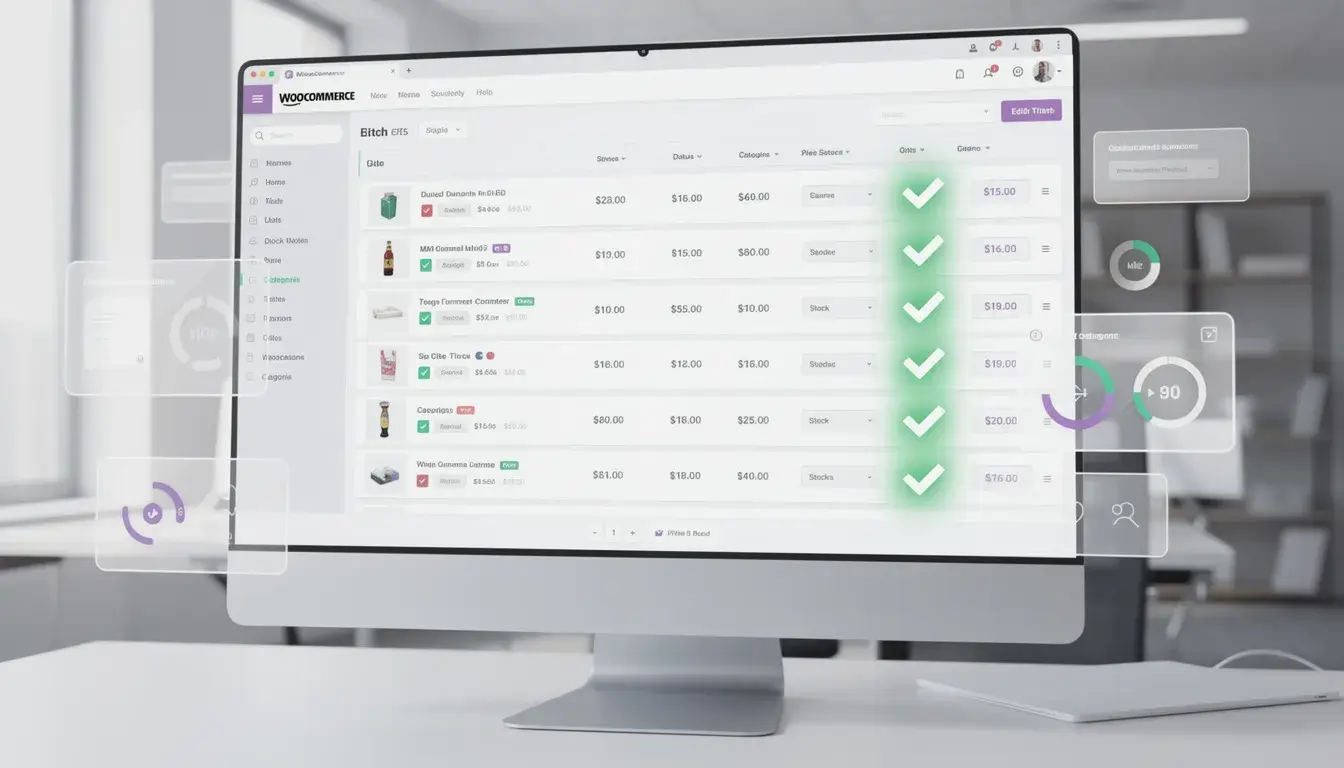
Here’s where this approach gets really powerful. Once you understand that Claude Code can talk to any REST API, the use cases are endless.
Rewrite all your product descriptions. Tell Claude to make every short description compelling, include key product benefits, and naturally incorporate your target keywords.
Bulk update SEO metadata. Running Yoast or RankMath? Claude can update every single product’s focus keyword, SEO title, and meta description through the API.
Mass pricing changes. Need to raise all prices by 15%? Set sale prices across an entire category for Black Friday? One instruction. Two minutes. Done.
Clean up your categories and tags. Recategorize your entire catalog. Merge duplicate categories. Standardize your taxonomy so your filters actually work.
Fix your product attributes. Standardize color names (is it “Navy,” “Navy Blue,” or “Dark Blue”?). Add missing specifications. Fill in empty weight and dimension fields so your shipping calculator works.
Every one of these tasks would take a human days of clicking through the WooCommerce admin. Every one takes Claude minutes. No plugin. No monthly fee. No vendor lock-in.
Need help automating your WooCommerce store? Get in touch and let’s talk about what Claude Code can do for your business.
“But What About Governance?”
I need to address the elephant in the room — the crowd that hears “AI bulk updates” and immediately breaks out in hives about “governance” and “quality control” and “tone consistency at scale.”
I’ve been running e-commerce businesses since 2015. Seven figures on Amazon and Shopify. Thousands of SKUs across multiple brands. Real inventory, real customers, real money, real operations. I didn’t learn about e-commerce from a YouTube course. I learned it by doing it, losing money, figuring it out, and making it back tenfold.
You know what we never had in any of those businesses? A governance framework for alt text. An alt text committee. A “tone consistency review process” for product image descriptions.
You know what we did have? Alt text on our images. Because we just wrote it and moved on to things that actually moved the needle.
The people wringing their hands about “controlled batches” and “review history” for image descriptions are the same people who will still have empty alt text fields six months from now. They’ll have a beautifully designed Notion document outlining their alt text strategy. They’ll have a Slack channel dedicated to discussing approaches. But zero actual alt text on their actual products.
Here’s my governance framework. Three steps:
- Back up your site
- Run the update
- Spot-check the results
That’s it. That’s the whole framework. Move on. Spend your energy on things that actually grow your business.
The Real Gap Isn’t Technical — It’s Mindset

Every tool I’ve mentioned in this article is free or nearly free. Claude Code is free. The WooCommerce REST API is free. The WordPress REST API is free. The knowledge of how to connect them — I just gave that to you right here.
The gap between people who get this done and people who don’t isn’t technical ability. It’s not budget. It’s not “governance.”
It’s the willingness to just do the thing.
I’ve watched this pattern repeat across every business I’ve built and every client I’ve worked with. The people who win aren’t the ones with the best strategy documents. They’re the ones who take imperfect action while everyone else is still deliberating.
There’s an entire cottage industry built around making simple things complicated. Plugin developers who charge monthly for bulk editing features that the free API already provides. Consultants who write 3,000-word proposals for tasks that take an afternoon. Reddit commenters who turn a 10-minute job into a philosophical debate about governance.
The AI tools available to small business owners right now are genuinely incredible. Two years ago, bulk-updating alt text for 1,000 products meant hiring a VA for a week. Today you open a terminal and type a sentence in plain English.
But only if you actually open the terminal.
Stop overthinking. Stop buying plugins for things that don’t need plugins. Stop waiting for someone to hand you a governance framework for describing pictures of your products.
Back up your site. Open Claude Code. Tell it what you want. Go get a coffee.
When you come back, the job is done. And you can spend the rest of your day on the things that actually grow your empire.
Ready to stop overthinking and start automating? Let’s talk about what Claude Code can do for your WooCommerce store.

📥 FREE: THE AI PLAYBOOK
The exact tools and workflows I use to run a one-person agency. 25 years of marketing experience distilled into an actionable guide. Yours free.

AI & Digital Marketing Strategist
With over 25 years in digital marketing, e-commerce, sales, and international business, Jon Jones is a seasoned entrepreneur dedicated to empowering small businesses through innovative AI solutions. His journey began in investment banking on Wall Street, guiding companies through capital acquisition and complex markets, and has expanded to include expertise in web development, brand design, product development, and courses and training.
Fluent in Mandarin and with a rich foundation in both finance and tech, Jon launched JonJones.ai to provide accessible, transformative tools for small businesses to streamline operations, generate leads, and build sustainable growth. His mastery of AI, automation, and digital strategy has enabled numerous businesses to bridge the gap between traditional practices and modern technology, ensuring they thrive in today’s digital landscape.