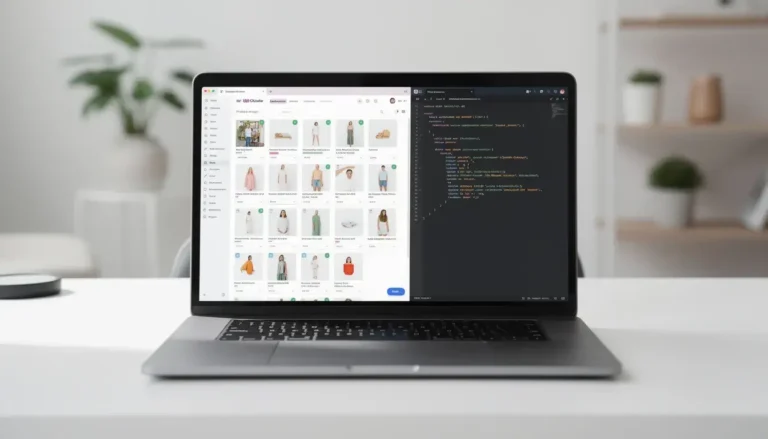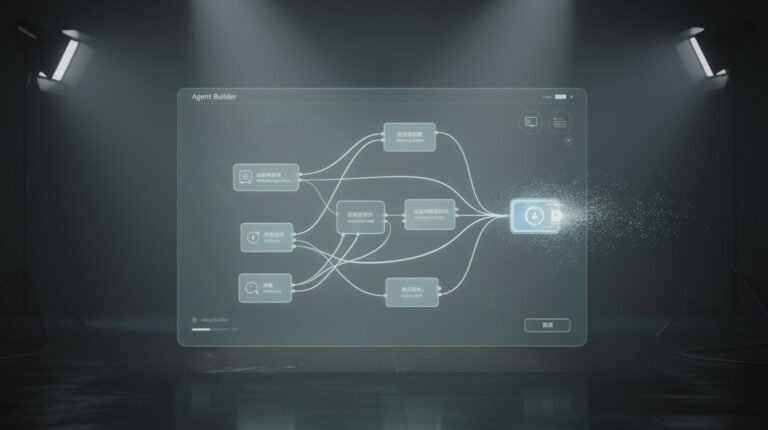
Search “no code ai agent” and you’ll drown in the same two things: affiliate listicles where the company that wrote the post magically ranks itself #1, and vendor pages promising that their drag-and-drop canvas will replace your whole team by Friday. Nobody tells you what a no-code AI agent actually is, what it can genuinely do for a one-person business, or — the part that matters most — where the no-code ceiling sits and what you do when you hit it.
I run ten autonomous brands out of a Docker container on a single VPS. Some of that runs on no-code tools. A lot of it doesn’t anymore, and I’ll be honest about why. This is the guide I wish existed when I started: plain-English, receipts included, zero affiliate math. Let’s build.
What Is a No-Code AI Agent, Really?

Let’s kill the jargon first. A no code ai agent is a piece of software you assemble by clicking and connecting boxes — no programming — that can take in a goal, decide what steps to take, use tools on your behalf, and act without you babysitting every click.
The word doing the heavy lifting is agent. People throw it around loosely, so here’s the distinction that actually matters:
- A chatbot answers when spoken to. You type, it replies. It has no goals of its own and it does nothing when you close the tab.
- A workflow (think classic Zapier) fires a fixed chain of steps when a trigger happens: “new email → add row to sheet.” It’s rigid. Step 3 always follows step 2. It can’t decide.
- An agent is given an outcome — “triage this inbox,” “research these three competitors,” “draft replies to support tickets” — and it chooses which steps and tools to use to get there. It can loop, retry, and branch based on what it finds.
The “no-code” part just means you build that agent inside a visual editor instead of a code file. You drag a trigger, drop in an AI “brain” (usually a model like Claude or GPT), wire it to a few tools — email, a spreadsheet, a calendar — and hit publish. That’s it. If you’ve ever built a flowchart, you already have the mental model. If you want the deeper foundations, I broke the whole category down in my guide to autonomous AI agents and how they actually work.
What a No-Code AI Agent Can Actually Do for a Solopreneur

Here’s where the hype and the reality finally shake hands. A well-built no-code AI agent is genuinely excellent at the small, repetitive, judgment-light work that eats your week. It’s the closest thing a solopreneur has to a first hire — without payroll, onboarding, or a two-week notice.
Concrete jobs I’ve watched no-code agents handle reliably:
- Inbox triage. Read incoming email, label it (customer / partner / invoice / noise), draft a reply in your voice, and flag anything that needs a human. That alone claws back an hour a day for most people.
- Lead qualification. A form comes in, the agent enriches it, scores it against your ideal-customer profile, and drops the good ones into your CRM with a summary.
- Content repurposing. Turn one blog post into five platform-native social captions, each with the right length and tone. Feed it a transcript, get a newsletter draft back.
- Research briefs. “Check what these three competitors published this week and summarize the angle.” Runs on a schedule while you sleep.
- Simple bookkeeping ops. Watch for invoice emails, extract the amount and due date, log them, and nudge you before anything goes late.
Notice the pattern: these are bounded tasks with clear inputs and a clear “done.” That’s the sweet spot. When people say an AI agent “changed their business,” this unglamorous list is almost always what they mean. If you want the specifics on which jobs pay off first, I went deep on this in my breakdown of what AI agents actually do for a small business.
What a no-code agent is not good at yet: anything requiring deep, multi-step reasoning across many tools, brittle edge cases, or work where a wrong move is expensive. Hold that thought — it’s the whole reason the next few sections exist.
The 5 No-Code AI Agent Builders Worth Your Time in 2026
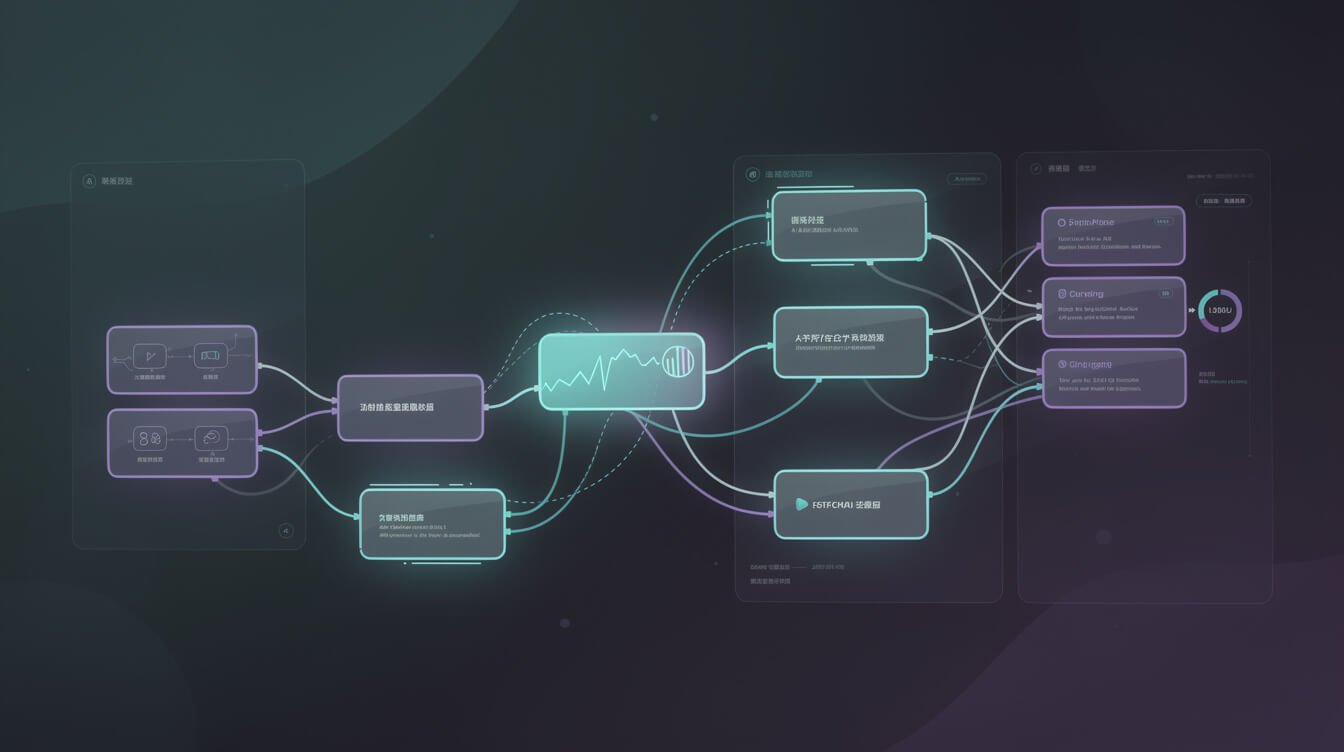
I’m not going to hand you a ranked list of thirteen tools where I secretly sell one of them. Here are five no-code AI agent builders that are genuinely good, what each is actually for, and who should skip it. Pick based on the job, not the leaderboard.
1. n8n — best if you want room to grow
n8n is a visual workflow builder with real AI-agent nodes bolted on. It’s my top pick for solopreneurs who suspect they’ll outgrow “no-code” eventually, because n8n lets you drop into a code node the day you need to — without abandoning everything you built. Self-hostable, fair pricing, huge community. The learning curve is steeper than the pure drag-and-drop crowd, but you’re buying a ceiling you won’t smack your head on next quarter.
2. Lindy — best for done-for-you business agents
Lindy is polished and opinionated. It ships pre-built agent templates for exactly the inbox-triage and lead-follow-up jobs above, and it holds your hand the whole way. If you want an agent running this afternoon and you don’t care about tinkering, start here. You’ll pay for the polish, and you’ll trade away some flexibility, but the time-to-first-win is hard to beat.
3. Relevance AI — best for multi-agent “teams”
Relevance leans into the idea of an AI “workforce” — multiple agents with roles that hand work to each other. It’s a strong fit when a single agent isn’t enough and you’re modeling something like a mini sales or research team. More power means more setup; don’t reach for this until one agent has genuinely maxed out.
4. Gumloop — best for content and marketing ops
Gumloop nails the “spreadsheet-meets-automation” feeling and shines on marketing workflows: scraping, enrichment, bulk content generation, repetitive research at volume. If your bottleneck is content and campaign grunt work, it’s a natural home.
5. Make — best for connecting a lot of apps cheaply
Make (formerly Integromat) isn’t agent-first, but its enormous app library plus AI modules makes it a pragmatic choice when your real problem is “glue forty tools together” more than “reason autonomously.” Cheap, flexible, a little fiddly. I compared this whole class of tools against the AI-first approach in my guide to workflow automation beyond Zapier.
My honest default for most solopreneurs: start with Lindy if you want speed, or n8n if you want longevity. You can always migrate. Don’t spend three weeks “evaluating” — pick one, ship one agent, learn what the tool actually can’t do. That lesson is worth more than any comparison table.
Your first no-code AI agent in four steps
Once you’ve picked a builder, the actual build is faster than the research. Here’s the loop I walk every beginner through:
- Name one painful task. Be brutally specific. Not “handle my email” but “read new support emails and draft a reply I can approve.” A narrow job is a job an agent can actually finish.
- Connect two or three tools, maximum. The trigger (a new email), the brain (your AI model), and one action (draft a reply). Resist adding a fourth connection until the first three work.
- Write the instructions like you’re briefing a new hire. Tell the agent what “good” looks like, what to skip, and when to flag you instead of acting. Vague instructions get vague agents.
- Run it in “draft mode” for a week. Let it prepare the work but not send anything without your click. Once it’s right nine times out of ten, hand it the keys. Trust is earned per successful run, not granted on day one.
That’s the entire game. Ship the small thing, watch it work, then widen its lane.

Get the free AI Playbook
The exact skills, prompts, and stack I use to run autonomous businesses. One email, no fluff — grab the playbook and build your first agent this week.
The Ceiling Nobody Mentions: Where No-Code Breaks

Every affiliate listicle stops at “look how easy it is!” I’m going to keep going, because this is the section that saves you a wasted month.

⚡ GET THE AI EDGE
Weekly AI tips that actually save you time and money. No fluff, no hype — just what works.
No-code AI agents hit a ceiling. Not maybe — reliably, once your automations stop being toys. Here’s exactly where the glass cracks:
- Complex, multi-step logic gets ugly fast. The visual canvas that felt magical at five nodes becomes a spaghetti wall at fifty. Branching logic, loops within loops, and conditional error handling are painful to express by dragging boxes.
- Debugging is a black box. When a code-based agent fails, you get a stack trace and a line number. When a no-code agent fails, you get a red node and a shrug. Tracing why the model made a bad call, mid-run, is genuinely hard.
- Version control and reuse barely exist. Want to duplicate a working pattern across ten brands, review changes like a diff, or roll back a bad edit? Most no-code platforms make that clunky or impossible. Copy-paste-tweak-pray is not a system.
- Pricing scales against you. Per-task, per-run, or per-“operation” billing is friendly at low volume and brutal at high volume. The tool that cost $30/month at ten runs a day can cost real money at ten thousand.
- You don’t own it. Your logic lives inside someone else’s platform. If they change pricing, deprecate a feature, or fold, your “business system” goes with them.
None of this means no-code is bad. It means no-code is a starting line, not a finish line. The mistake I see solopreneurs make is treating the ceiling as a personal failure — “I must be doing it wrong” — when hitting it is actually a sign you’ve outgrown the training wheels. That’s a milestone, not a defeat.
Beyond No-Code: What I Actually Run

Time for receipts. The system publishing this very post is not a no-code agent. It’s a set of Claude Code agents running inside a Docker container on a VPS, on a cron schedule. Each one wakes up, executes a single skill — write a blog post, check email, schedule social — logs what it did to Airtable, sends me a Telegram ping, and goes back to sleep.
Why did I graduate off no-code for the core engine? Every reason from the section above. I needed version control (these agents are defined in plain Markdown and text files I can diff and reuse across all ten brands). I needed real debugging. I needed to not pay per-operation while running thousands of actions a day. And I needed to own the whole thing.
Here’s the nuance most “no-code vs code” arguments miss: it’s not either/or. My stack is layered:
- No-code for the edges. Where a visual tool connects two apps cleanly, I still use one. No reason to write code for a job a box can do.
- Code-native agents for the core. Anything that needs to reason across many tools, run reliably unattended, and scale across brands lives in Claude Code, where “no-code” quietly becomes “low-code” becomes “as much code as the job needs.”
The honest path for a solopreneur looks like this: build your first agent no-code, get the win, feel the ceiling, then graduate the parts that hurt. When you’re ready to cross that line, the gentlest on-ramp is Claude Code — and I wrote a beginner’s tutorial that gets you running in about 30 minutes. You don’t need to become a developer. You need a tool that doesn’t cap what you’re allowed to build. If you’d rather have this stack built for you, that’s literally the done-for-you work I do — you can see how I run autonomous businesses here.
What Does a No-Code AI Agent Actually Cost?

Nobody gives you real numbers, so here they are. A no-code AI agent has two costs stacked on top of each other, and the listicles only ever mention the first one.
1. The platform fee. Most builders sit in the $20–$100/month range for a solopreneur’s volume. Lindy, Gumloop, and friends bill on some flavor of tasks or credits. Budget $30–$60/month to start and watch your run count.
2. The AI model fee. This is the sneaky one. The “brain” inside your agent — Claude, GPT — usually bills separately by usage. For light workloads it’s a few dollars a month. For an agent hammering a model thousands of times a day, it adds up, and some no-code platforms mark it up on top.
Real-world ballpark for a solopreneur running two or three modest agents: $40–$120/month all-in. Compare that to the alternative it’s replacing — a part-time VA at $800–$2,000/month — and the math is obvious even at the high end. My own core stack runs even leaner because it’s code-native; I break down the true per-task numbers in my honest look at what it actually costs to run AI agents.
The one cost trap to watch: per-operation pricing at scale. If your agent’s job is high-volume, model the cost at your real run count before you commit, not at the demo’s three test runs. That single check saves people from nasty invoices.
Frequently Asked Questions
Do I need any technical skills to build a no-code AI agent?
No. If you can build a flowchart or set up a Zapier automation, you can build a basic no-code AI agent. The tools are genuinely visual. What helps more than technical skill is clarity — knowing exactly what task you want done and what “good output” looks like.
Is a no-code AI agent the same as a chatbot?
No. A chatbot responds when you message it. An agent is given a goal and takes action toward it on its own — using tools, looping, and deciding steps — often on a schedule without you present. Every agent can chat, but not every chatbot is an agent.
Can a no-code AI agent really run without me watching it?
For bounded, well-defined tasks, yes — that’s the point. Triage email overnight, run a research brief on a schedule, qualify leads as they arrive. For high-stakes or ambiguous work, keep a human approval step in the loop. Trust is earned one reliable run at a time.
When should I stop using no-code and switch to code?
When you feel the ceiling: spaghetti canvases, black-box debugging, per-operation bills that sting, or the need to reuse and version your logic. That’s your cue to graduate the painful parts to a code-native tool like Claude Code. Not before — no-code is the right first step.
What’s the fastest way to get my first agent running today?
Pick one painful, repetitive task (inbox triage is the classic). Choose Lindy for speed or n8n for longevity. Build the single agent for that one task, and resist the urge to automate ten things at once. One working agent teaches you more than ten half-built ones.
Final Thoughts
A no code ai agent is the best first hire a solopreneur has ever had access to: cheap, tireless, and available this afternoon. Build one. Get the win of watching software do a job you used to dread. That moment is real and you should have it.
Just don’t mistake the starting line for the destination. No-code gets you moving; the ceiling is where the interesting businesses separate from the hobby automations. When you hit it — and you will — graduating the hard parts to code isn’t a step backward, it’s the whole point. Start no-code, stay honest about the limits, and build the thing you actually own.
Want the receipts, not the hype?
I send the real build logs from running 10 autonomous brands — what works, what breaks, and what it costs. Join the AI Playbook list.

📥 FREE: THE AI PLAYBOOK
The exact tools and workflows I use to run a one-person agency. 25 years of marketing experience distilled into an actionable guide. Yours free.

AI & Digital Marketing Strategist
With over 25 years in digital marketing, e-commerce, sales, and international business, Jon Jones is a seasoned entrepreneur dedicated to empowering small businesses through innovative AI solutions. His journey began in investment banking on Wall Street, guiding companies through capital acquisition and complex markets, and has expanded to include expertise in web development, brand design, product development, and courses and training.
Fluent in Mandarin and with a rich foundation in both finance and tech, Jon launched JonJones.ai to provide accessible, transformative tools for small businesses to streamline operations, generate leads, and build sustainable growth. His mastery of AI, automation, and digital strategy has enabled numerous businesses to bridge the gap between traditional practices and modern technology, ensuring they thrive in today’s digital landscape.