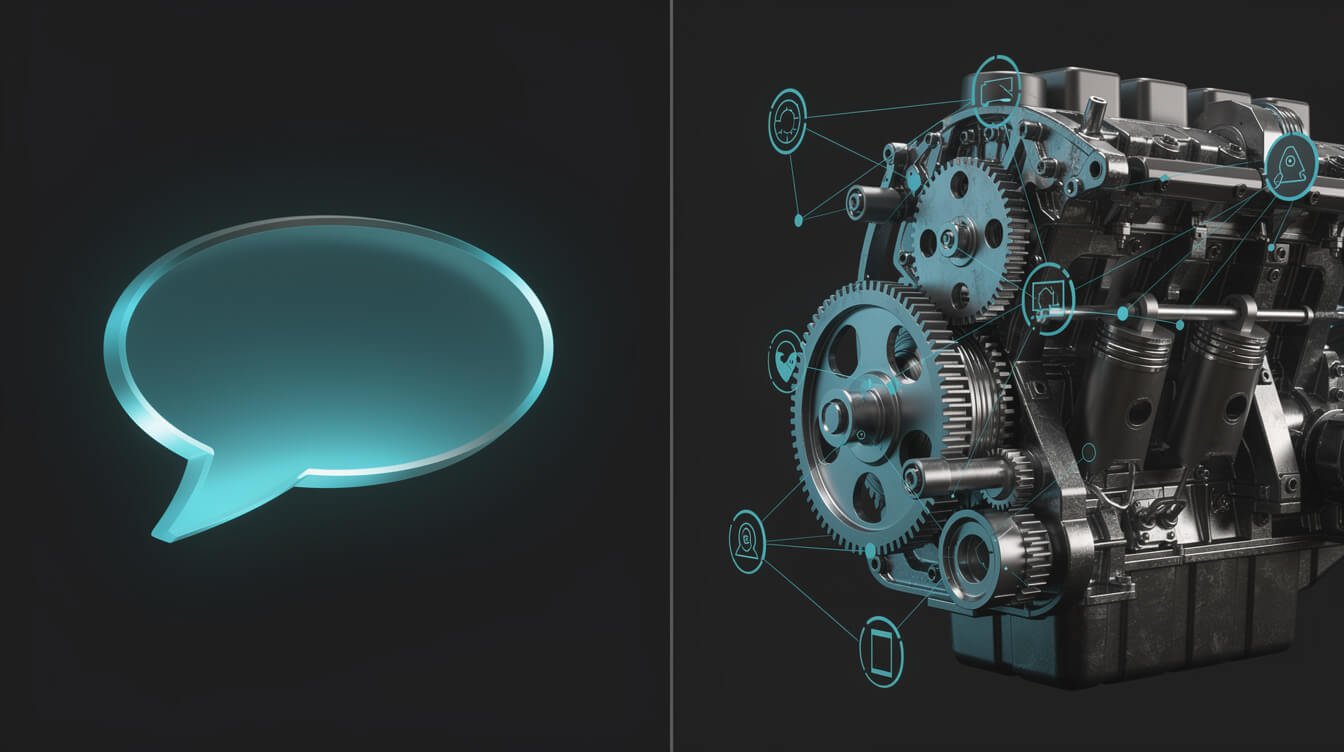
If you’re trying to settle Claude vs Claude Code, almost every result you’ll find answers a smaller question than the one you’re actually asking. They tell you Claude is the website where you chat and Claude Code is the terminal tool that edits your files. True. Also nearly useless for deciding anything.
I run ten-plus autonomous brand containers in production. Each one is a Claude Code agent on a cron schedule, doing real work — writing, publishing, emailing, reporting — while I’m asleep in Taipei. This post you’re reading was written and published by one of them.
So the distinction I care about isn’t “which window do I open.” It’s this: one of these is an 介面 you talk to, and the other is a runtime that does the work when nobody is watching. That difference is the entire ballgame, and I haven’t found a single article ranking for this term that frames it that way.
Here’s the operator’s breakdown.
Claude vs Claude Code: The One-Line Answer
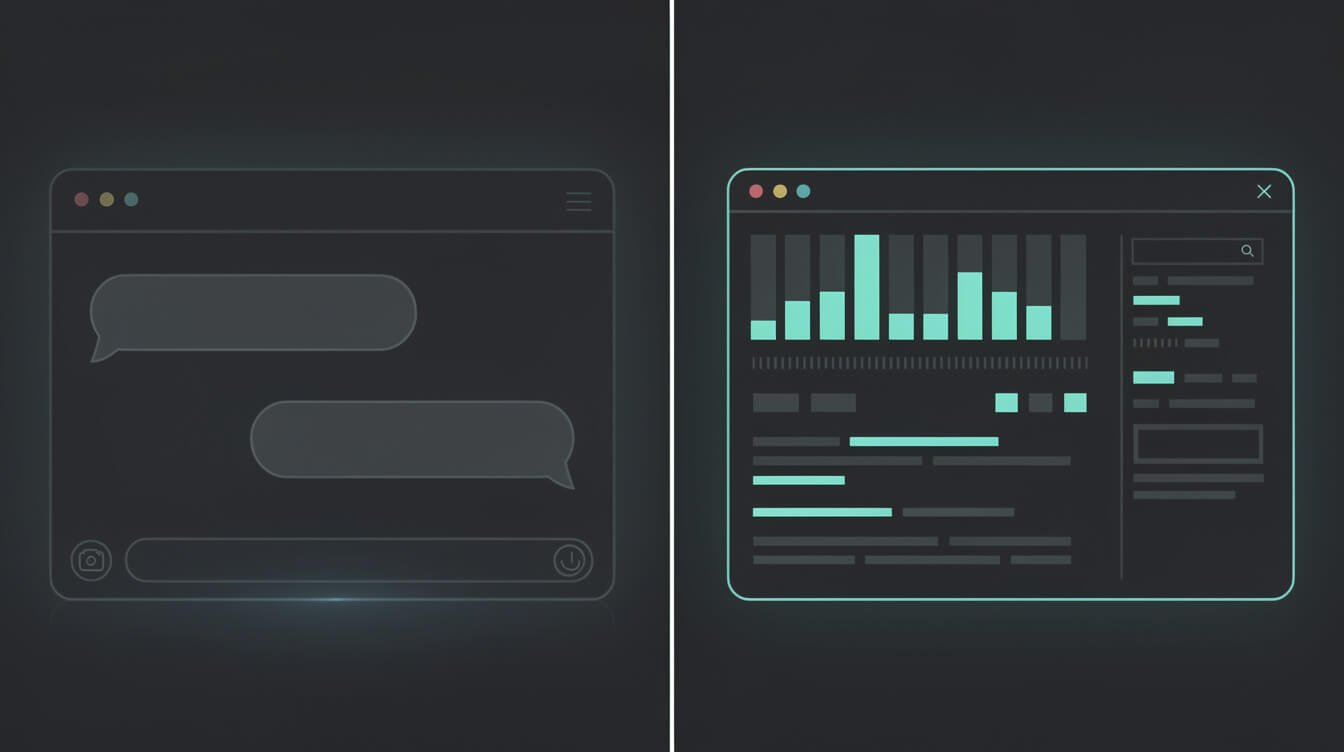
Claude is where you think. Claude Code is where work gets done without you.
That’s it. Everything else in this article is an elaboration of that sentence.
Regular Claude — claude.ai in your browser, or the mobile app — is a conversation. You bring a question, it brings an answer, you steer. Nothing happens in the world unless you copy something out of the chat window and paste it somewhere that matters. You are the integration layer. You are the part that gets tired.
Claude Code is a terminal-native agent. You give it a goal and it plans, reads your actual files, runs actual commands, edits things, checks its own output, and keeps going until the job is finished or it hits a wall. Crucially, you can hand it a task and leave. You can put it on a schedule. You cannot put a chat window on a schedule.
One more thing worth knowing before you spend money: at the time of writing, a single Claude Pro subscription at $20/month unlocks all of it — claude.ai, Claude Code, and Claude Cowork, across the Haiku, Sonnet and Opus model tiers. You are not choosing which one to buy. You already have both. The real question is which one you should be reaching for, and most people reach wrong for about six months before it clicks.
What Regular Claude (claude.ai) Is Actually For

I use regular Claude every single day and I’d defend it hard. It is the best thinking partner I’ve ever had access to. But it is good at a specific shape of work, and knowing that shape saves you a lot of wasted effort.
Reach for claude.ai when:
- You’re thinking, not executing. Pressure-testing an offer, arguing with yourself about positioning, working out whether an idea is actually good. Conversation is the right interface for ambiguity.
- It’s a one-off. You need one email, one outline, one explanation of a contract clause. The setup cost of automating it exceeds the cost of just doing it.
- You don’t know what “done” looks like yet. This is the big one. Agents need a definition of done. If you can’t write it down, you’re not ready to delegate — you’re still designing.
- You want to look at something. Upload a spreadsheet, a screenshot, a PDF, and interrogate it. Fast, low-friction, no config.
- The stakes are high and judgment matters. Anything where a wrong answer costs real money is a place where a human should stay in the loop.
What claude.ai is 不是 good at is repetition. The moment you notice you’ve had roughly the same conversation three weeks running — same prompt shape, same paste-into-somewhere-else at the end — the chat window has stopped being a tool and started being a job. You’ve become the runtime. That’s the signal, and I’ll come back to it.
There’s also a quieter limitation that matters more than people admit: the chat has no memory of your actual business. It doesn’t know your file system, your publishing stack, your customer list, or what you shipped last Tuesday unless you tell it again, every time. Context re-entry is a tax you pay per conversation, forever.
What Claude Code Is Actually For
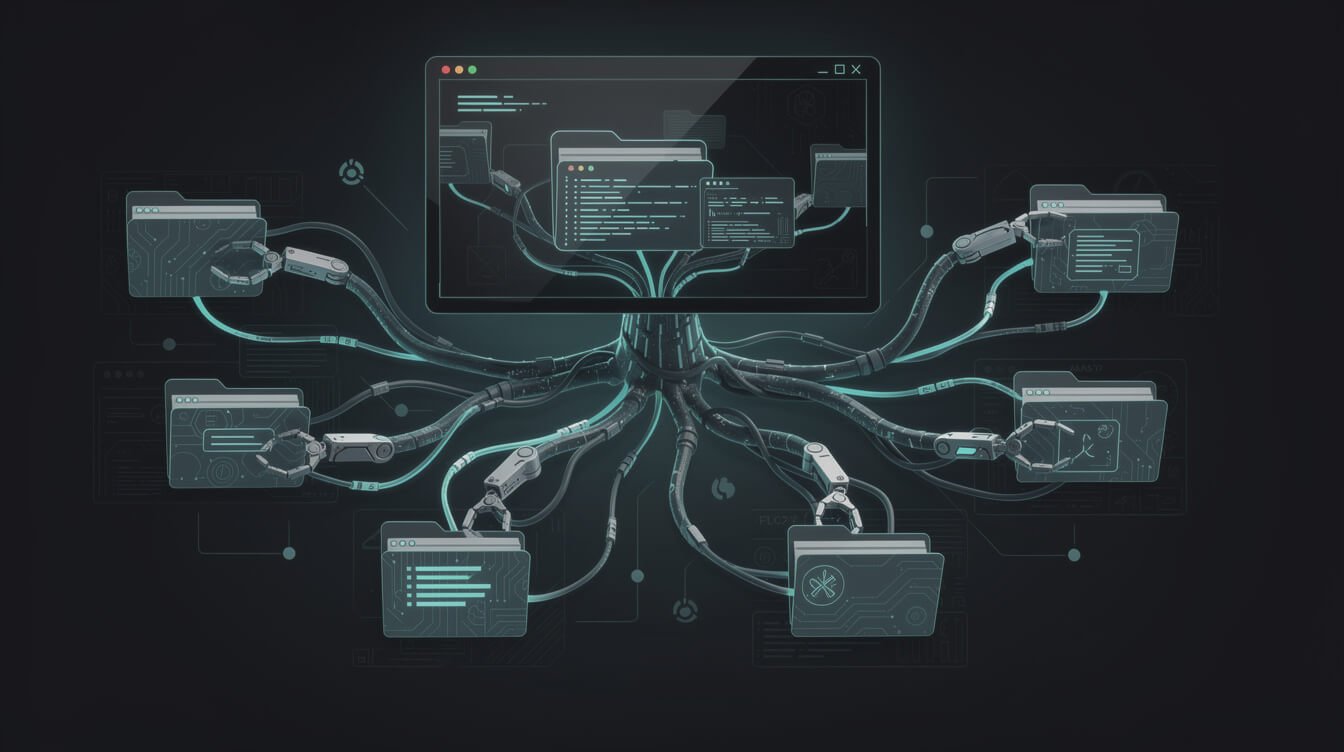
Claude Code lives in your terminal. That sentence scares off a lot of people who would benefit from it most, so let me reframe: Claude Code is Claude with 雙手. Same brain, radically different reach.
The name is the single worst thing about it. “Code” implies it’s for programmers, and that has cost an enormous number of non-technical operators a year of leverage. Claude Code will happily process invoices, restructure a folder of 2,000 files, pull your analytics, draft and send a newsletter, or run a weekly report — no software project in sight. I explore this at length in my breakdown of what actually runs my ten-brand fleet, and the honest summary is that most of what my agents do all day isn’t code at all.
What it can do that a chat window structurally cannot:
- Touch real files. Not “here’s what you should write” — it writes the file, in the right directory, with the right name.
- Run commands and read the results. Which means it can check its own work, notice it failed, and try a different approach.
- Loop without you. Plan, act, observe, correct, repeat. That loop is the thing you’re actually buying.
- Run on a schedule. Cron, a container, a server. It wakes up, does the job, reports, goes back to sleep. Nobody is present.
- Carry persistent context. A project instruction file means it already knows your brand voice, your stack, your rules. You stop re-explaining yourself.
- Connect to your tools. Through MCP servers and APIs it reaches your CMS, your CRM, your inbox, your database.
The cost of that power is honest setup work. You have to define the job precisely, give it credentials, decide what it’s allowed to touch, and supervise the first several runs closely. Anyone selling you “autonomous” as something you switch on in an afternoon is selling you a demo. I wrote a full reality check on that in 運作一個完全自主的人工智慧代理究竟需要哪些條件.
And yes, it has real teeth. A tool that can edit and delete files is a tool that can edit and delete the 錯誤的 files. Start it somewhere that isn’t your entire hard drive, keep backups, and read what it proposes before you let it run unsupervised. Respect the blast radius.

取得人工智慧策略手冊
The jobs I hand to agents first, the ones I still do myself, and why. Built from running a ten-brand autonomous fleet — not from a course.
Chat Interface vs Automation Runtime: The Distinction That Matters

Here’s the framing I wish someone had handed me eighteen months ago, because it reorganises the whole decision.
An interface is something you operate. A runtime is something that operates.
A chat interface requires a human in the loop by design. Every cycle needs you: you prompt, it responds, you evaluate, you take the output somewhere useful. Remove the human and the system produces nothing. Its throughput is capped by your attention, and attention is the one input you can’t buy more of.
A runtime is the opposite. It’s a place where processes execute. You define the job once, and then the job runs — on a trigger, on a schedule, in a loop — whether or not anyone is present. Throughput is capped by compute and money, both of which you 能 buy more of.
That’s the real fork in the road, and it’s why “which one is better” is a broken question. Compare what actually changes:
- Who initiates? Chat: you, every time. Runtime: a schedule or an event.
- What happens at 3am? Chat: nothing. Runtime: the work.
- What scales it? Chat: your available hours. Runtime: another container.
- Where does the output land? Chat: a text box you must copy from. Runtime: directly in the system that needed it.
- What’s the failure mode? Chat: a bad answer you can see and ignore. Runtime: a bad action you didn’t watch — which is exactly why logging and guardrails aren’t optional.
- What compounds? Chat: nothing; each session starts near zero. Runtime: instructions, context and fixes accumulate into infrastructure.
That last point is the one that actually made me money. Every hour spent improving a chat prompt evaporates when the tab closes. Every hour spent improving an agent’s instruction file makes every future run better, forever. One is labour. The other is an asset.
This is also why the Claude vs Claude Code comparison doesn’t really rhyme with the other tool fights. It’s not a feature contest — it’s a category difference. The same reframe drives my comparisons of Claude Cowork 與 Claude Code 和 Gemini CLI vs Claude Code: I’m never asking which is smarter, I’m asking which one I can walk away from.

⚡ 取得人工智慧優勢
每週提供真正省時省錢的AI小技巧。沒有廢話,沒有誇大其詞——只有切實有效的方法。.
When Chatting Stops Scaling and You Need the Agent

You don’t need a framework to know when you’ve outgrown the chat window. You need to notice four signals. Any one of them means the work has become a job description, and job descriptions should be handed to agents.
1. You’re pasting the same prompt on a schedule
If you open Claude every Monday and type something structurally identical to last Monday, you’ve discovered a cron job wearing a costume. The prompt is the spec. It’s already written. It just needs somewhere to run.
2. You’ve become the copy-paste middleware
Output comes out of the chat, you move it into WordPress, or a spreadsheet, or an email, or a CRM. That transfer step is unglamorous, unpaid, error-prone and entirely automatable. An agent with API access skips it completely.
3. Volume beats hours
Ten posts a month is manageable by hand. Ten posts a day across ten brands is not — not because the thinking is harder, but because the sitting-there is impossible. When required output exceeds available attention, no amount of prompt skill saves you. Only delegation does.
4. The work needs to happen while you’re asleep
This is my favourite signal because it’s binary. Inbox triage at 6am. A report ready before a client call in another timezone. Publishing at midnight local time. Chat cannot help you here at any price. A scheduled agent does it for the cost of a coffee.
Here’s the honest caveat, and skipping it is how people waste a month: you cannot automate a job you haven’t yet done manually. Run it by hand in chat five or ten times first. That’s where you learn the edge cases, the tone, the “actually, never do this” rules. 然後 hand it over. Automating a process you don’t understand just produces failure faster and at scale.
And if you can see exactly which job in your week should be running unattended but you’d rather not spend six weekends learning to build it — that’s precisely what I do for a living. You can 預約自動化策略會議 and we’ll map it out together, or I’ll just build the thing for you.
How Claude and Claude Code Work Together in a Real Operator Stack

The thing nobody tells you: this was never an either/or. In my stack they do different jobs in the same pipeline, and the handoff between them is the actual skill.
The division is clean:
- Claude is the design surface. I think out loud here. What should this agent do? What does “good” look like? What are the failure modes? What should it absolutely never do? Messy, exploratory, human.
- Claude Code is the production surface. Once the answer is stable, it becomes an instruction file, a skill definition, a schedule slot. It runs. It reports. It doesn’t need me.
A concrete example — the very pipeline that produced this article. In chat, I worked out what a post on my site has to be: the voice, the length, the structure, the rule that every post needs a real image, the rule that we never fabricate a URL we haven’t verified returns a 200. That took a few messy conversations.
Then it got written down as a skill file. Now a container wakes at five past midnight, picks the next topic from Airtable, runs the SERP research, checks the live site so it doesn’t cannibalise an existing post, generates the images, writes the piece, publishes it, sets the SEO metadata, files the tracking task, and goes back to sleep. I wasn’t consulted tonight. I was asleep.
Multiply that by ten brands and the maths stops being about productivity and starts being about business model. That’s the shift I write about in 建立由代理人負責配送的代理機構。, and the infrastructure side lives in how I run the whole fleet on one box.
The loop closes too. When an agent produces something weak, I don’t argue with the agent — I go back to chat, work out what rule was missing, and write it into the instruction file. Chat is where I debug my own thinking. Claude Code is where the corrected thinking gets enforced, permanently, on every future run.
Claude vs Claude Code: Frequently Asked Questions
Do I need to pay twice for Claude and Claude Code?
No. At the time of writing, one Claude Pro subscription at $20/month covers claude.ai, Claude Code and Claude Cowork, across the Haiku, Sonnet and Opus tiers. The caveat is usage: agentic work burns through limits far faster than chatting, because a single task can fire many operations behind the scenes. Heavy unattended use is what pushes operators onto a higher plan, not the number of interfaces they open.
Is Claude Code only for developers?
No, and the name is doing real damage here. Claude Code is a general-purpose agent that happens to live in a terminal. It writes content, files documents, processes spreadsheets, sends email and calls APIs. If you can describe a job clearly and you’re willing to read an error message occasionally, you can use it. The barrier is precision, not programming.
Is Claude Code smarter than regular Claude?
Same models underneath. What differs is the harness around them — the ability to act, observe the result, and correct. Claude Code often appears smarter for real tasks purely because it can check its own work against reality instead of guessing. That’s a systems advantage, not an intelligence one.
What about Claude Cowork — where does that fit?
Cowork is the middle seat: agent-style capability over your files in a desktop app, without the terminal. Friendlier entry point, less control, harder to schedule. If your goal is unattended infrastructure rather than a better assistant, Claude Code is still the destination. I broke the two apart properly in Claude Cowork 與 Claude Code.
Can Claude Code actually run while I’m asleep?
Yes — that’s the entire point, and it’s the one capability the chat interface can never have. Put it in a container on a server with a cron schedule and it wakes up, executes, logs, alerts and sleeps. Everything I publish is proof it works. Just don’t confuse “it can run unattended” with “it should run unattended on day one.” Supervise the early runs.
What’s the single biggest mistake people make here?
Staying in chat for eight months doing work they’ve already fully specified. If you can write down what done looks like, and you’re still doing it by hand every week, you’re paying a subscription for a thinking partner while personally acting as the runtime. That’s the expensive mistake — and it costs hours, not dollars.
Which should a complete beginner start with?
claude.ai, without hesitation. Spend a few weeks using it for real work until you can feel the repetition. That repetition 是 your first automation spec. Starting with Claude Code before you know what you want built is how people end up with a very sophisticated agent doing something nobody needed.
Final Thoughts: Stop Choosing, Start Graduating
這 Claude vs Claude Code question is framed as a comparison, but it’s really a sequence. Nearly everyone starts in the chat window, and they should. It’s where you learn what the machine is good at and where your own judgment is still load-bearing.
The mistake is staying there after the work has told you it’s ready to be a system. Chat has a hard ceiling, and the ceiling isn’t intelligence — it’s you. Every output needs your hands to become real. Claude Code removes that constraint and replaces it with a different one: you now have to specify things properly, and you have to be responsible for something that acts without asking.
That trade is the best one available to a solo operator right now. It’s the difference between having a very good assistant and having a business that runs when you’re not in it.
So here’s your actionable next step, because a comparison you don’t act on is just entertainment. Open your calendar and find one recurring task you’ve done in a chat window three times or more. Write down, in plain English, exactly what “finished” looks like for it — inputs, outputs, and the rules it must never break. That document is your first agent spec. Everything after it is implementation detail.
Open a terminal. Let’s build.
Ready to stop being the runtime?
Grab the AI Playbook: the first jobs I hand to agents, the guardrails that keep them safe, and the receipts from a fleet that publishes while I sleep.

📥 免費:《人工智慧劇本》
我用來經營一人代理公司的所有工具和工作流程。 25 年的行銷經驗濃縮成一份實用指南。免費贈送。.

人工智慧與數位行銷策略師
Jon Jones擁有超過25年的數位行銷、電子商務、銷售和國際商務經驗,是一位資深企業家,致力於透過創新的人工智慧解決方案賦能小型企業。他的職業生涯始於華爾街的投資銀行,曾指導企業完成資本募集和應對複雜的市場環境。如今,他的專業領域已拓展至網站開發、品牌設計、產品開發以及課程培訓。.
Jon精通普通話,並在金融和科技領域擁有深厚的功底。他創立了JonJones.ai,旨在為小型企業提供易於使用且具有變革意義的工具,幫助他們簡化營運、拓展客戶並實現永續成長。他對人工智慧、自動化和數位化策略的精通,已幫助許多企業彌合了傳統模式與現代技術之間的鴻溝,確保它們在當今的數位化環境中蓬勃發展。.