Here is the uncomfortable truth about most AI agents: they can talk about your work, but they cannot touch it. Ask a bare chatbot to “clean up my invoices folder” or “read last month’s reports and summarise them” and it shrugs — it has no hands. A file system MCP server is the tool that gives your AI agent those hands. It is the difference between an assistant that describes what you should do with your files and one that actually opens them, reads them, edits them, and organises them for you.
I run more than ten autonomous brands out of a stack of Claude agents, and almost every one of them touches a file system MCP server at some point in its day. So this is not a theory post. It is the guide I wish existed when I first wired one up — what it is, how to install it in about five minutes, the security rules I never break, and exactly what I use it for in production. If you have read my MCP 伺服器簡介(簡明英文版), this is the natural next step: your agent’s first real superpower.

What Is a File System MCP Server? (In Plain English)

MCP stands for the Model Context Protocol — a shared standard, introduced by Anthropic, that lets AI models plug into outside tools the same way a USB port lets any device plug into your laptop. An MCP server is just a small program that exposes one specific capability to your agent through that standard port.
A file system MCP server, then, is the program that exposes your files. Once it is connected, your agent gains a set of concrete abilities: it can list the contents of a folder, read a file, write a new file, edit an existing one, move things around, and search across a directory. The official reference server — @modelcontextprotocol/server-filesystem, maintained by Anthropic — ships with roughly a dozen of these tools out of the box: read_file, read_multiple_files, write_file, edit_file, create_directory, list_directory, directory_tree, move_file, search_files, , 和 get_file_info.
The part that matters most is boring and brilliant: the server can only see the folders you explicitly hand it. You start it with a list of allowed directories, and everything outside that list simply does not exist as far as your agent is concerned. That single design choice is what makes it safe enough to trust — and we will come back to it, because it is the rule most people get wrong.
Why a File System MCP Server Actually Changes What Your Agent Can Do

Most people meet AI through a chat window. You paste something in, it answers, you copy the answer out. That copy-paste tax is invisible until you remove it — and a file system MCP server removes it entirely. Instead of you being the courier who ferries text between your computer and the model, the model reaches into the folder itself.
Here is what that unlocks in practical terms:
- Context without copy-paste. “Read every markdown file in my
/notesfolder and tell me which projects I’ve gone quiet on.” The agent reads all of them — you paste nothing. - Real output, not just advice. “Draft a README for this project and save it as
README.md.” It writes the file to disk. You did not have to create it yourself. - Bulk operations. “Rename these 200 downloads to
YYYY-MM-DD-titlebased on their contents.” A human afternoon becomes a 30-second agent task. - Memory that survives. Give an agent a folder and it can keep notes there between sessions — a poor man’s long-term memory that costs nothing.
My favourite example is the quiet one: I hand a fresh agent an empty folder and tell it “this is your workspace.” Over a week it fills that folder with its own notes, checklists, and intermediate work — and every one of those files is something I can open, read, and correct. The file system becomes a shared desk between me and the agent, not a black box I have to interrogate through a chat window.
This is the same leap I wrote about with Claude computer use, but far more surgical. Computer use hands the agent a whole screen and a mouse; a file system MCP server hands it exactly one thing — your files — with a clean, auditable set of actions. For 90% of real work, the narrow tool is the better tool. It is faster, cheaper, and dramatically easier to keep safe.
How to Set Up a File System MCP Server in About Five Minutes

You do not need to be a developer for this. If you can install an app and paste a few lines into a settings file, you can run a file system MCP server today. All you need is Node.js installed and an MCP-capable client like Claude Desktop or 克勞德·科德.
Step 1: Pick your allowed folders
Decide exactly which directories the agent may touch. Start narrow — a single project folder, not your entire home directory. You can always add more later.
Step 2: Add the server to your client config
In Claude Desktop, open Settings → Developer → Edit Config and add the filesystem server, passing your allowed folders as arguments:
{
  "mcpServers": {
    "filesystem": {
      "command": "npx",
      "args": [
        "-y",
        "@modelcontextprotocol/server-filesystem",
        "/Users/you/Documents/projects",
        "/Users/you/Documents/notes"
      ]
    }
  }
}
Every path after the package name is an allowed directory. The npx -y command downloads and runs the latest version automatically, so there is nothing to install manually.
Step 3: Restart and confirm
Restart the client. Ask your agent: “What directories are you allowed to access?” It will call list_allowed_directories and read back exactly the folders you configured. That confirmation is your proof the sandbox is working before you let it do anything real.
Step 4: Try a safe first task
Begin with a read-only request — “list the files in my projects folder and describe what each one is.” Once you trust the reads, graduate to writes. This same “prove the connection, then escalate” pattern is exactly how I onboard every new server in my core MCP toolkit.

取得免費的人工智慧策略手冊
The exact plays I use to run 10+ autonomous brands with one operator and a fleet of Claude agents. No fluff, no filler — just the systems, with receipts.
The Security Rules I Never Break With a File System MCP Server
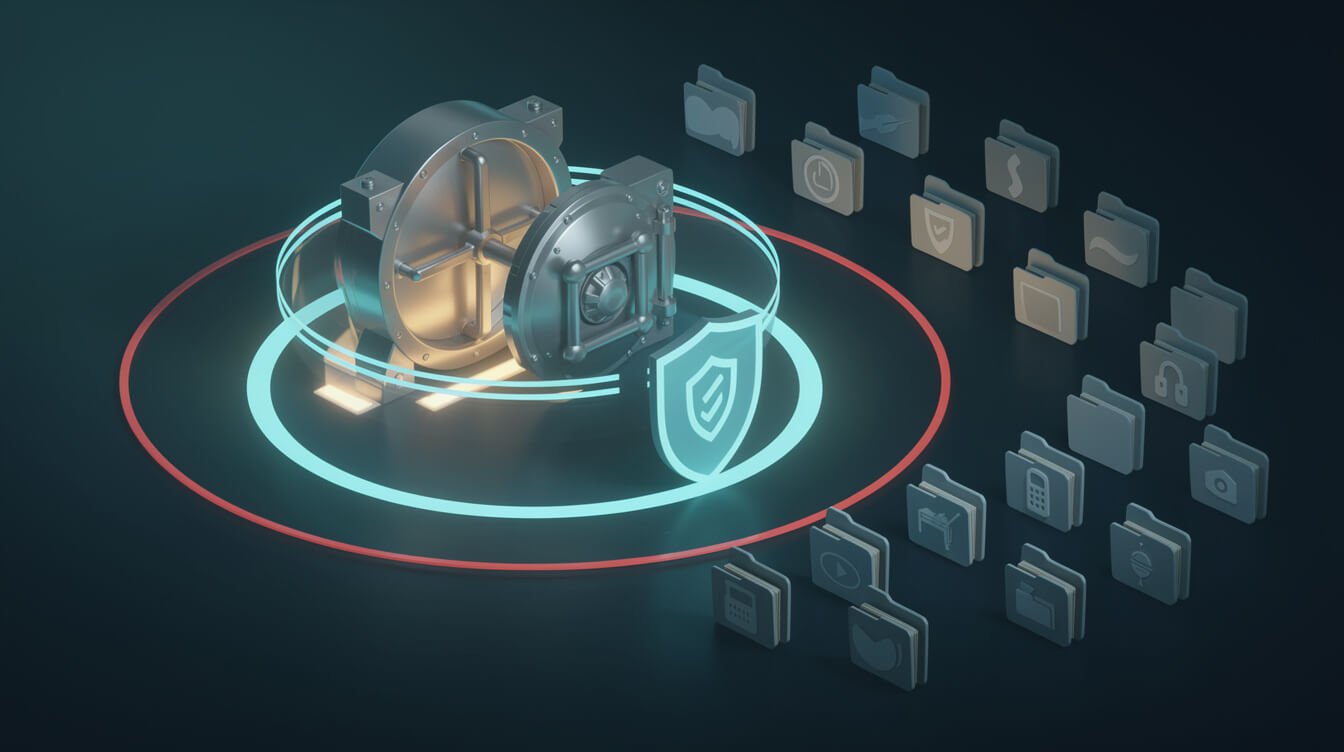
Let’s be blunt about what you are doing here: you are giving an AI model the ability to read and, potentially, overwrite files on your machine. That is a genuine capability, and it deserves genuine respect. It is also completely manageable if you follow a few non-negotiable rules. These are mine, learned running agents unsupervised at 3am.
- Scope to the narrowest folder that works. Never point the server at your home directory or
/. Give it the one project folder it needs. If a task needs a second folder, add that specific folder — not its parent. - Read-only until proven otherwise. For anything touching sensitive data, I keep the agent on read operations and handle writes myself. Many workflows never need write access at all.
- Keep secrets out of allowed paths. 不
.envfiles, API keys, password managers, or SSH folders inside a directory the agent can read. Assume anything in scope may end up in the model’s context. - Version control is your undo button. If the agent works inside a git repo, every change it makes is a diff you can review and revert. I never let an agent write into a folder that isn’t backed up or version-controlled.
- Watch the writes at first. New workflow? Review what it saves for the first few runs before you let it run unattended. Trust is earned per-task, not granted globally.
Follow those five and a file system MCP server is one of the safest tools in your stack — safer than a human intern, because its access is mathematically bounded to the folders you named.
If reading this makes you want the capability but not the responsibility of wiring and guarding it yourself, that is literally the work I do for clients. I build and harden these agent systems as done-for-you deployments — you can book a strategy call and we’ll map out exactly where an agent with file access saves you the most time, safely.

⚡ 取得人工智慧優勢
每週提供真正省時省錢的AI小技巧。沒有廢話,沒有誇大其詞——只有切實有效的方法。.
What I Actually Use a File System MCP Server For (A JonOps Build Log)
Enough theory. Here is where a file system MCP server earns its keep inside JonOps, the fleet of agents that runs my brands. These are real jobs happening every day, not demos.
Agent memory that persists between runs
Each brand agent owns a folder with a 記憶體.md file. At the end of a run it appends what it learned; at the start of the next run it reads the file back. That is long-term memory built out of nothing but a text file and file-system access — no vector database, no infrastructure. It is the cheapest, most reliable agent memory I have found.
Reading its own logs to debug itself
When a nightly job misbehaves, I don’t grep logs by hand. I point the agent at its own log directory and ask, “read last night’s run log and tell me which step failed and why.” It reads the files, finds the stack trace, and explains it in plain English. My debugging went from twenty minutes to twenty seconds.
The cost is basically a rounding error
People assume “give my AI access to my files” implies some expensive platform. It doesn’t. The file system MCP server itself is free and open source, it runs locally on your own machine, and it adds nothing to your bill beyond the handful of tokens the agent spends reading and writing. In my fleet, file operations are the cheapest line item by a wide margin — the reads and writes cost fractions of a cent while replacing hours of manual admin. It is the rare upgrade that makes your agent more capable and your setup simpler at the same time.
Turning research into published files
My content agents pair a file system MCP server with a scraping tool — I wrote about the reader half in my note on how I let agents read any website with Firecrawl. The scraper pulls the raw material; the file system server saves structured drafts, outlines, and image manifests to disk where the next agent in the chain picks them up. The folder 是 the hand-off between agents.
Bulk file hygiene
Renaming exports, sorting downloads by content, cleaning up stale drafts, generating a directory tree of a messy project so I can see it at a glance — all the tedious file admin that used to eat an hour on Fridays now happens on command. This is the unglamorous stuff, and it is exactly where the tool pays for itself.
Notice the pattern: in every case the file system MCP server is not the whole system — it is the hands that let the rest of the autonomous agent system touch reality.
File System MCP Server vs the Alternatives (And When Not to Use One)
A file system MCP server is the right tool when your data lives in files on a machine you control. It is not the right tool for everything, and knowing the boundary keeps you out of trouble.
- vs. cloud storage APIs (Google Drive, Dropbox): If your files live in the cloud, use the dedicated MCP server for that service instead — it speaks that platform’s permissions and sharing model. Use the file system server for local disk.
- vs. a database: Structured records that many processes read and write at once belong in a database, not loose files. Files are perfect for documents, drafts, notes, and logs — not for your live customer table.
- vs. Claude computer use: If the job is purely “do things with files,” the file system server is faster, cheaper, and far safer than handing over a whole desktop. Reach for 計算機使用 only when the task genuinely needs a screen and a mouse.
- vs. workspace servers like Slack: Different data, different server. My Slack MCP server guide covers giving an agent access to conversations; the file system server is for the documents those conversations reference.
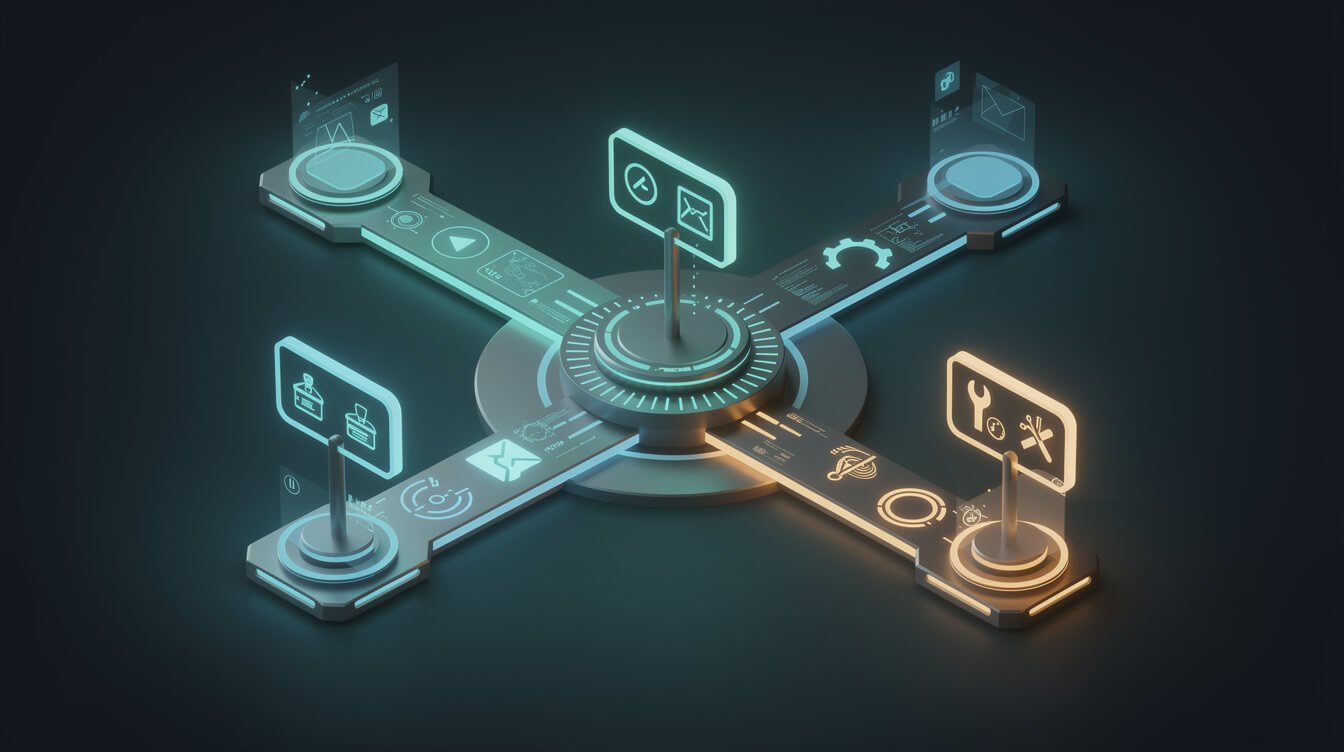
The mature move is to run several narrow servers side by side — a file system server for local docs, a Slack server for messages, a GitHub server for code — and let the agent choose the right one per task. Narrow, auditable tools beat one god-tool every single time.
常見問題解答
Is a file system MCP server safe?
Yes, when configured correctly. Its access is bounded to the exact directories you list at startup — it cannot see anything outside them. The risk comes from pointing it at too much (your whole drive) or leaving secrets inside an allowed folder. Scope it narrowly and keep credentials out, and it is safer than most software you already run.
Do I need to know how to code to use one?
No. Installation is pasting a few lines into your client’s config file and restarting. You never write code — you talk to your agent in plain English and it calls the file tools for you.
Which file system MCP server should I use?
Start with the official @modelcontextprotocol/server-filesystem from Anthropic. It is well maintained, widely supported, and secure by default. Explore community alternatives only once you hit a specific limitation the official one doesn’t cover.
Can the agent delete or overwrite my files?
It can write and edit files within its allowed directories, which is exactly why you keep those directories under version control or backup. Treat write access as a privilege you grant per-workflow, not a default. For sensitive folders, stay read-only.
Does it work with Claude Code as well as Claude Desktop?
Yes. Any MCP-compatible client can use it — Claude Desktop, 克勞德·科德, and a growing list of others. The configuration is nearly identical across them.
最後想說的話
A file system MCP server is one of those tools that sounds technical and turns out to be the most practical upgrade you can give an AI agent. It is the moment your assistant stops being a clever conversationalist and starts being a worker that touches your actual files, produces actual output, and remembers things between sessions. The whole thing installs in five minutes and, guarded by five simple rules, stays safe indefinitely.
Start narrow: one folder, read-only, a single real task. Prove it to yourself. Then widen the scope as your trust grows. That is exactly how every agent in my fleet earned its file access — and how yours should too. The tools are no longer the hard part. Deciding to hand your agent real work is.
Give it one folder today. By next week you’ll wonder how you ever worked with an assistant that couldn’t reach your files.
取得免費的人工智慧策略手冊
The exact plays I use to run 10+ autonomous brands with one operator and a fleet of Claude agents. No fluff, no filler — just the systems, with receipts.

📥 免費:《人工智慧劇本》
我用來經營一人代理公司的所有工具和工作流程。 25 年的行銷經驗濃縮成一份實用指南。免費贈送。.

人工智慧與數位行銷策略師
Jon Jones擁有超過25年的數位行銷、電子商務、銷售和國際商務經驗,是一位資深企業家,致力於透過創新的人工智慧解決方案賦能小型企業。他的職業生涯始於華爾街的投資銀行,曾指導企業完成資本募集和應對複雜的市場環境。如今,他的專業領域已拓展至網站開發、品牌設計、產品開發以及課程培訓。.
Jon精通普通話,並在金融和科技領域擁有深厚的功底。他創立了JonJones.ai,旨在為小型企業提供易於使用且具有變革意義的工具,幫助他們簡化營運、拓展客戶並實現永續成長。他對人工智慧、自動化和數位化策略的精通,已幫助許多企業彌合了傳統模式與現代技術之間的鴻溝,確保它們在當今的數位化環境中蓬勃發展。.